Newtec Proprietary
Confidentiality: Unrestricted
R3.2_v1.0
219/387
Feature Descriptions
MDM9000 Satellite Modem
16.8.5.4 Configure the AUPC Client
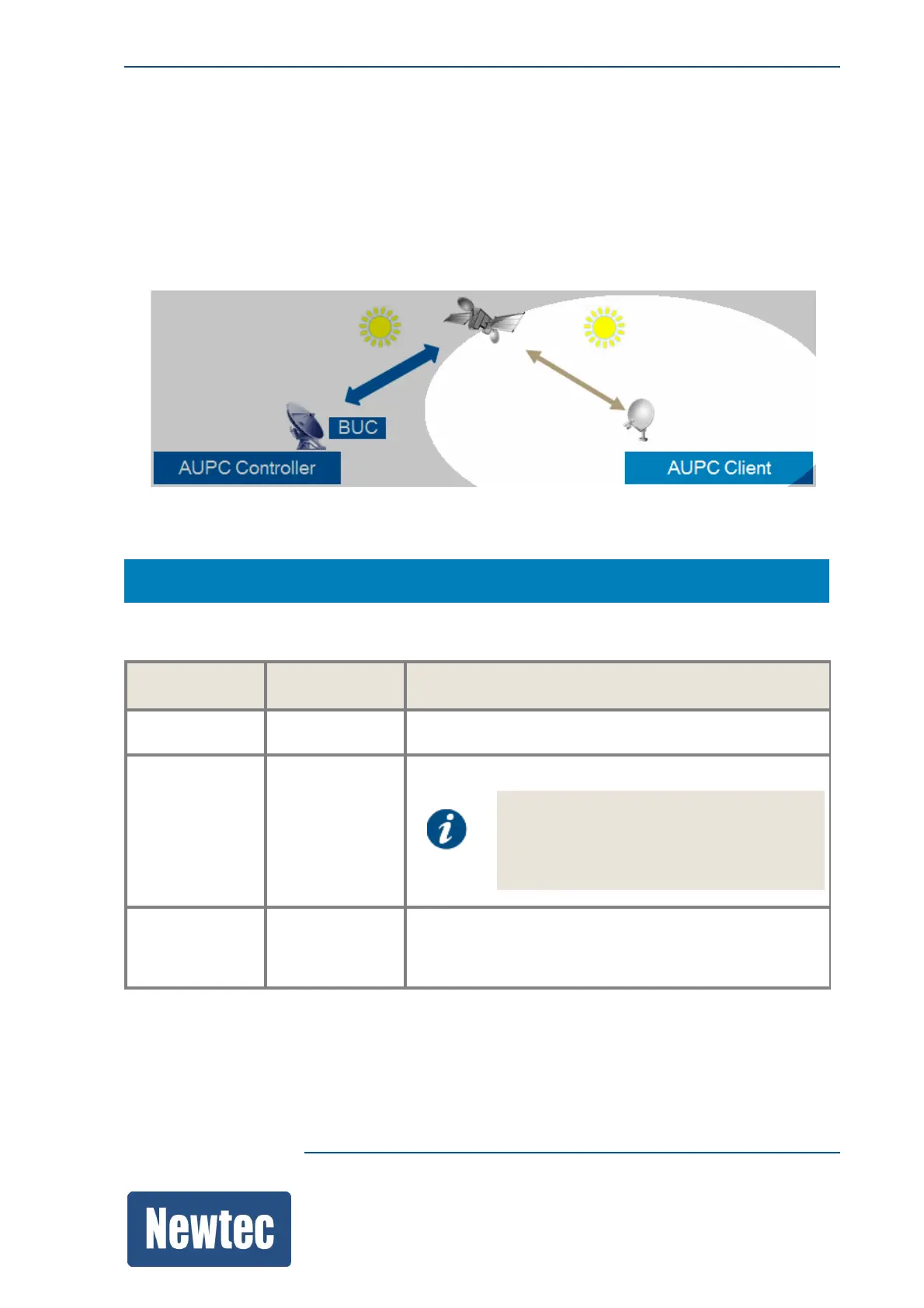
The following figure shows the AUPC client and the clear weather conditions that should be
respected during configuration of the AUPC feature.
The following steps should be performed:
• Enable the AUPC client.
• The Nominal input level should be calibrated to the input level measured at installation.
The AUPC Client monitors the input level and the Es/No value.
MDM9000 > AUPC Client
The following table describes the configuration table, use it to activate or deactivate the AUPC
client:
Parameter Value Description
Configuration
Index 1
This is the ID of your demodulator.
Note, the tables are foreseen to be able to
handle multiple demodulators in one
device (in case of HUB6000). In case of
the MDM9000 the index is always 1.
Enable On/Off
Activate or deactivate the AUPC client. When activated
the client generates AUPC messages that are
transmitted to the controller.



 To Next Page