Newtec Proprietary
Confidentiality: Unrestricted
R3.2_v1.0
117/387
General Device Settings and Actions
MDM9000 Satellite Modem
14.5 Device Identification
MDM9000 >Device >> Identification
This menu provides an overview of the general device identification. Use this part to:
• Enter a logical device label for easy recognition of the device in a system setup;
• Look up the following:
• Label
• Serial number
• Unique ID
• Product
• Type ID
• Device Description
• Type ID
• Hardware Revision
• Software ID
• Software Version
• Device options (displays the sales code and
the code description) this displays the
current options of the device
14.6 Logging
MDM9000 >Device Setup >> Logging
Enable or disable logging.
Logging can be performed on the following levels:
• Local device logging.
Log files can be exported or cleared, refer to ExportorClearLoggingonpage119.
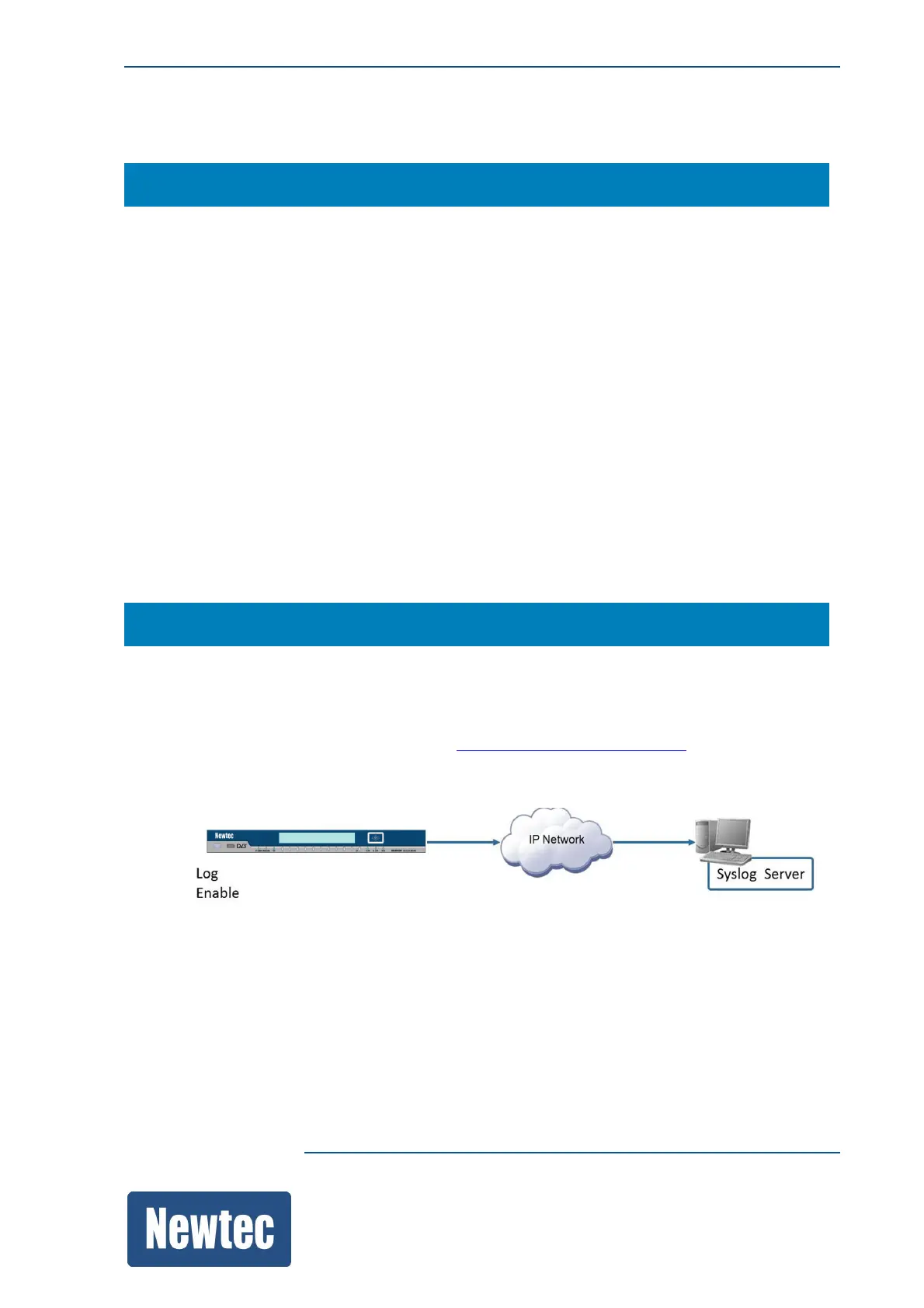
• Remote logging using a remote syslog server. Syslog is a standardized mechanism for logging in
computer systems.
When remote logging is enabled and a remote IP address is inserted all logging information is
forwarded to this address. The logging messages are packed in UDP (User Datagram Protocol) and
sent to a specific UDP port (514 according to the syslog standard).



 To Next Page