Newtec Proprietary
Confidentiality: Unrestricted
R3.2_v1.0
289/387
Feature Descriptions
MDM9000 Satellite Modem
Parameter Description
• Robust: Extended ranges of the parameters in the acquisition loops.
Use the this setting to cope with bigger uncertainties but potentially
increases lock time.
• Fine: When all parameters are accurately known and set and there is
no change over time, use the fine mode to achieve the fastest lock
time.
16.16.3.2 Configure the Remote Site
Proceed as follows to configure the bandwidth cancellation parameters.
» Log in as expert.
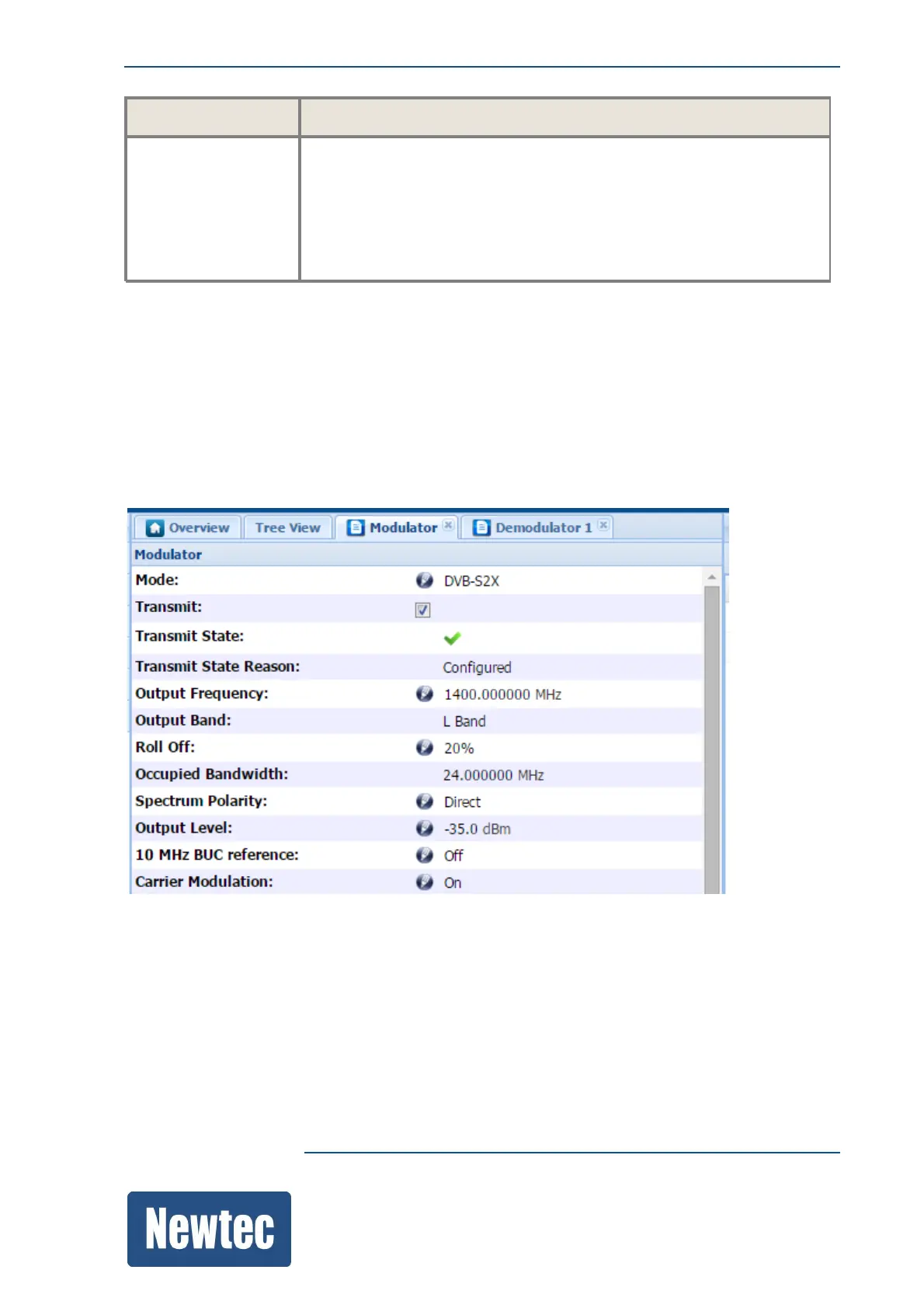
» Open the detailed view of the modulator.
» Change the output frequency to 1400 MHz.
» Open the detailed view of the demodulator.
» Scroll down to Bandwidth Cancellation.



 To Next Page