Newtec Proprietary
Confidentiality: Unrestricted
R3.2_v1.0
110/387
General Device Settings and Actions
MDM9000 Satellite Modem
14.3.4 Save a Configuration
When parameters are changed, they are not directly saved into the active configuration.
» Navigate to the Tasks Pane to check the available configurations.
» Click Device.
» Click Configurations.
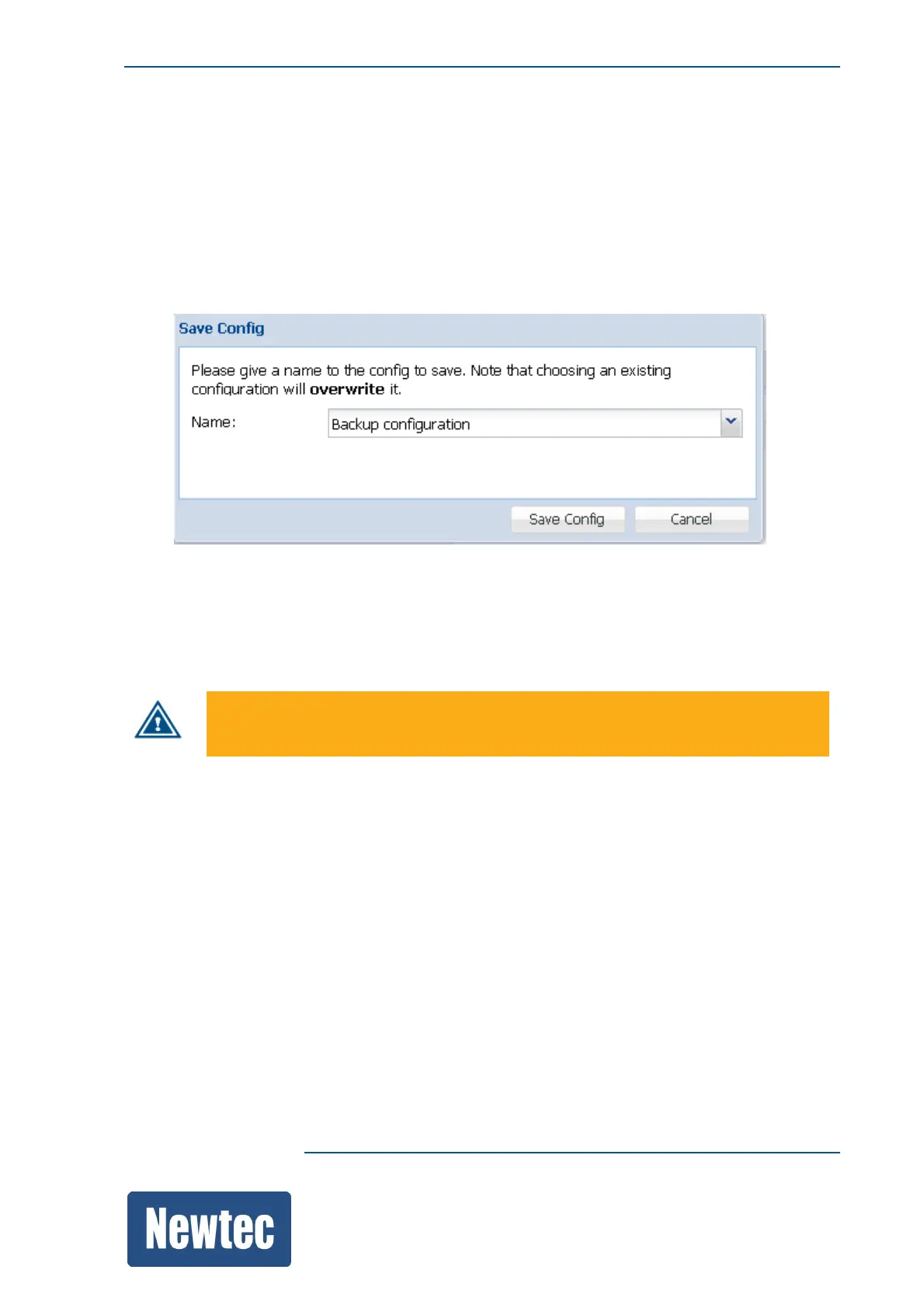
» Click Save…
» Enter a Name or select a configuration using the drop down list.
Use this menu to Save the current configuration.
Saving the current configuration makes it the default configuration.
This does not mean that it becomes the boot configuration.
By default, the selected configuration is overwritten upon saving. Enter a name to
save the configuration under a new configuration file.



 To Next Page