Newtec Proprietary
Confidentiality: Unrestricted
R3.2_v1.0
43/387
Quick Configuration Templates
MDM9000 Satellite Modem
12 Quick Configuration Templates
These Quick Configuration templates help you to configure the device and get it operational with only a few
manipulations.
The Graphical User Interface offers a powerful means to define the setup configuration.
To allow a quick setup "out-of-the-box", we already defined a set of configuration templates covering the major
use cases. You only need to configure a few parameters to get the device working.
• Step 1: Install the device and define its MGMT IP address (see Quick Start Guide).
• Step 2: Log in as operator (top right of the GUI).
(Default login/password is: operator/operatoroperator).
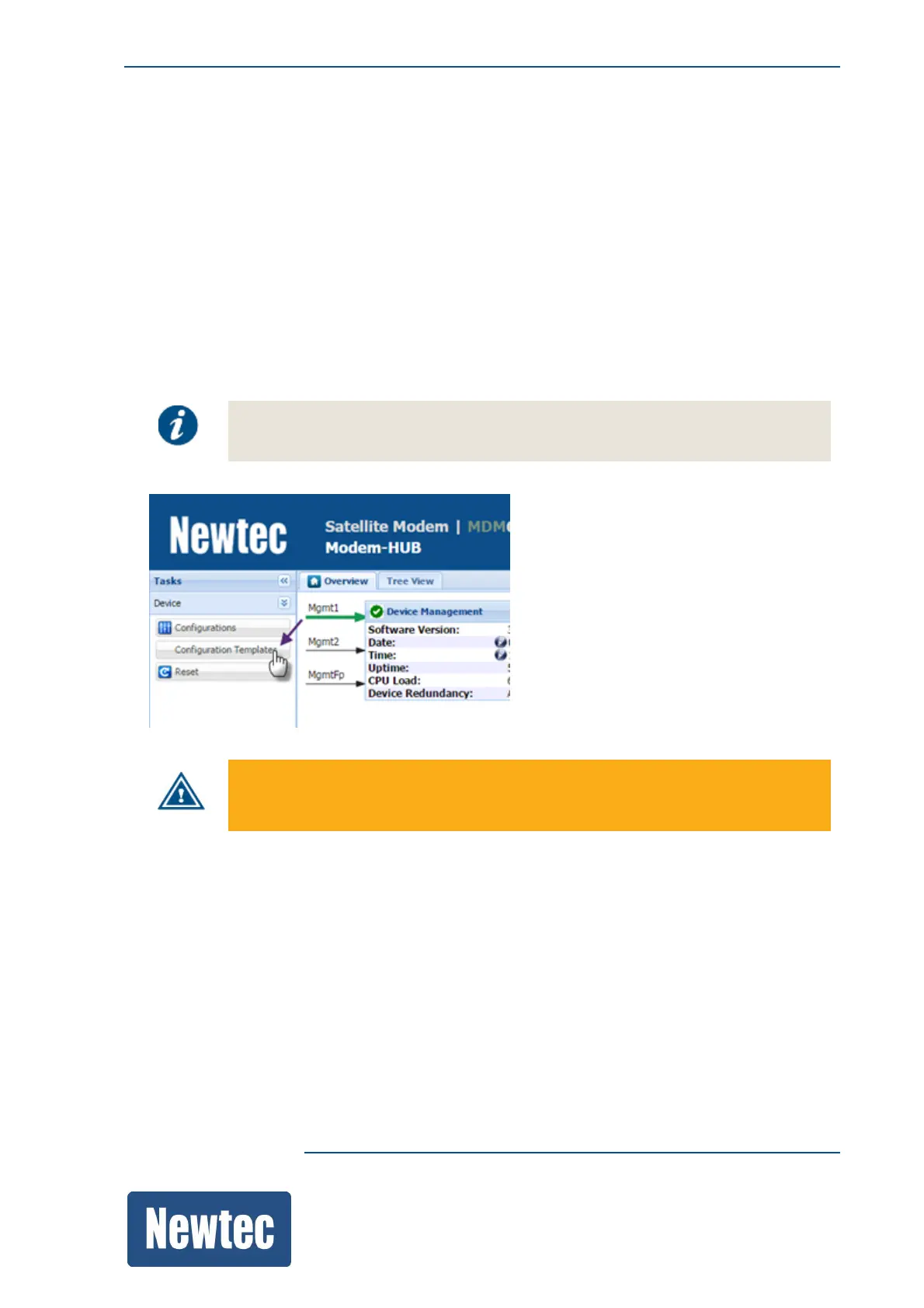
• Step 3: Load the corresponding configuration template.
Each template configures the device for a point to point setup between two devices.
Templates can be modified and saved as a device configuration for later use.
TX is disabled by default in the templates, this to avoid transmission on an undesired
frequency.



 To Next Page