Newtec Proprietary
Confidentiality: Unrestricted
R3.2_v1.0
250/387
Feature Descriptions
MDM9000 Satellite Modem
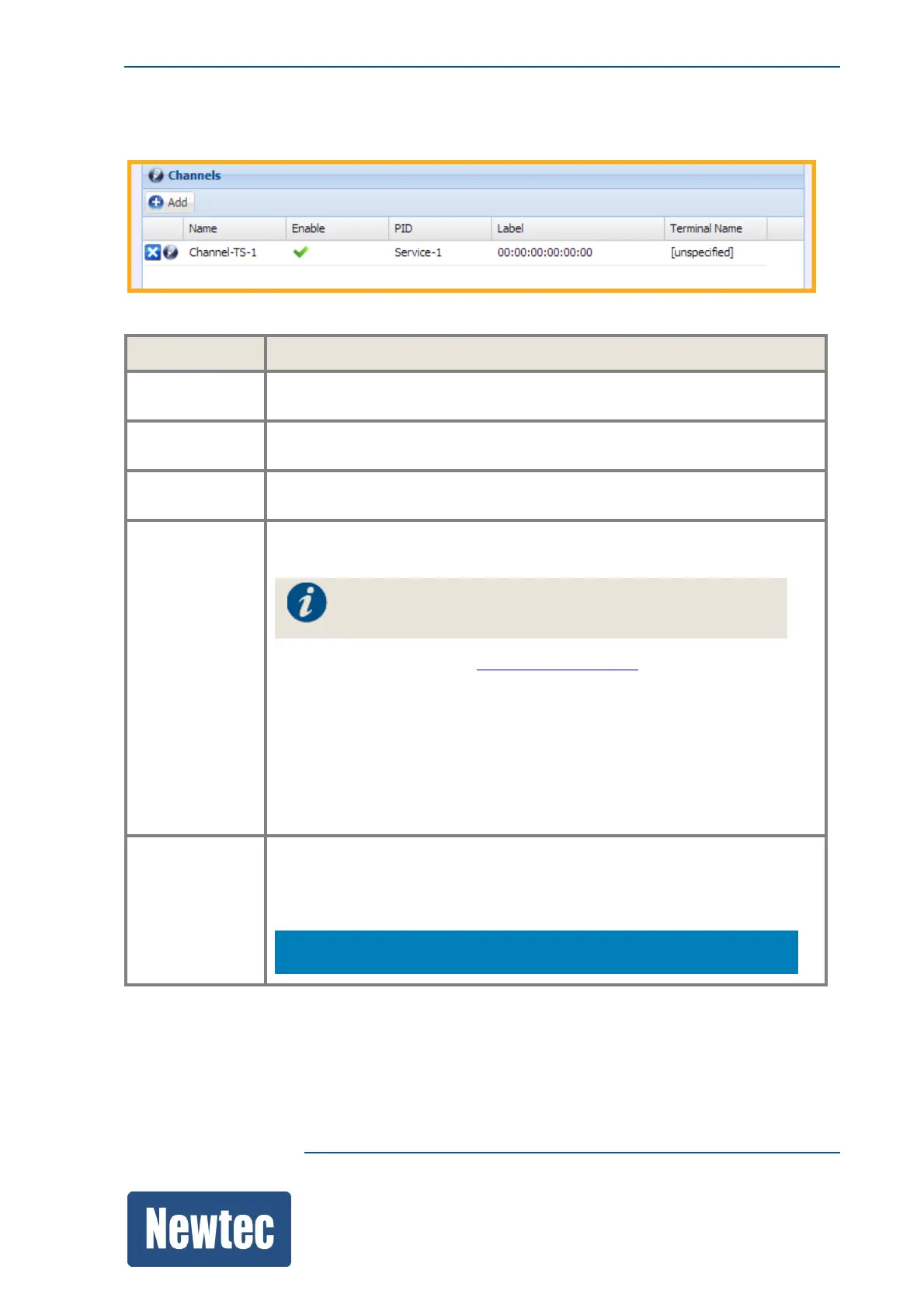
16.11.3.3 TS Encapsulation Channels
Parameter Description
Channel Name Enter a logical channel name, for example the service that is transported
over this channel (ACM Signaling, VoIP Traffic, ...)
Enable
This must be Enabled (On) otherwise the channel is not recognized and the
data cannot be encapsulated.
PID
Select one of the available PID names.
The available names are defined under TS Encapsulation PIDs.
Label
Enter a Label that you want to assign to this channel.
Use a label when you want to address a specific receiver.
For MPE a label is required!
For more information refer to GSEHeaderonpage348.
In a unicast configuration, the channel corresponds with one terminal.
In a "multicast" configuration, a "multicast Label Type" must be specified and
the terminals belonging to the specified "multicast label type group" can
receive the channels.
A receiver has the "multicast Label Type" configured in its filters, in the case
of a hardware receiver and in the decapsulation configuration block in the
case of a software receiver (this is NOP1760).
Terminal
Name
When ACM is active, then the terminal name must correspond with the
terminal name of the receiving device. This to make sure that the ACM
signaling is transported to the correct device.
The terminal name of the receiving device is defined under
Root >> Terminals



 To Next Page