Newtec Proprietary
Confidentiality: Unrestricted
R3.2_v1.0
77/387
How to Manage the Device
MDM9000 Satellite Modem
13.6.3 Root Menu Pane
This pane represents a list of the available branches.
It is presented at the bottom of the display in a horizontal way.
For example the following main menus:
• Device: This menu contains the device level parameters
• Ethernet
• IP
• (De)modulator
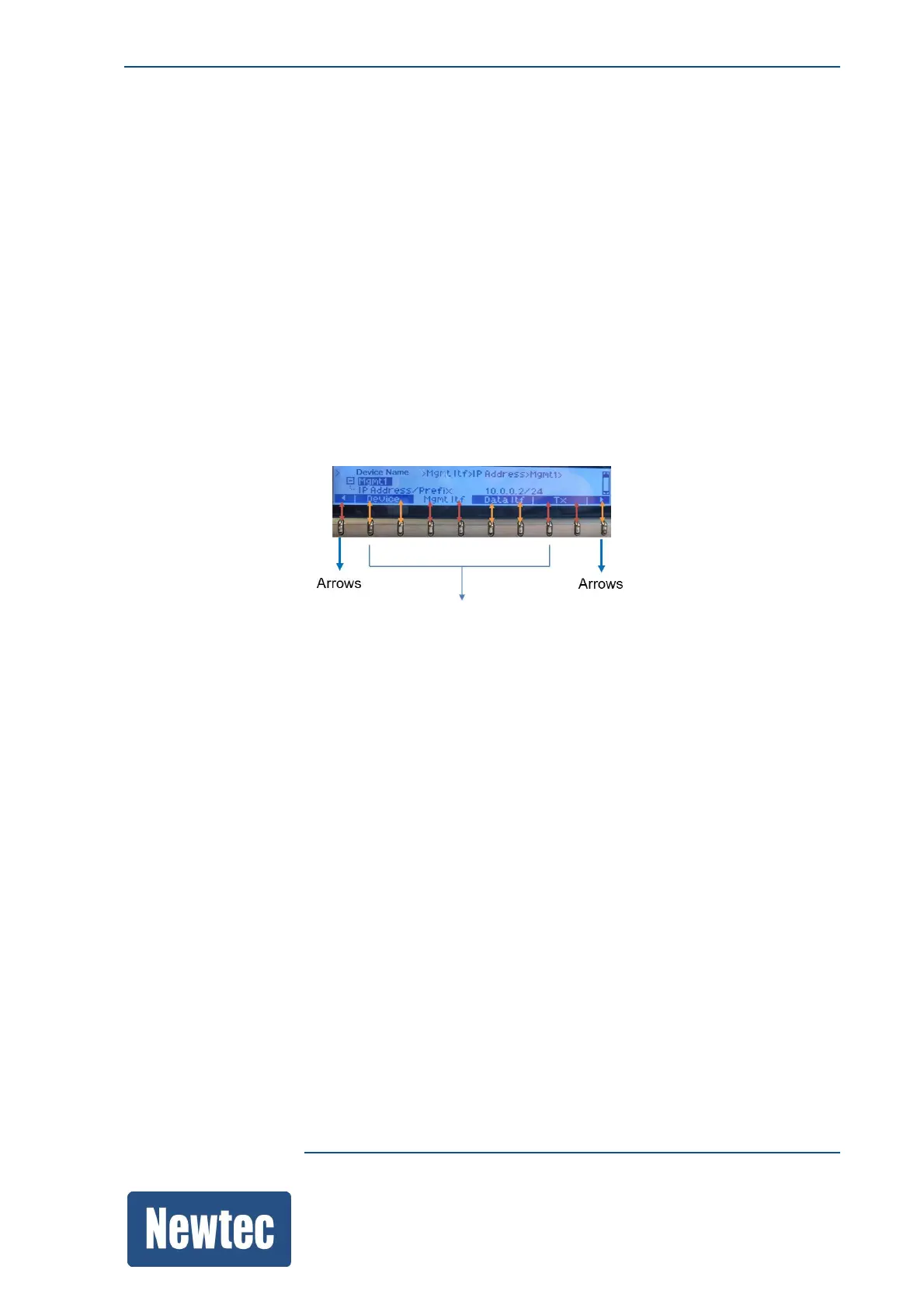
A branch is associated with one (or more) soft-button(s). This depends on the size and the position
relative to the soft buttons.
When more than one branch is available the first and last soft button are used as arrows.
Refer to the following figure:
To select or navigate in the root menu it is possible to do one of the following:
» Press the soft button that is associated with the required menu.
» Use these arrows (soft buttons) to navigate to the required menu and press OK
(on the navigation button).



 To Next Page