Newtec Proprietary
Confidentiality: Unrestricted
R3.2_v1.0
68/387
How to Manage the Device
MDM9000 Satellite Modem
13.5.10 Status Bar
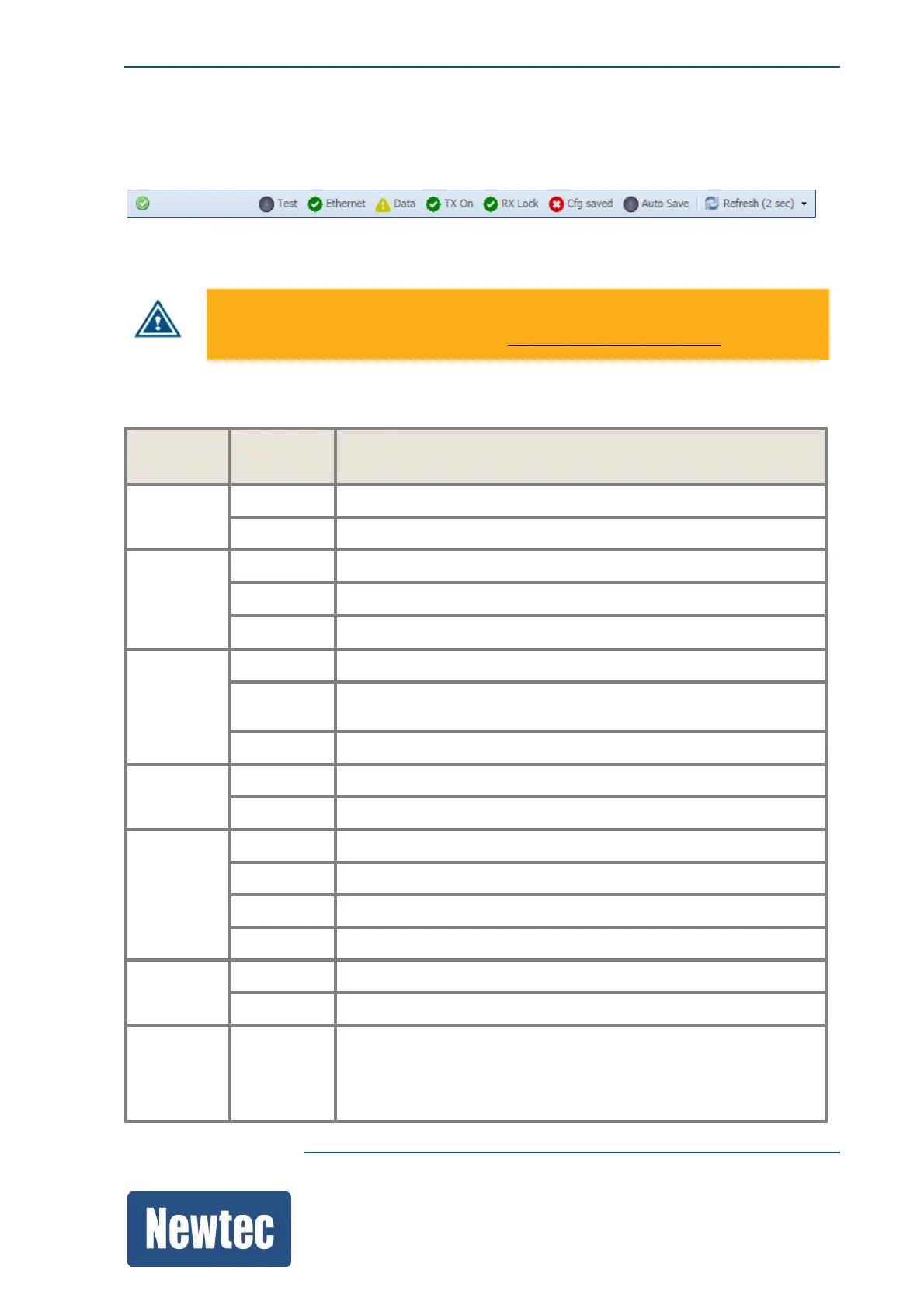
The status bar informs on the following:
Cfg saved is red when the active configuration is modified but not saved.
To save the configuration, refer to section: SaveaConfigurationonpage110.
The following table describes the available LEDs.
LED LED
Color
Description
Test Green
The build in PRBS generator is active.
Off
The build in PRBS generator is inactive.
Ethernet Green
The incoming data signal is valid.
Red
Indicates an interface alarm.
Off The incoming data signal is not valid.
Data Green
The incoming or outgoing data signal is valid.
Yellow
The data interfaces are configured but there is no activity
monitored during the last second.
Off
The input and output interfaces are not enabled.
Tx On
Green
The device is transmitting.
Off
The transmission is disabled.
Rx Lock
Green
The demodulator is fully locked.
Yellow
The demodulator is locked to the incoming carrier.
Red
The demodulator cannot lock to the incoming carrier.
Off
The demodulator is disabled.
Cfg saved
Green
Indicates that the active configuration is saved.
Red
Indicates that the active configuration is modified but not saved.
Refresh
Select the drop-down menu to define the GUI Refresh Time.
When working over a slow/long-delay link (like a satellite link)
slowing down this refresh time could be useful to improve the
responsiveness of the GUI.



 To Next Page