Newtec Proprietary
Confidentiality: Unrestricted
R3.2_v1.0
116/387
General Device Settings and Actions
MDM9000 Satellite Modem
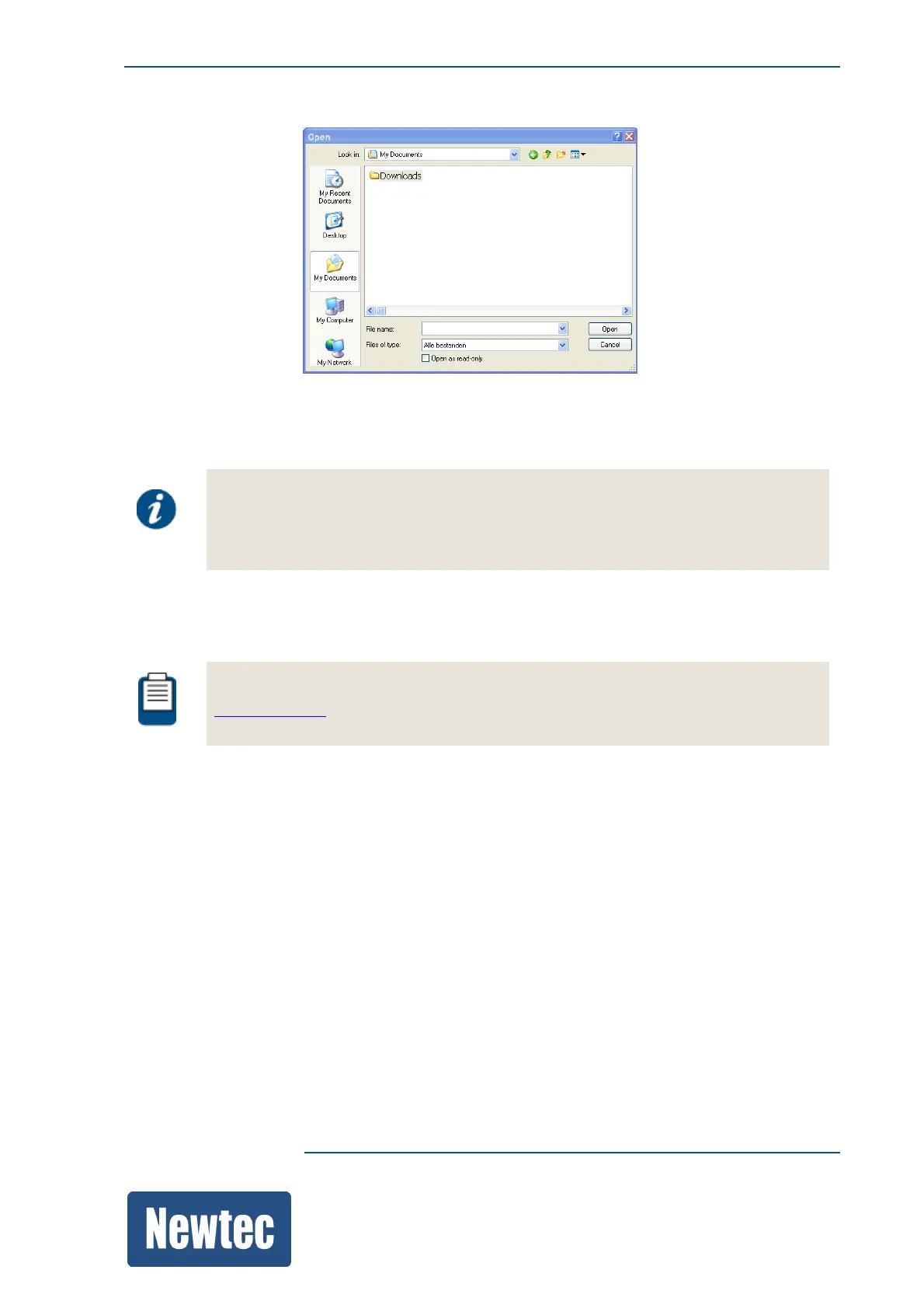
The following window opens:
» Browse to the folder where the "installer.bin file" is stored.
» Select the file and click Open.
The following message is displayed:
Software Upgrade:
This operation will reboot your device!
Are you sure, you want to upgrade the device firmware with the content of
"installer.bin"?
» Click Upgrade.
Refresh the browser after about 40 seconds.
To perform a software upgrade using the CLI please refer to section:
SoftwareUpgrade



 To Next Page