Newtec Proprietary
Confidentiality: Unrestricted
R3.2_v1.0
154/387
Data Interfaces
MDM9000 Satellite Modem
BBF Stream
Configuration
Description
Name
Enter a logical name.
Enable
Enable this input.
IP Address
Type
Unicast:
Multicast:
Multicast IP
Address
Define to what Multicast group the device belongs.
UDP Port Define on what UDP port the BBFs are received.
This is needed when the device belongs to a Multicast group.
BBF Type Define the BBF type that is send by the source (NOP1760) towards this
functional block.
Note: This option is inserted for future development when other BBF-Types
might become available.
Source
Redundancy
Enable in case of source redundancy.
The source ID is filtered and displayed in the monitoring info (Source Info).
When for 300 ms no input is detected due to a failure of the source, the
redundant source is selected.
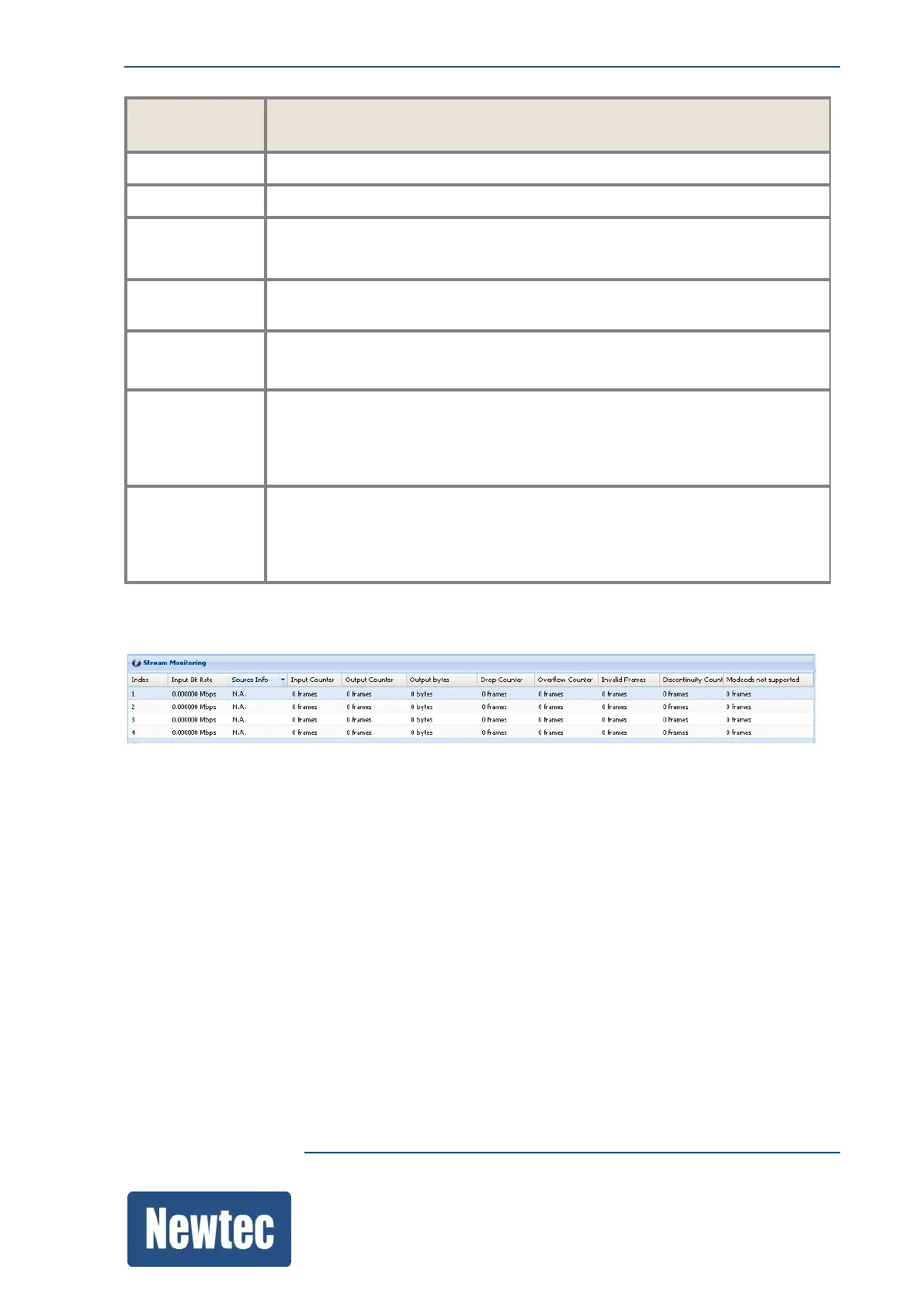
Stream Monitoring



 To Next Page