DMTA-10022-01EN, Rev. C, January 2015
Chapter 6
118
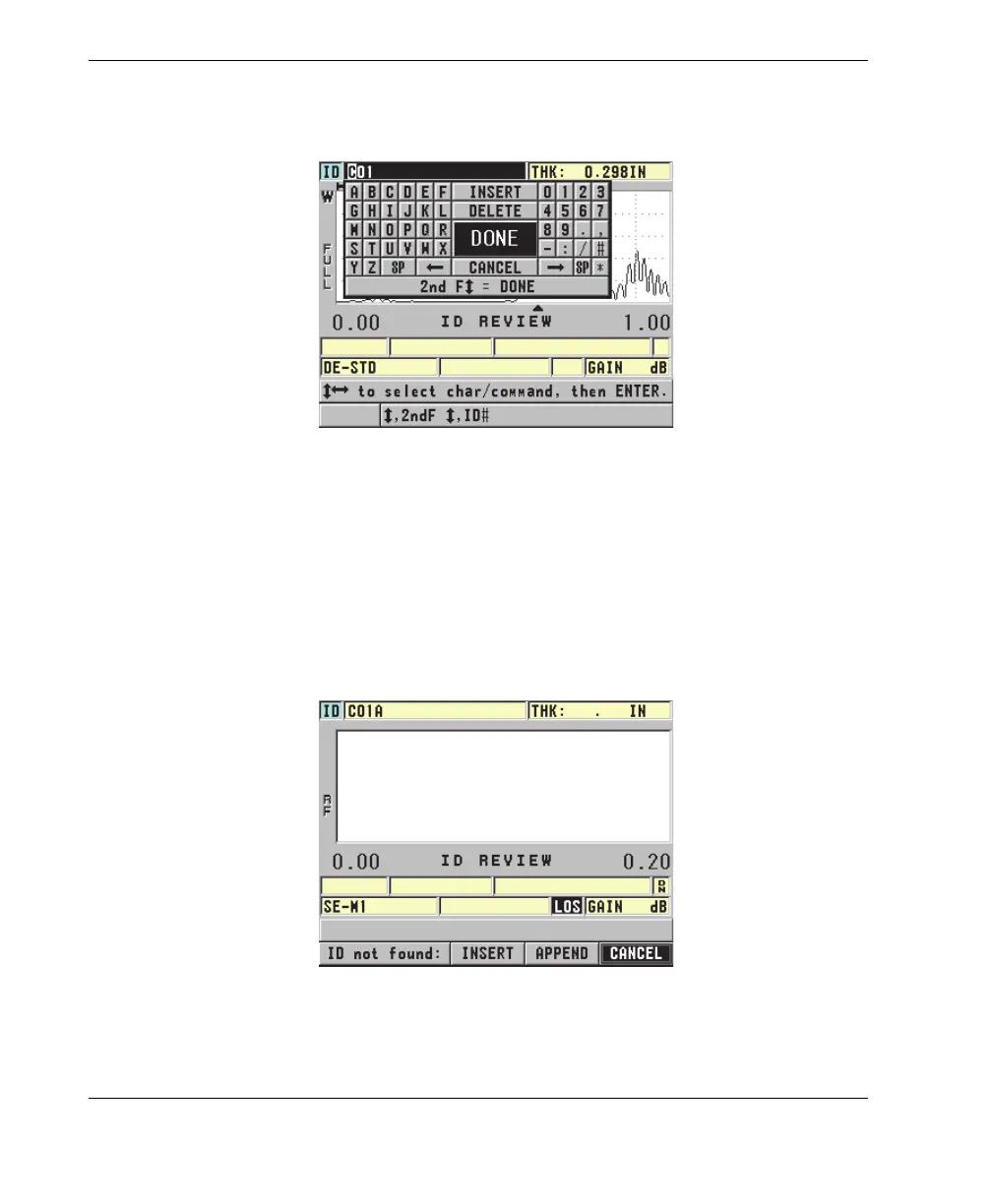
4. Press [2nd F], [FILE] (ID#) again, and then edit the ID value (see Figure 6-37 on
page 118).
Figure 6-37 Editing the ID # edit mode
5. Press [MEAS] to return to the measurement screen with the new active ID.
6. When the edited ID is not in the database, the help text bar message shown in
Figure 6-38 on page 119 appears. Select INSERT to insert the new ID in front of
the active ID.
OR
Select APPEND to add the new ID to the end of the file.
Figure 6-38 The message when the edited ID is not in the database











 To Next Page