DMTA-10022-01EN, Rev. C, January 2015
Using Special Functions
137
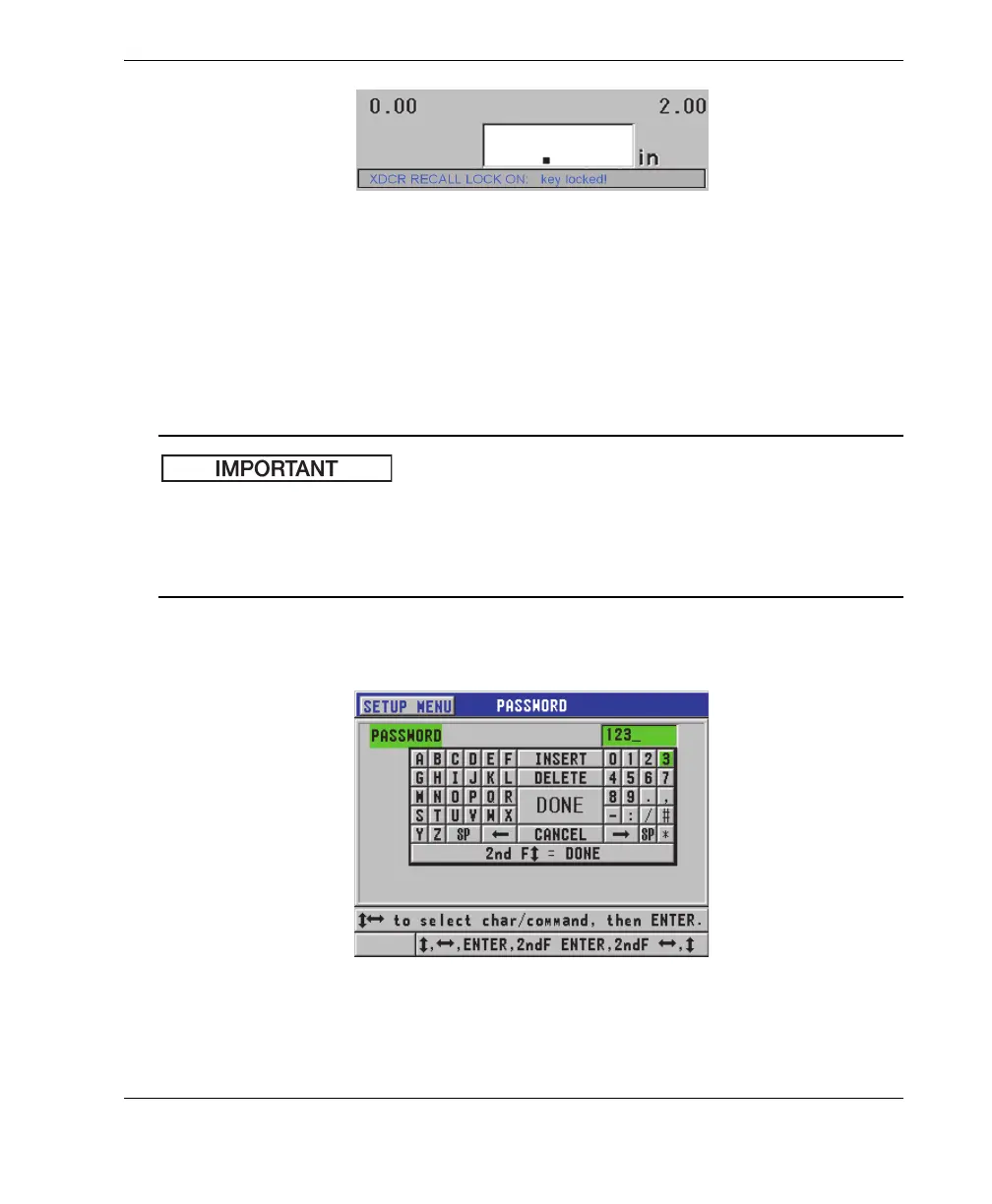
Figure 7-8 Example of a locked function message in the help bar
To set the password
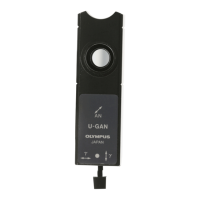
1. In the measurement screen, press [SETUP], and then select PASSWORD.
2. In the PASSWORD screen (see Figure 7-9 on page 137), enter your password
using up to eight alphanumeric characters.
If you forget your password, you can unlock the instrument and deactivate the
password by entering the master password: “OLY45MG”.
To change the password, you must first use the master password to deactivate the
password, and then set a new password.
3. Select DONE to activate the instrument lock and return to the measurement
screen.
Figure 7-9 The PASSWORD screen










 To Next Page