User’s Manual of IGS-10020MT
: Delete the current user. This button is not available for new configurations (Add new user)
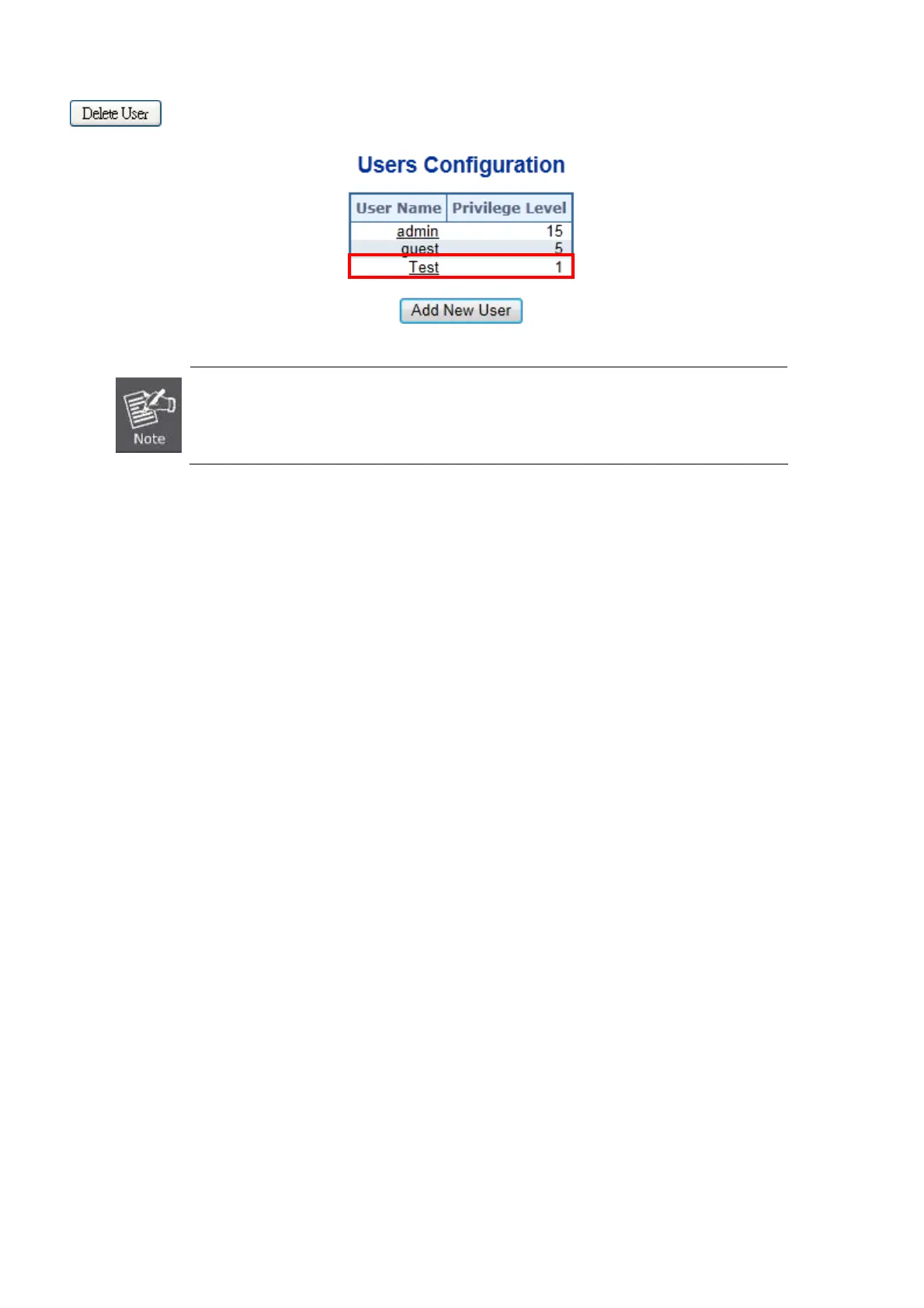
Figure 4-2-6: User Configuration Page Screenshot
After change the default password, if you forget the password. Please press the “Reset” button
in the front panel of the Industrial Managed Switch over 5 seconds and then release, the
current setting includes VLAN, will be lost and the Industrial Managed Switch will restore to the
default mode.
60











 To Next Page