General Instrument Setup
R&S
®
FSPN
218User Manual 1179.4363.02 ─ 01
Remote command:
SYSTem:DATE on page 478
SYSTem:TIME on page 478
Date and Time Format
Switches the time and date display on the screen between US and German (DE) for-
mat.
Remote command:
DISPlay[:WINDow<n>]:TIME:FORMat on page 488
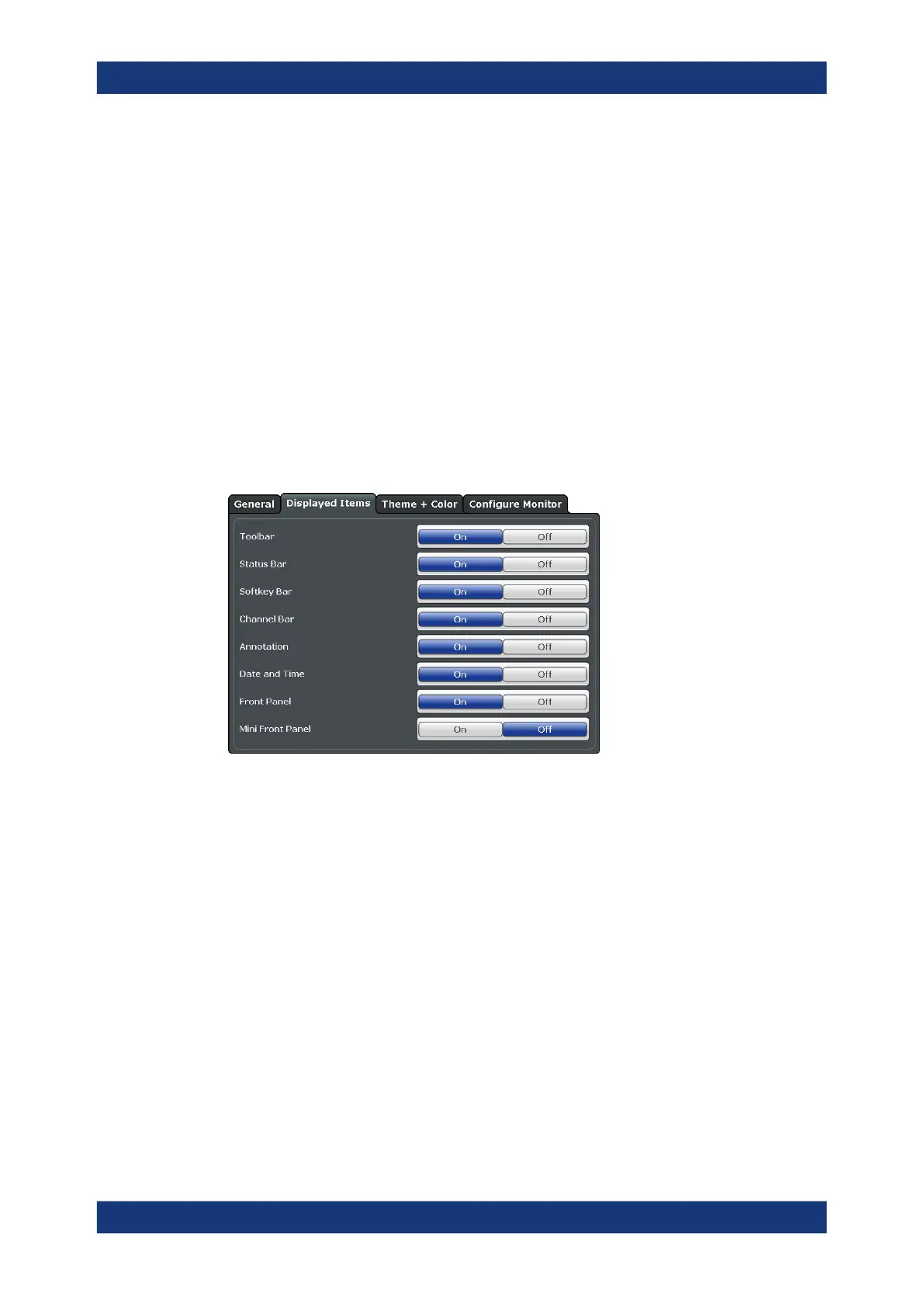
9.2.1.2 Displayed Items
Access: [Setup] > "Display" > "Displayed Items"
Several elements on the screen display can be hidden or shown as required, for exam-
ple to enlarge the display area for the measurement results.
Toolbar ....................................................................................................................... 218
Status Bar .................................................................................................................. 219
Softkey Bar .................................................................................................................219
Channel Bar ............................................................................................................... 219
Diagram Footer (Annotation) ......................................................................................219
Date and Time ............................................................................................................219
Front Panel .................................................................................................................219
Mini Front Panel .........................................................................................................220
Toolbar
The toolbar provides access to frequently used functions via icons at the top of the
screen. Some functions, such as zooming, finding help, printing screenshots or storing
and loading files are not accessible at all without the toolbar.
Remote command:
DISPlay:TBAR[:STATe] on page 487
Display Settings



 To Next Page