Sirius 800 Series User Manual 5939 Sirius 830 Video & Audio, I/p & O/p Monitoring Multiviewer & Input/Output Monitoring Modules 13.7
Iss 5 Rev 7 Page 243 © 2017 SAM
13.7.1 5939 Sirius 830 Video & Audio, Input & Output Monitoring Module LEDs
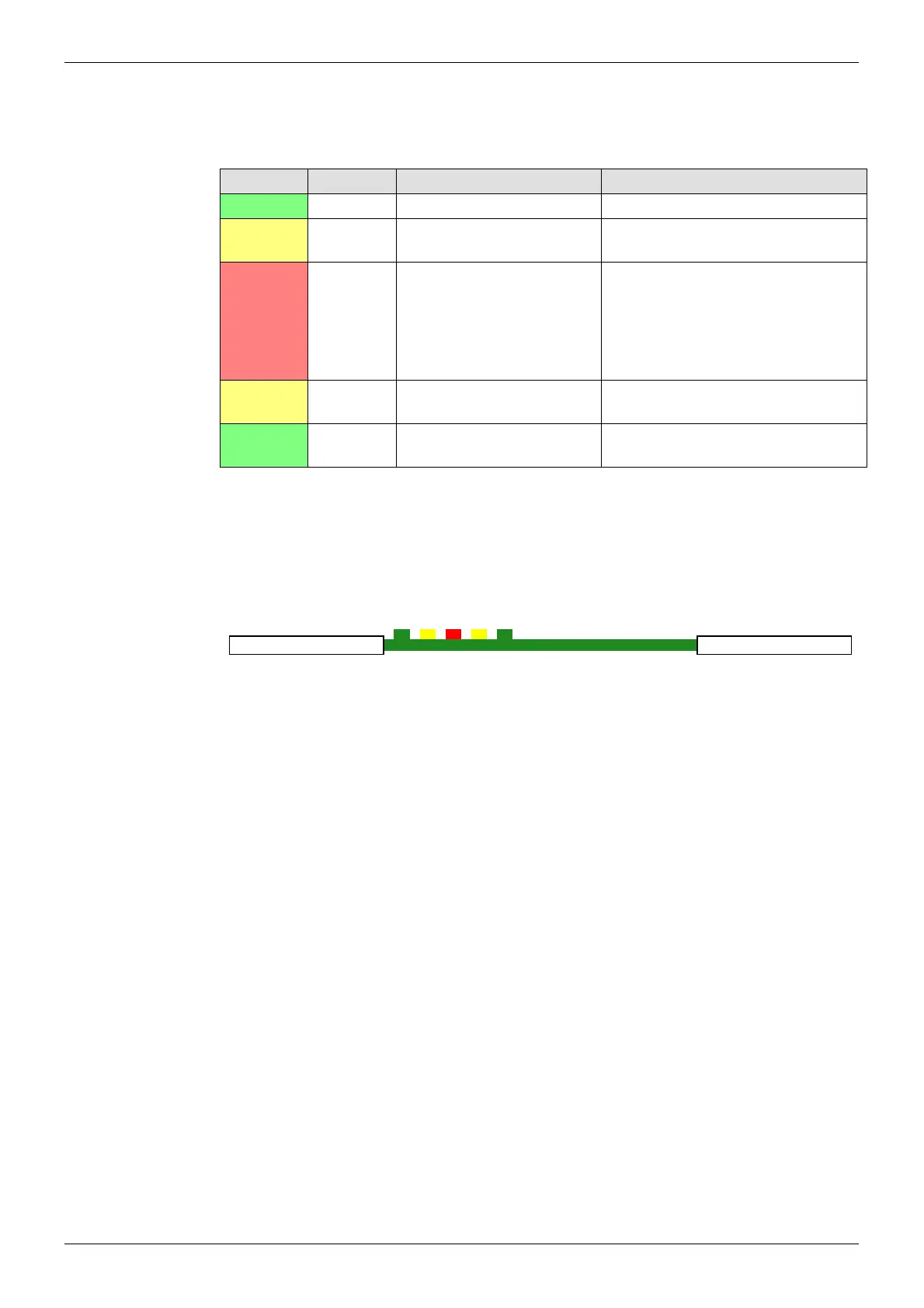
Table 60 shows the LED color code on the 5939 Input/Output Monitoring Module, and Figure
173 shows the front edge of the module.
LED Color Function Detail Normal Working Status
Green Power OK Power to the module On Solid - working correctly
Yellow Command
OK
Command from the Control
module
Flashing - receiving information and
working correctly
Red Command
Error
Error with command from
the Control module
Off - normal state
Flashing - the command message
from the router controller is corrupt or
hasn’t been received. Contact SAM
Customer Support (see section 1.2
for contact details).
Yellow Switch Flashes on a take signal
when switching a route
Off - normal state
Flashes - each time a route is set
Green PAL OK Flashes and signals that the
FPGA is working correctly
Flashing - the FPGA is working
correctly
Table 59 5939Sirius 830 Video & Audio, Input & Output Monitoring Module
Figure 171 5939 Sirius 830 Video & Audio, Input & Output Monitoring Module LEDs
Power OK
Command OK
Command Error
Switch
PAL OK
5939



 To Next Page