ITC Operating mode
5.5 Assigning device parameters
ITC V3, ITC V3 PRO
102 Operating Instructions, 03/2024, A5E42761061-AF
Functions
As of SIMATIC Manager V5.4, SP2, the PROFINET basic functions offer the following functions:
• As soon as the device is connected to PROFINET, it is displayed as an available device in
the Lifelist in SIMATIC Manager. You can view the properties of the device, e.g., IP
address.
Additional information from the "Target system" context menu is not supported by the
device.
• You can assign a name and an IP address to the device in SIMATIC Manager under "Target
system > Edit Ethernet device".
• As of TIA Portal V12: The device can be configured in the topology editor.
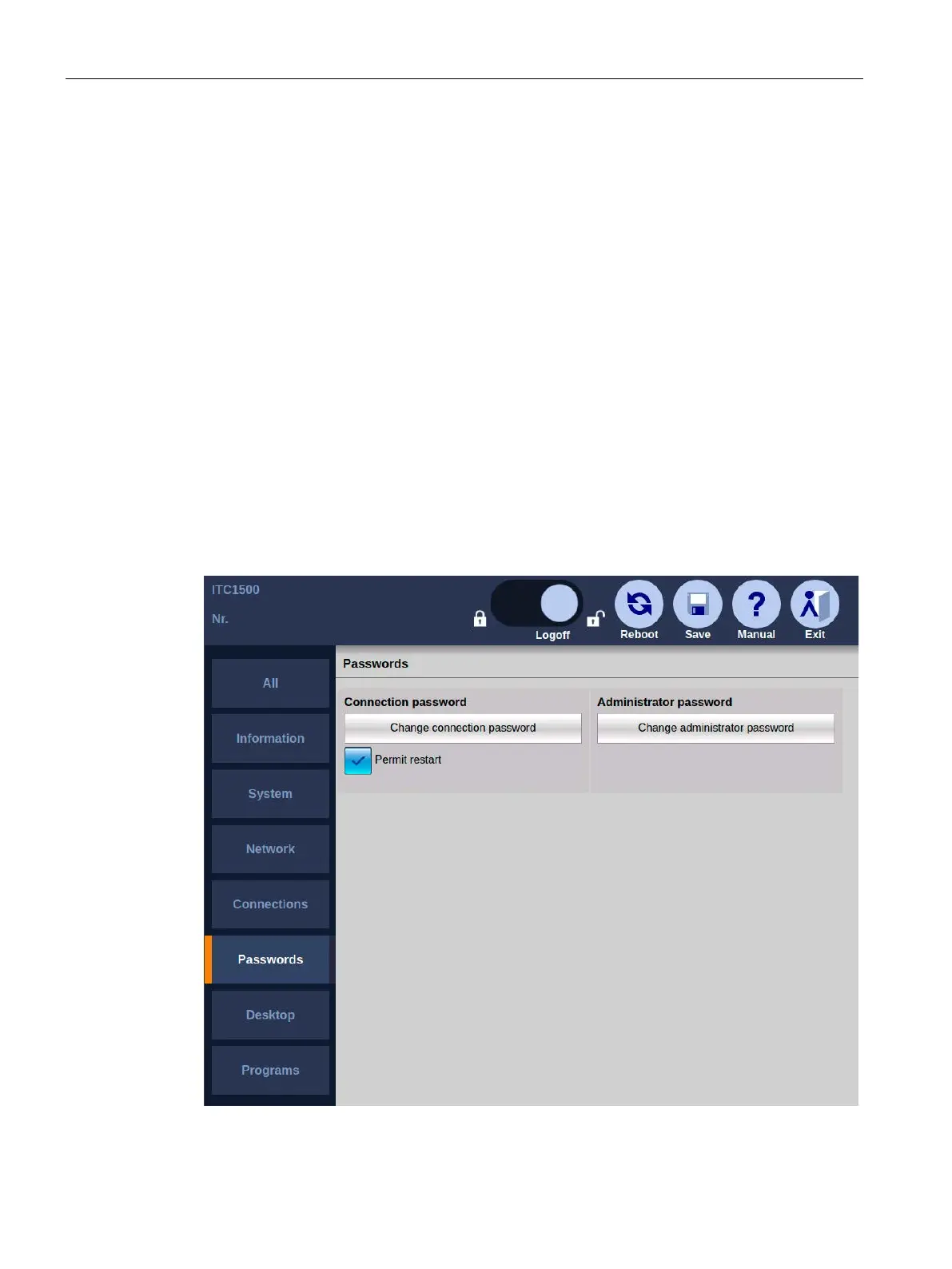
5.5.8 The "Passwords" submenu
Introduction
The following figure shows the password settings in the Start menu "Configuration >
Passwords".










 To Next Page