Installing and connecting the device
3.4 Connecting the device
ITC V3, ITC V3 PRO
Operating Instructions, 03/2024, A5E42761061-AF
67
3.4.6 Switching the device on, testing it and switching it off
Execute a function test after connecting.
Function test
1. Switch on the power supply of the HMI device.
If the device fails to start, you might have crossed the wires on the power plug. Check the
connected cables and change their polarity.
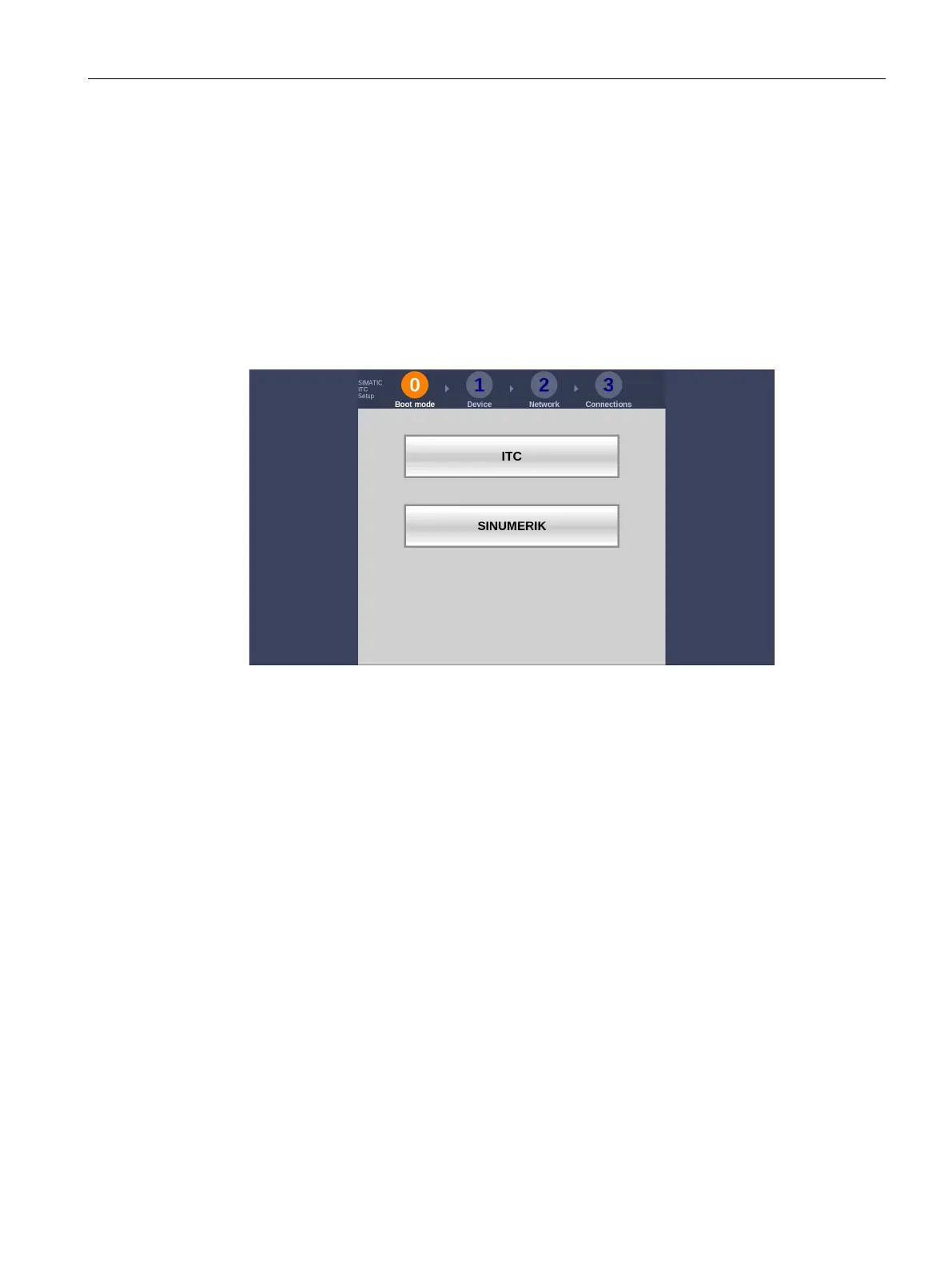
If the HMI device is properly connected, then you will see in the first commissioning
dialog:
2. Switch the operator control off or perform the commissioning depending on the desired
operating mode according to the following sections:
– ITC commissioning (Page 81)
– SINUMERIK commissioning (Page 127)
Shutdown the device
Proceed as follows:
1. Exit all open programs and ITC or SINUMERIK connections with the HMI device.
2. Turn off the power supply to the HMI device.










 To Next Page