Installing and connecting the device
3.5 Removing the device
ITC V3, ITC V3 PRO
Operating Instructions, 03/2024, A5E42761061-AF
69
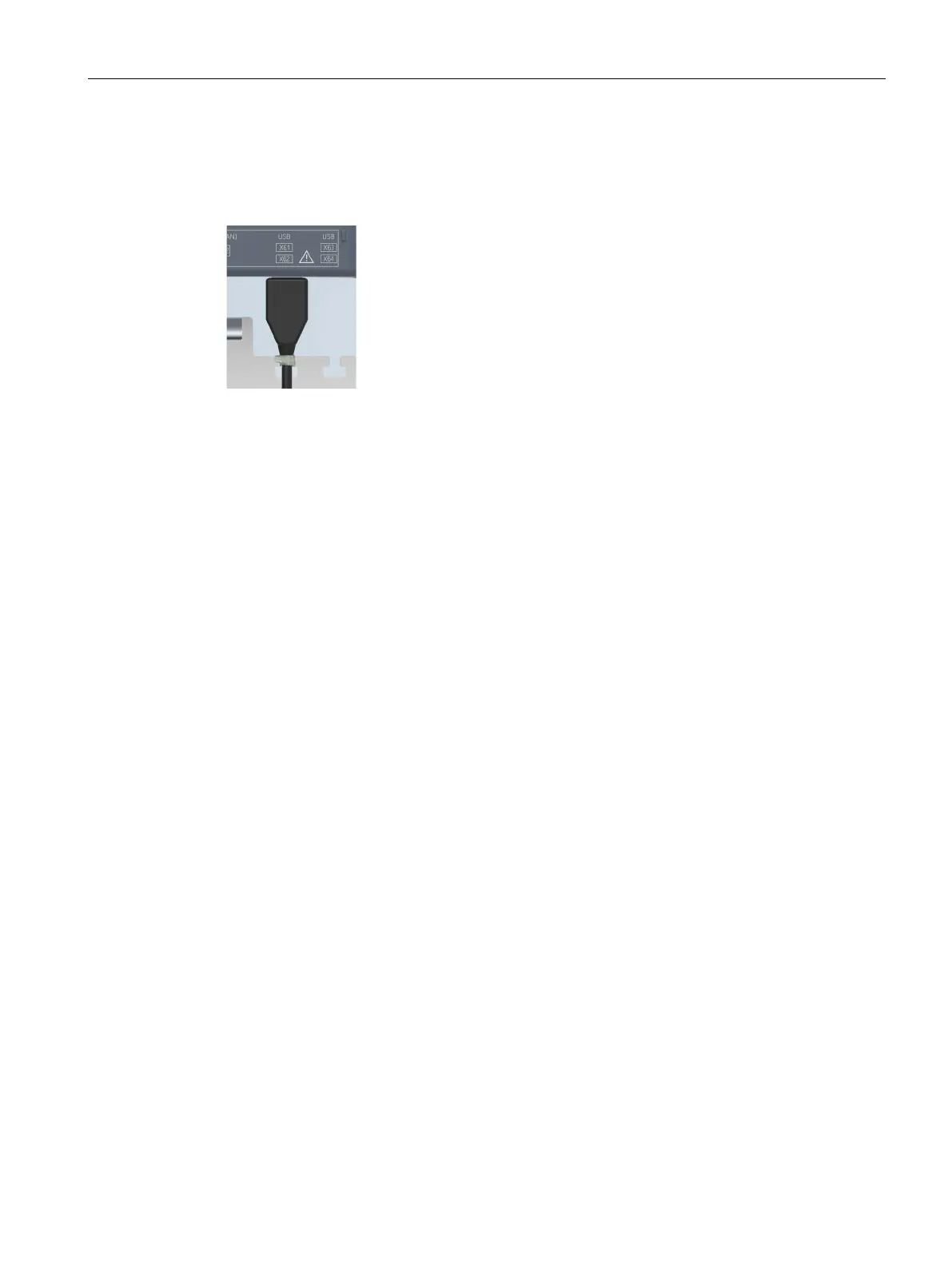
Use the appropriate mounting elements to secure the connected USB cables, as described in
the previous chapter.
The following figure shows an example of how to captively secure a USB plug.
3.5 Removing the device
3.5.1 Removing the built-in unit
The HMI device is removed again in reverse order of its installation and connection.
Procedure
Proceed as follows:
1. Exit all open programs and ITC or SINUMERIK connections with the HMI device.
2. Switch off power to the HMI device.
3. If you use the HMI device in a hazardous area, ensure that both of the following conditions
are met: The area is no longer hazardous or the operator control and its plug-in connections
are de-energized.
4. Remove all cable ties which are located on the operator control to relieve strain from the
connection cables.
5. Remove all connector plugs and the equipotential bonding from the operator control.
6. Secure the operator control so that it cannot fall out of the installation slot.
7. Remove the screws from the cover of the mounting clip and remove all mounting clips.
8. Replace the operator control from the installation slot.
See also
Installing the built-in unit (Page 48)
Connecting the device (Page 58)










 To Next Page