SINUMERIK operating mode
6.2 Networking
ITC V3, ITC V3 PRO
158 Operating Instructions, 03/2024, A5E42761061-AF
Assigning a name
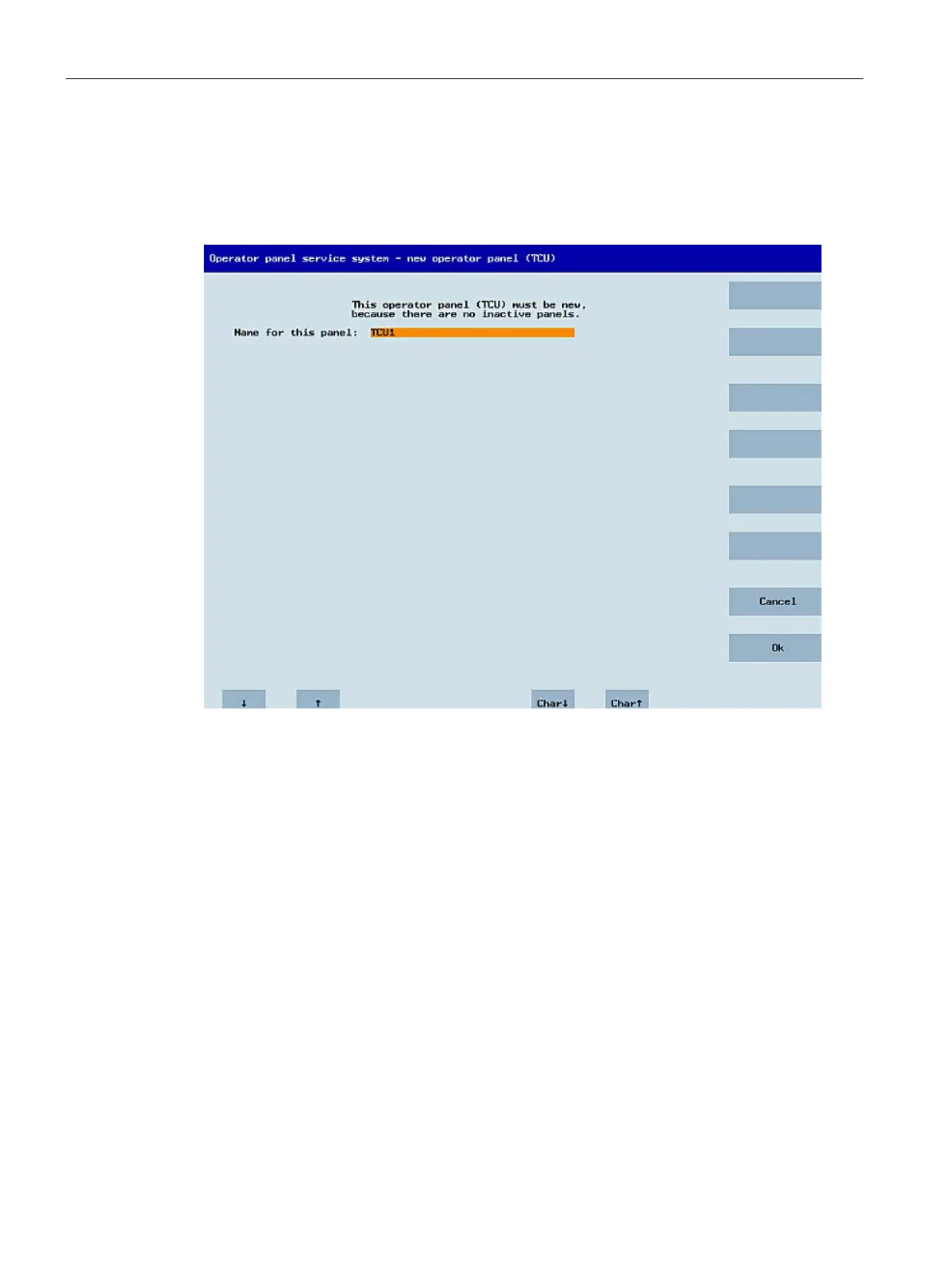
If, as described above, the system automatically follows the "New" path, an additional
message will appear: "This operator panel (TCU) must be new, because there are no inactive
panels." This message will not appear if "New" is selected manually.
Any name is suggested in the input field, although the user can change this. The default
name is "ITC<N>", where <N> is the lowest number yet to be used. If, however, the name is
already allocated after the OK softkey has been pressed, which may happen if a number of
ITCs log on at the same time, and the suggestion has not changed, a new and unused name
will be specified.
If the name selected was still available, this will now be allocated. If required, you can adapt
the settings. To enable any changes to be made, a new dialog appears in which all the
parameters have been pre-assigned their default values. You can make any changes you like
or just select "OK" to accept the existing values.










 To Next Page