Preface
ITC V3, ITC V3 PRO
Operating Instructions, 03/2024, A5E42761061-AF
7
Style conventions
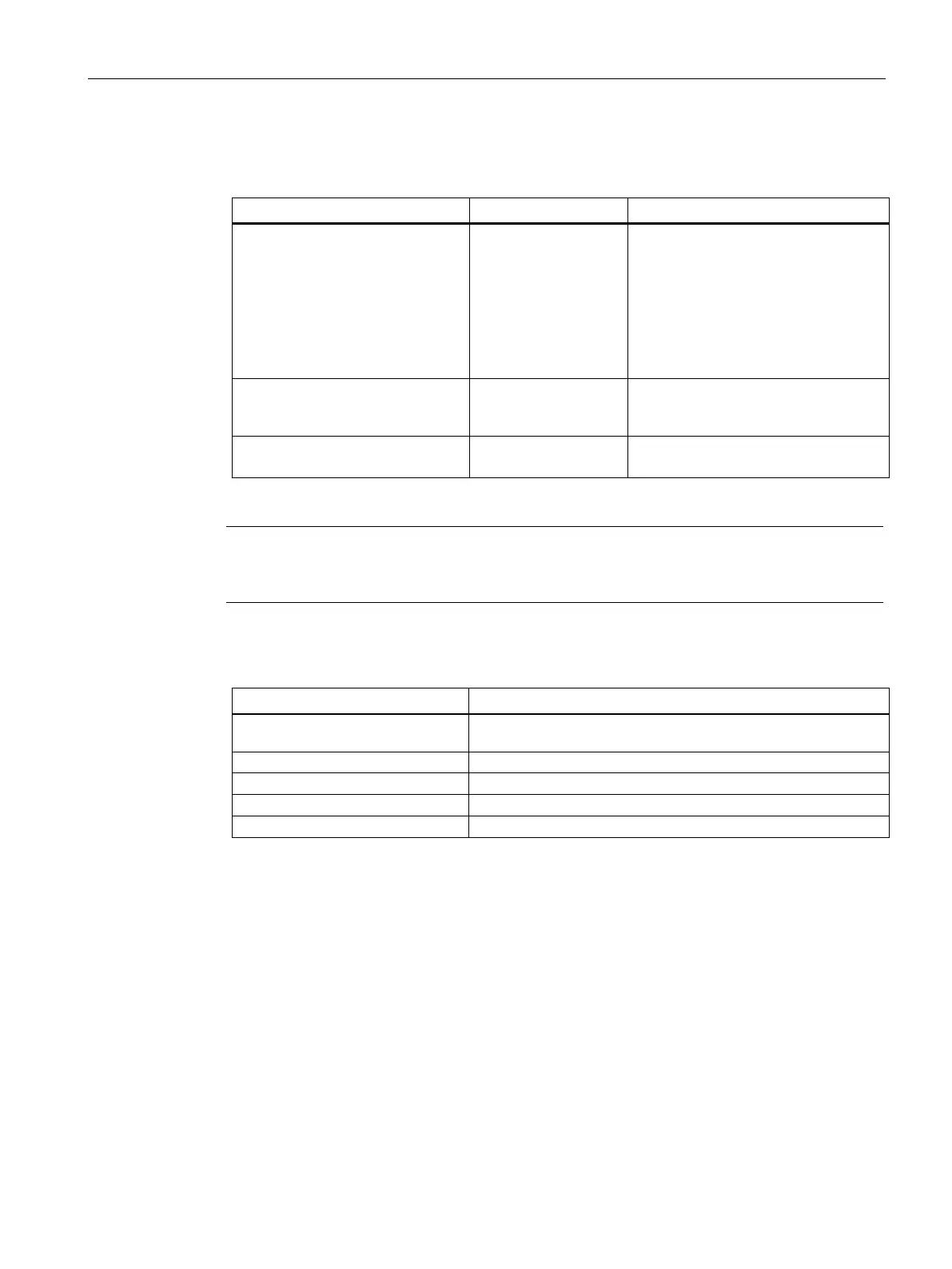
The following text notation will facilitate reading this manual:
"Text"
• Terminology that appears in the
user interface, for example dialog
names, tabs, buttons, menu
commands
• Required input, for example, limits,
tag values.
• Path information
Texts in quotation marks, separated
by a greater-than sign:
Operating sequences, for example,
menu commands, shortcut menu
commands.
Texts in square brackets:
<Text>
Please observe notes labeled as follows:
Notes contain important information concerning the product, its use or a specific section of
the documentation to which you should pay particular attention.
Naming conventions
Device, HMI device,
Industrial Thin Client, Panel
All ITC V3 built-in units
ITC V3 device with HD display
ITC V3 device with Full HD display
The information as to which devices are equipped with HD display or Full HD display can be
found in the tables in the section "Scope (Page 3)".










 To Next Page