ITC Operating mode
5.2 Typical applications
ITC V3, ITC V3 PRO
78 Operating Instructions, 03/2024, A5E42761061-AF
5.2 Typical applications
Industrial Thin Clients can be used as operator terminals in different scenarios. With the
Industrial Thin Client, for example, you can access an HMI device and hence control a work
process. You can also use the Industrial Thin Client to run Office applications on a server, for
example, on a PC and modern web applications.
Typical applications are presented in the following.
Access to a Sm@rtServer
The Industrial Thin Client accesses an HMI device or industrial PC as a Sm@rtServer client
using the SIMATIC WinCC Sm@rtServer option. You operate and monitor the WinCC project
(TIA Portal) of the device on which the Sm@rtServer is activated.
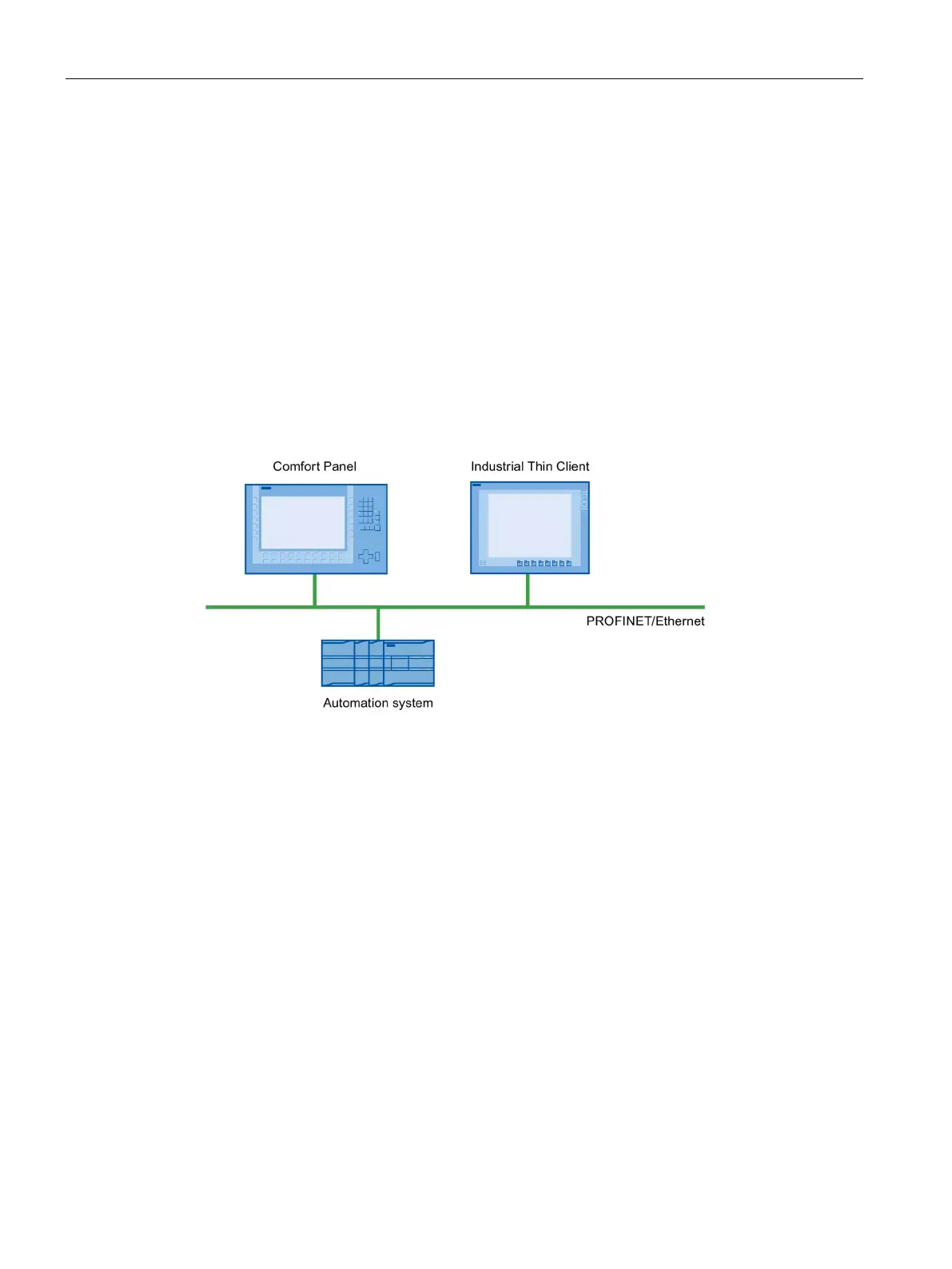
The following figure shows one possible configuration.
Access to a server via "RDP".
The Industrial Thin Client uses RDP (Remote Desktop Protocol) to access a server, such as an
industrial PC or a PC. The following applications are also possible.
• WinCC/Web Navigator
The Industrial Thin Client uses an Internet browser on the server to access the WinCC Web
Navigator as a Web Navigator client. In this case, the Windows Server operating system
must be installed on the server. For more information, refer to the documentation for the
WinCC/Web Navigator option.
• The Industrial Thin Client accesses an Office application (e.g., MS Excel) or SAP application
on the server. In contrast to the Windows Server operating systems, you can only operate
one screen with Windows 7. The other monitor is always blocked.
• The Industrial Thin Client accesses an Office application, such as MS Excel, running with
the Windows Server operating system or a SAP application on the server.










 To Next Page