ITC Operating mode
5.5 Assigning device parameters
ITC V3, ITC V3 PRO
Operating Instructions, 03/2024, A5E42761061-AF
87
5.5.5 The "System" submenu
Introduction
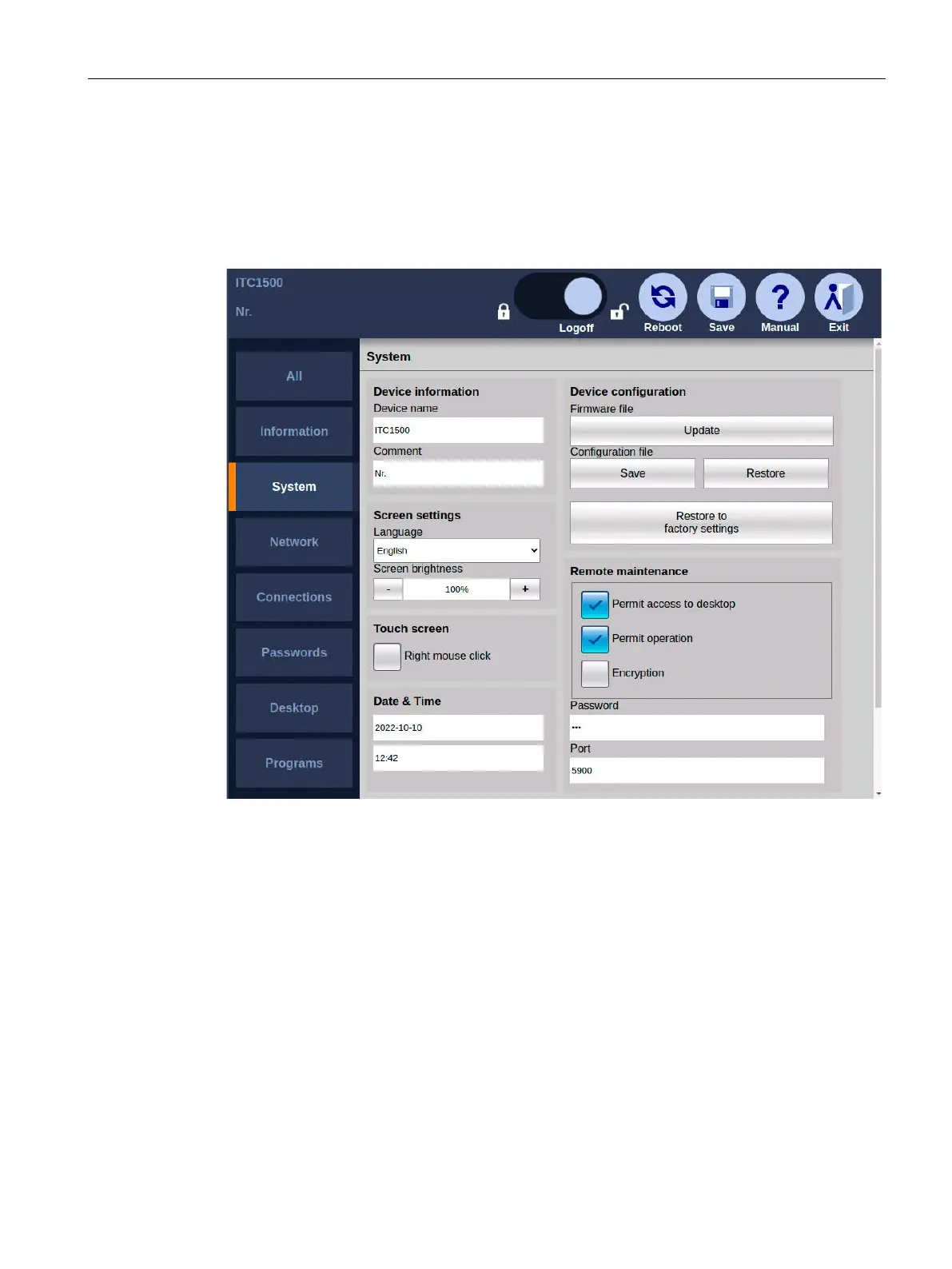
The following figure shows the system settings in the Start menu "Configuration > System".
You can perform the following actions:
• Specify device name
• Setting up screen: Language, brightness, right mouse click
• Update firmware
• Save and retrieve the configuration file
• Restore to factory settings
• Setting for remote maintenance via VNC
Remote maintenance is performed via an encrypted connection. Remote maintenance
requires a VNC client that supports the corresponding encryption, for example Tiger VNC.










 To Next Page