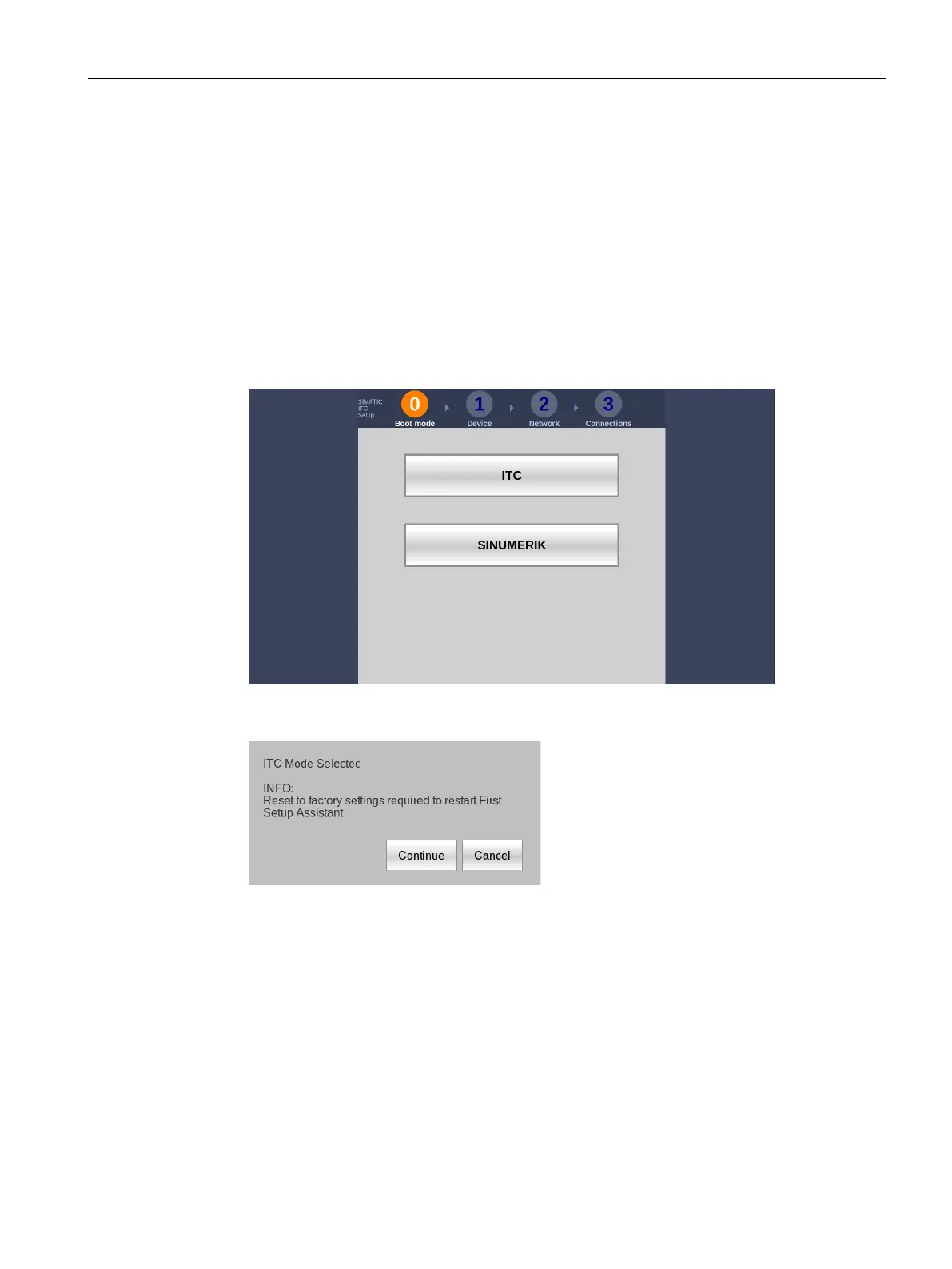
ITC Operating mode
5.3 ITC commissioning
ITC V3, ITC V3 PRO
Operating Instructions, 03/2024, A5E42761061-AF
81
5.3 ITC commissioning
Requirement
The devices is connected according to the description in these operating instructions to the
24V DC power supply and equipotential bonding is connected.
Procedure
1. Switch on power to the Industrial Thin Client.
The first commissioning dialog to select the operating mode is displayed.
2. Select the operating mode "ITC".
The following dialog appears:
3. Confirm the dialog with the "Continue" button.
The device starts in ITC operating mode. Information regarding the included free software
is displayed during startup.
The Setup Wizard guides you in setup steps 2 through 4 through the configuration of
selected device and network data as well as passwords and connection settings.
4. Follow the instructions of the Setup wizard.
The Setup Wizard remains open until the configuration settings are validated.
The first commissioning was successful if one of the following conditions applies:
• The taskbar is displayed.
• The configured startup connections are established.










 To Next Page