ITC Operating mode
5.7 Operating ITC
ITC V3, ITC V3 PRO
122 Operating Instructions, 03/2024, A5E42761061-AF
5.7.2.3 Changing from one connection to another
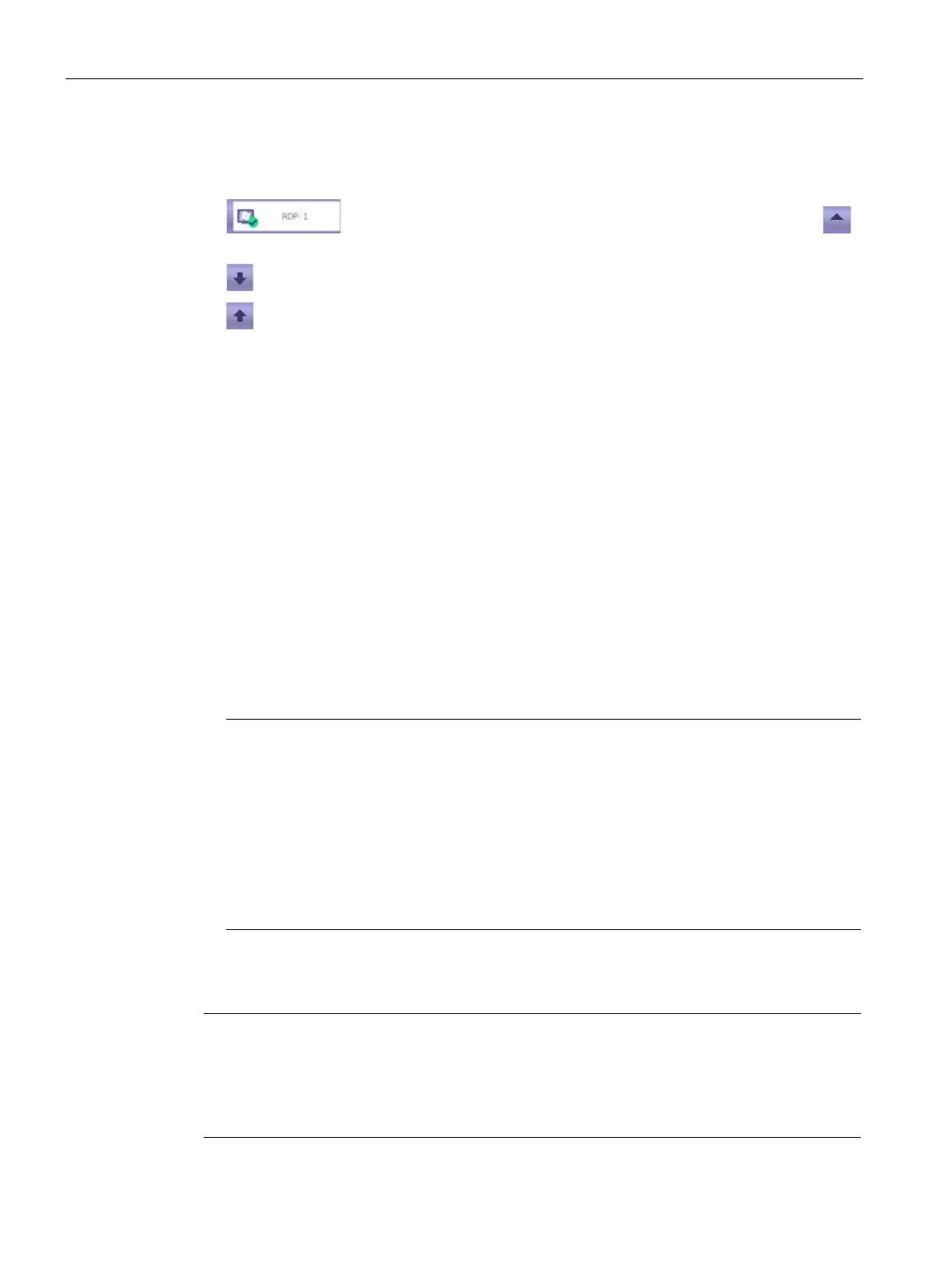
You can easily change between the started client-server connections.
• Connection list: Select a different client-server connection using the
icon.
• Go to the preceding started client-server connection.
• Go to the next started client-server connection.
5.7.2.4 Terminating a connection
Introduction
You can terminate a client-server connection as follows:
• Via the menu command "Close".
• For additional options, refer to the section "Special features".
Procedure
Proceed as follows to terminate an active client-server connection:
1. Touch the "Connection list" icon in the taskbar. A list of all started client-server connections
opens.
2. Choose the "Close" menu command next to the connection.
3. If required, enter the connection password, see section "The "Passwords" submenu
(Page 102)".
RDP can be set on the server so that the user stored in the connection settings remains
logged in even after an RDP connection has been terminated.
Make sure that only authorized persons have access to the device or log off (see Special
features).
You can also enter the administrator password instead of the connection password.
Special features
RDP
Terminate the RDP connection alternatively by using "Start" > "Disconnect". The "RDP session
has been terminated by peer!" dialog box will be displayed on the device; acknowledge it
with "OK". The connection password is not requested.
You log off from the RDP server with "Start" > "Logoff".










 To Next Page