ITC Operating mode
5.5 Assigning device parameters
ITC V3, ITC V3 PRO
Operating Instructions, 03/2024, A5E42761061-AF
105
Changing the connection password during ongoing operation
Changing the connection password works in the same way as "Changing the administrator
password" (see above), for example from an external PC, while the operator is working on the
device. The change of the connection password becomes effective immediately. The operator
can then only terminate the current client-server connection with the new connection
password.
You can also change the connection password by entering the administrator password
instead of the old connection password.
5.5.9 The "Desktop" submenu
Introduction
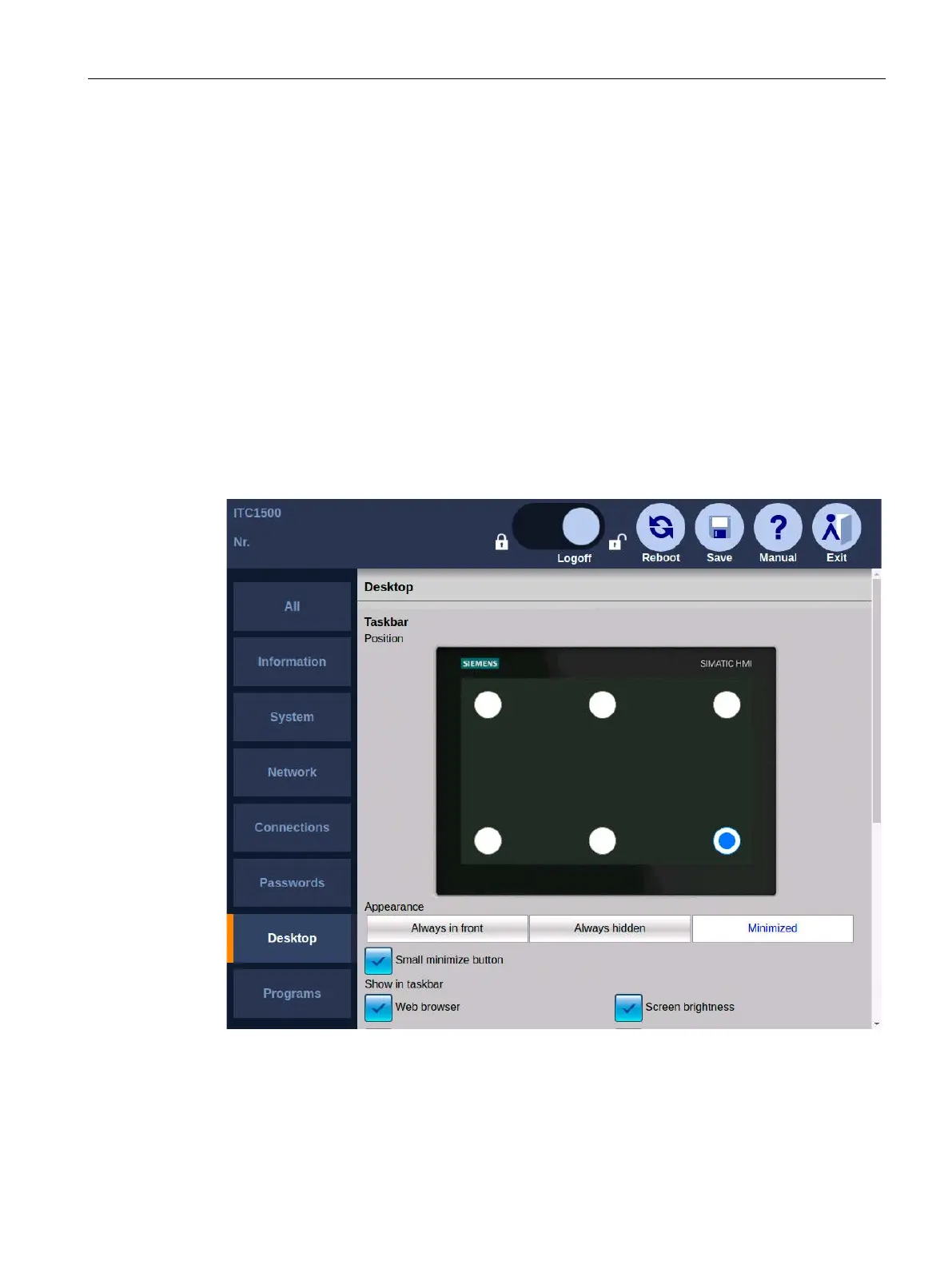
The following figure shows the desktop settings in the Start menu "Configuration > Desktop".
You can make the following settings:
• Position of the taskbar
• Display of the taskbar
• Menu entries in the Start menu










 To Next Page