Installing and connecting the device
3.4 Connecting the device
ITC V3, ITC V3 PRO
64 Operating Instructions, 03/2024, A5E42761061-AF
3.4.4 Connecting device to the server
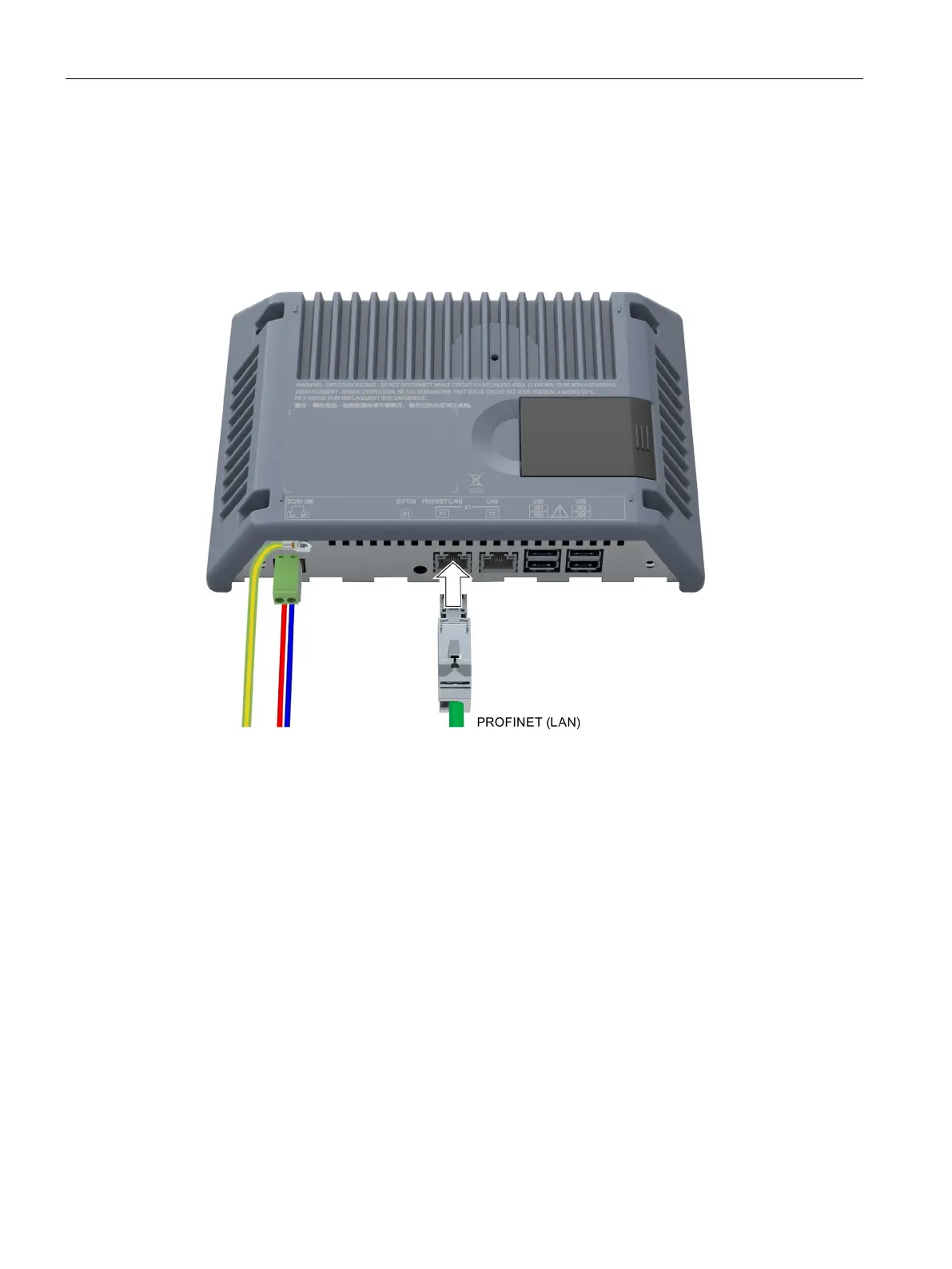
Connection diagram
The following figure shows the connection between the device and the server via
PROFINET/Ethernet.
For PROFINET communication, use interface X1 P1 "PROFINET (LAN)", e.g. to use topology
detection.
Procedure
1. Connect the PROFINET/Ethernet cable to the PROFINET (LAN) interface on the device.
2. Connect the PROFINET/Ethernet cable to the network or server.
See also
Interfaces (Page 24)
PROFINET (LAN), LAN - 10/100/1000 MBit (Page 203)










 To Next Page