SINUMERIK operating mode
6.2 Networking
ITC V3, ITC V3 PRO
Operating Instructions, 03/2024, A5E42761061-AF
157
Replacing a device
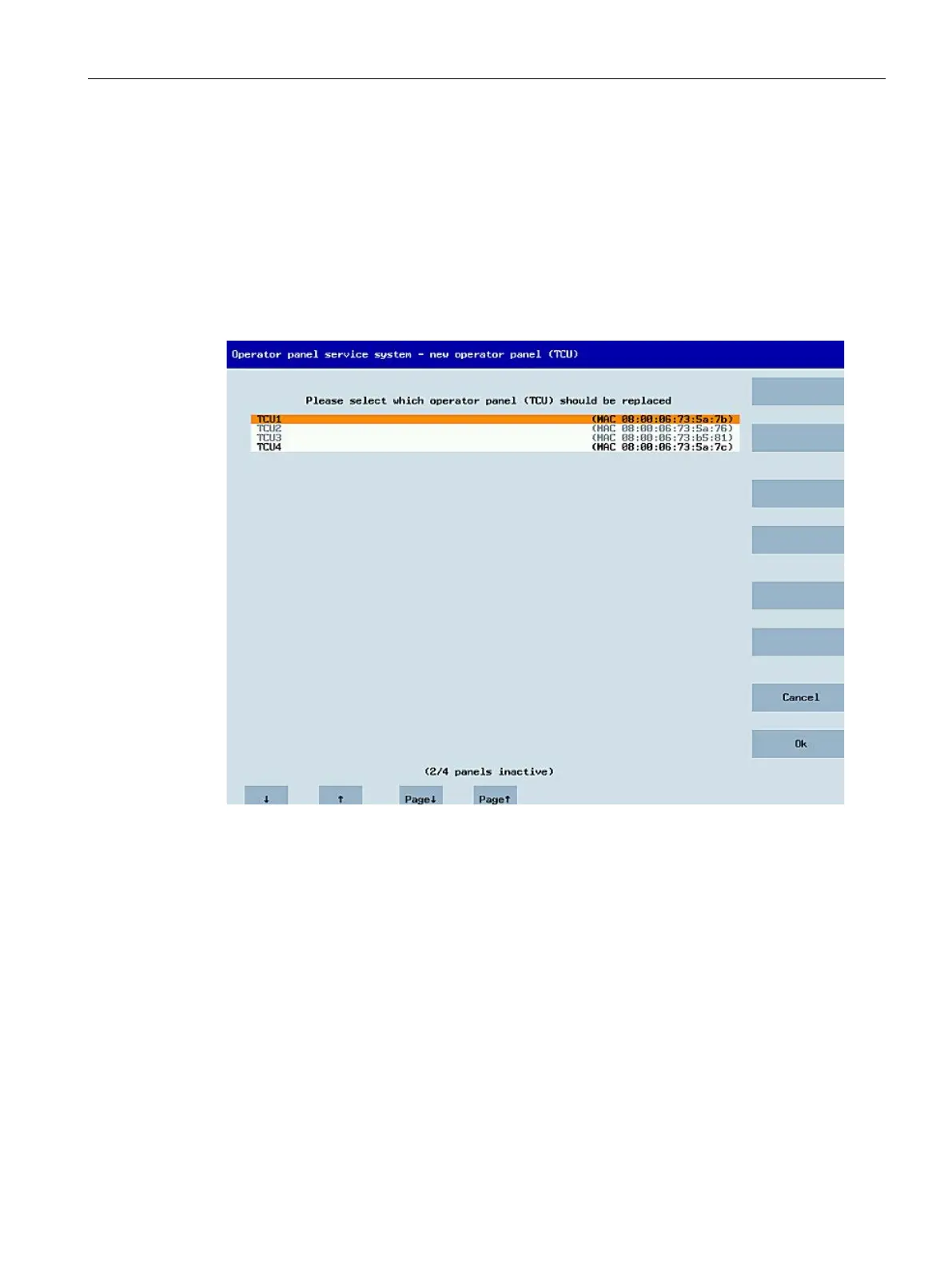
If "Replacement" is selected, all the registered ITCs will appear in a selection menu. Those that
are active in the network are grayed out. They are functioning and should not be replaced by
a spare part. The cursor automatically defaults to the first line for selection.
As the accessibility test is still running in the background, the active status of the lines may
change if Panels are switched on or off.
If a name is ultimately chosen, it will be applied to the new ITC along with the associated
saved settings.










 To Next Page