SINUMERIK operating mode
6.2 Networking
ITC V3, ITC V3 PRO
Operating Instructions, 03/2024, A5E42761061-AF
161
Specifying settings without machine control panel
If an IPC or an ITC has no machine control panel (MCP), you must set one of the two
following options:
• MCP address = 0 or no entry
After the change of user authorization, there is no switchover of the machine control
panel; the previously active MCP remains active.
• MCP address = 255
If the user authorization is transferred to this IPC or ITC, the previous machine control
panel is deactivated and there is no active machine control panel from this point on.
6.2.4.7 How to register a replacement ITC
To connect the replacement ITC, proceed as follows:
1. Connect the new ITC.
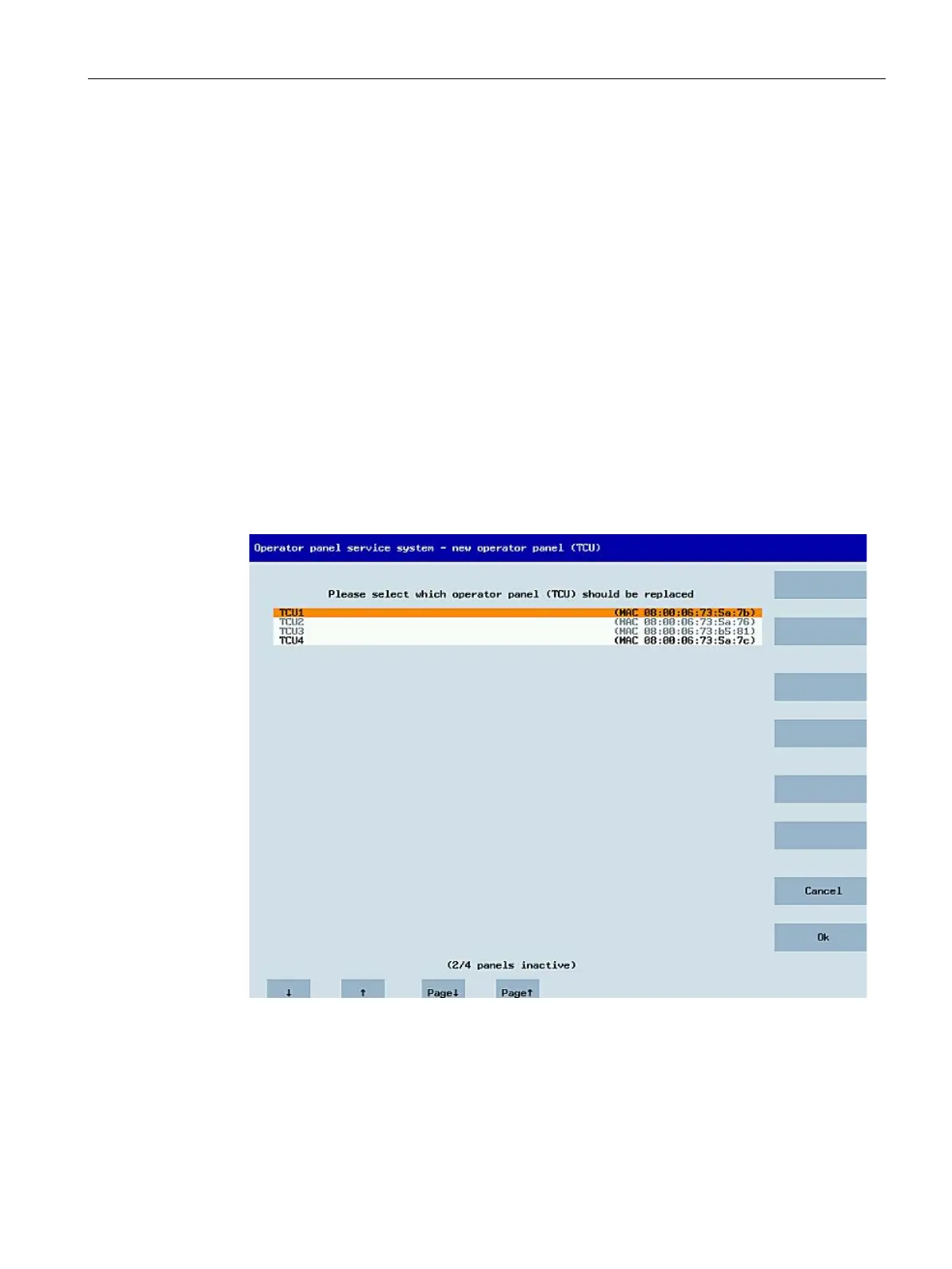
The "New operator panel (TCU)" dialog opens.
This dialog lists the ITCs on the system network along with their "active" or "inactive"
status:
2. Select the name previously assigned to the defective ITC. Now the new ITC is recognized on
the network and acquires all of the configuration settings from the ITC that is to be replaced.










 To Next Page