SINUMERIK operating mode
6.2 Networking
ITC V3, ITC V3 PRO
160 Operating Instructions, 03/2024, A5E42761061-AF
Procedure for the HT 10
1. Connect the HT 10 to a connection module and calibrate the touch screen.
Additional softkeys are available for convenient touch panel operation:
– "OK" has the same function as the <INPUT> key
– Select "DEF" to save the "Default" settings.
– "Edit" has the same effect as the <F10> or <MENU SELECT> key.
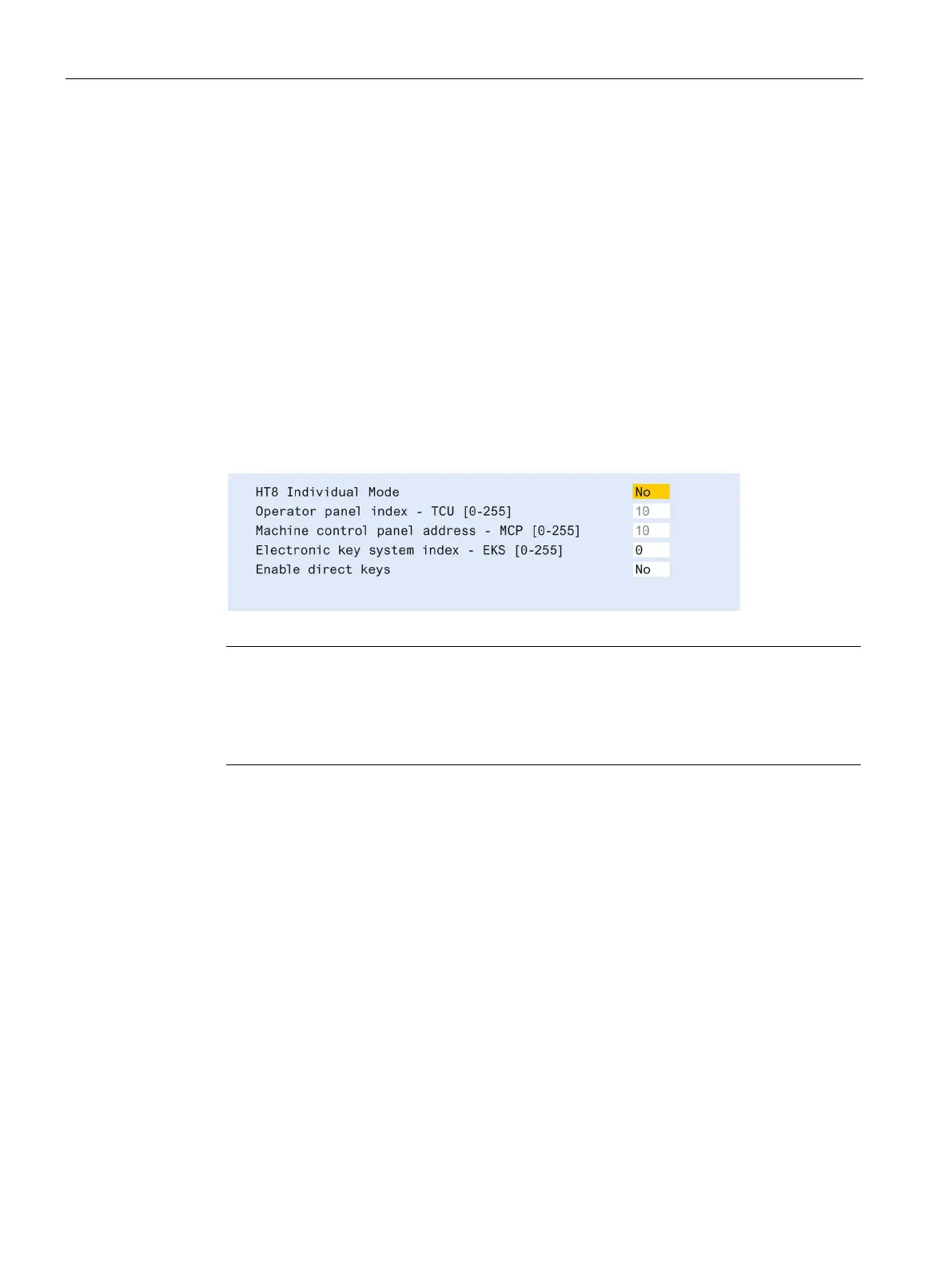
2. Select HT 10 Individual Mode:
According to the default setting for an HT 10, "HT 10 Individual Mode" is deselected with
"No". This means "Auto" mode is activated for automatic detection in the system network.
The HT 10 is automatically detected based on its name "DIP_". If "HT 10 Individual Mode" is
activated with "Yes", the HT 10 is identified by its MAC address on the system network.
3. For an HT 10, confirm the "DIP..." name proposed by the system or adapt the name. You can
select any other characters.
Press the <INPUT> key to apply the following values as default settings for the HT 10:
The following message will then appear: "New TCU 'DIP10' registered."
10
The TCU index is used to evaluate the direct keys. Direct keys can only be activated by
appropriate devices. For an HT
10 the TCU index cannot be set, but is assigned by the
Activate direct keys
The signals from pressing the direct keys are sent directly to the PLC. In the PLC, the keys
appear as 16 digital inputs.
Additional information on programming the PLC is provided in:
SINUMERIK ONE PLC Function Manual
Definition: Operator panel
The term operator panel designates a unit that consists of a Panel, an ITC or IPC, and a
machine control panel (MCP), all of which are connected to each other via Ethernet.
All ITCs and IPCs with IFP can be used.










 To Next Page