Installing and connecting the device
3.4 Connecting the device
ITC V3, ITC V3 PRO
68 Operating Instructions, 03/2024, A5E42761061-AF
3.4.7 Securing cables
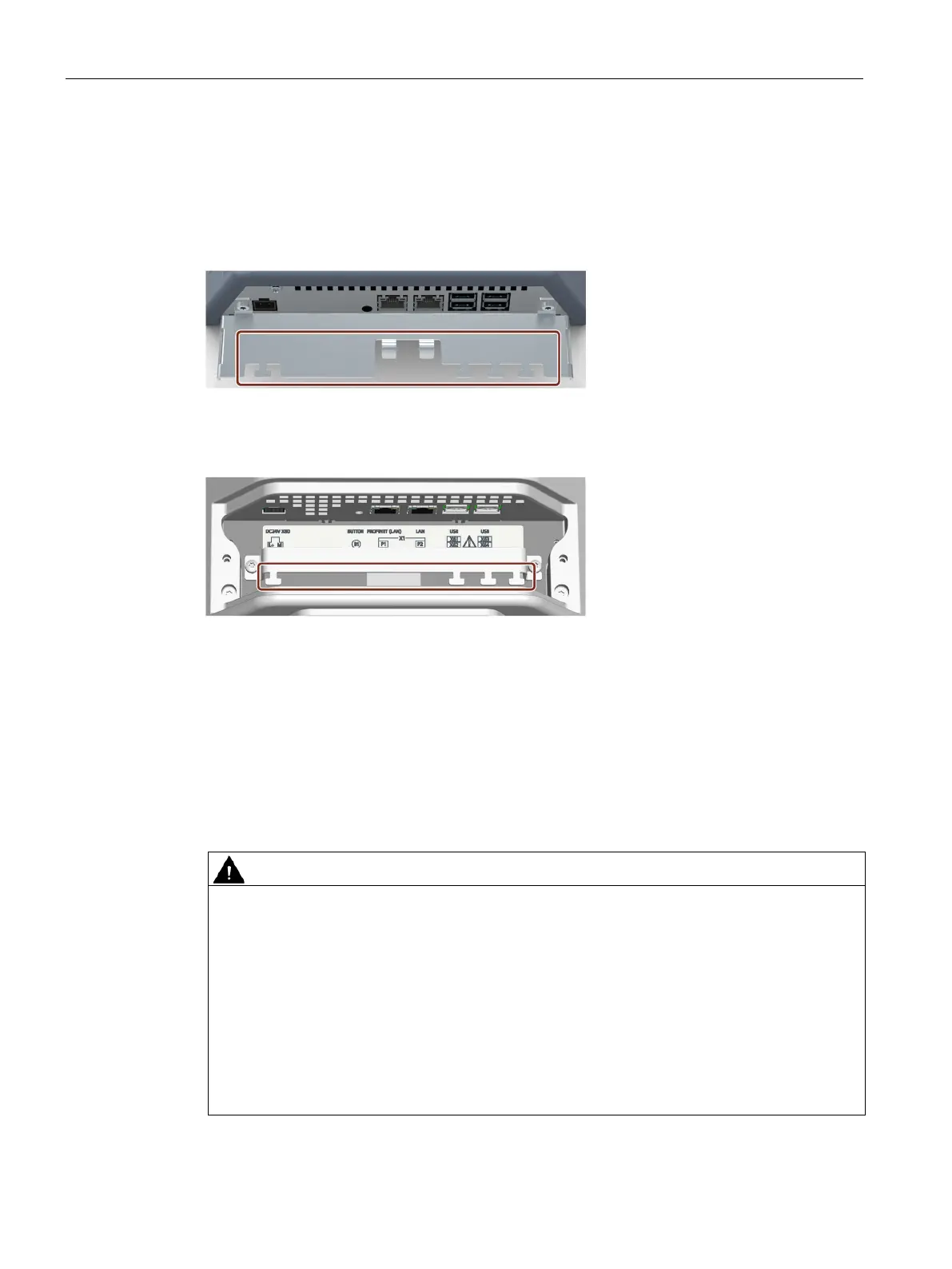
After connecting the cables, secure the cables with cable ties on the marked fastening
elements.
Built-in units
PRO devices
See also
Installing a strain relief (Page 45)
3.4.8 Securing cables for use in hazardous areas
When devices with Ex approval are used in hazardous areas, note that the connectors must
be secured in a captive manner at the interfaces.
Explosion hazard from sparks when connectors come loose
If a plug connector comes loose from the associated device interface during operation in a
hazardous area, a spark over at the interface may cause an explosion. Death or serious
physical injury as well as property damage may result.
For use in hazardous areas, it must be ensured that the plug connectors of the cables are
fully connected to the respective interface and cannot come loose from the interfaces in any
case. With SIMATIC HMI Industrial Thin Clients, this danger only exists at the USB interfaces.
Secure all connected USB cables directly at the transition between plug and cable to the
nearest mounting element using a cable tie. Tighten up all cable ties in such a way that they
fully wrap around the respective cable but do not damage the cable.










 To Next Page