ITC Operating mode
5.6 Configuring the server
ITC V3, ITC V3 PRO
114 Operating Instructions, 03/2024, A5E42761061-AF
5.6.2.2 Connecting to a Citrix application or a desktop
To access a Citrix application or a desktop, you have the following two options:
• Connection type "Citrix Application List"
• Connection type "Citrix Single Application"
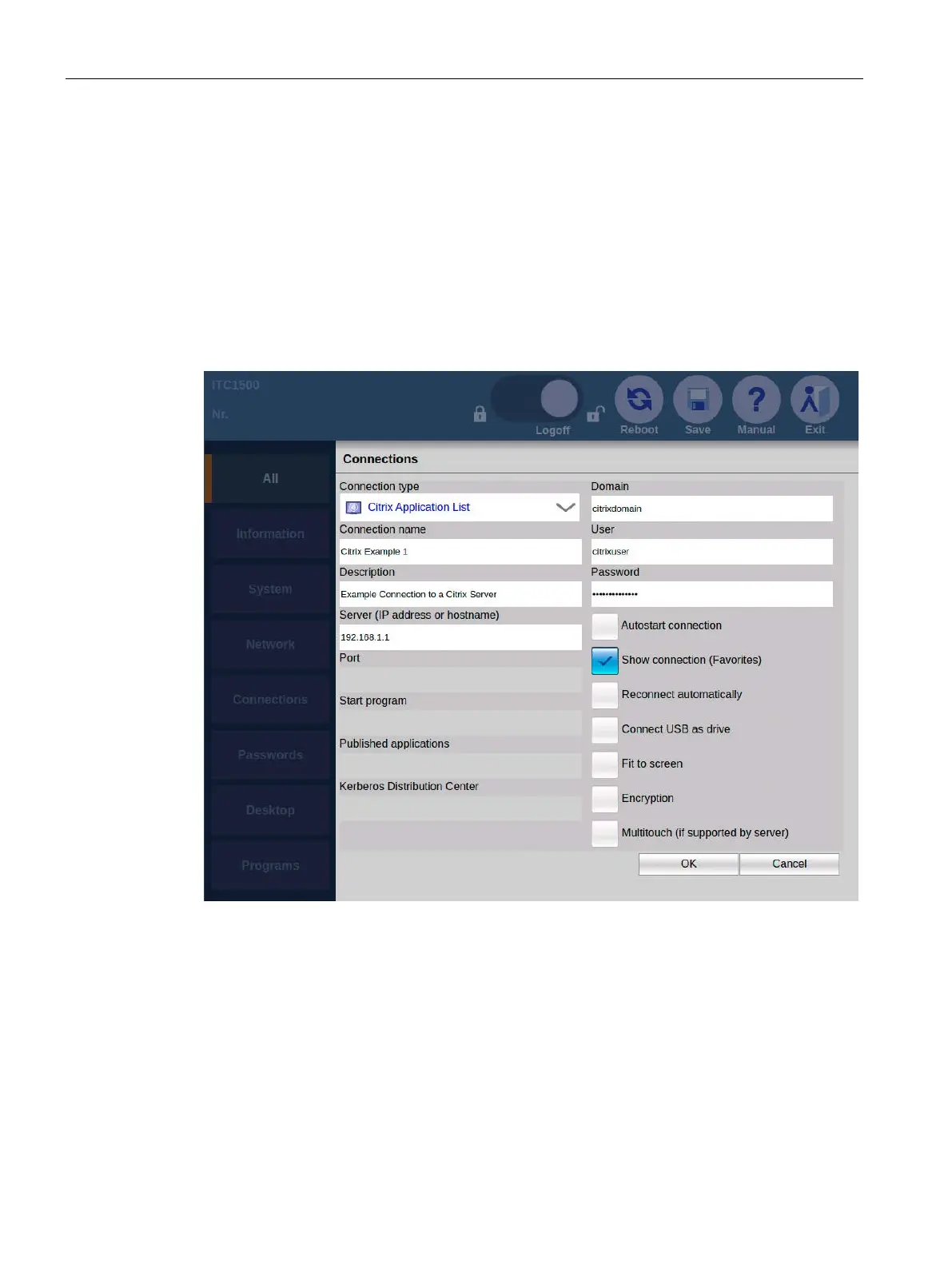
Connection type "Citrix Application List"
You specify all parameters of the Citrix connection with the exception of the application that
is to be opened. When the connection is started, the user can select which application is
opened.










 To Next Page