ITC Operating mode
5.5 Assigning device parameters
ITC V3, ITC V3 PRO
96 Operating Instructions, 03/2024, A5E42761061-AF
The factory default is that the IP address is assigned dynamically (DHCP). If you disable the
"Obtain IP address automatically (DHCP)" option, there is no static IP address ("0.0.0.0").
Therefore, assign an individual IP address to each device.
-server connections have already been created as examples. Set up client-server
connections with valid IP addresses.
See also
PROFINET basic functions (Page 101)
5.5.7.1 Setting up client-server connections
Structure of the tab
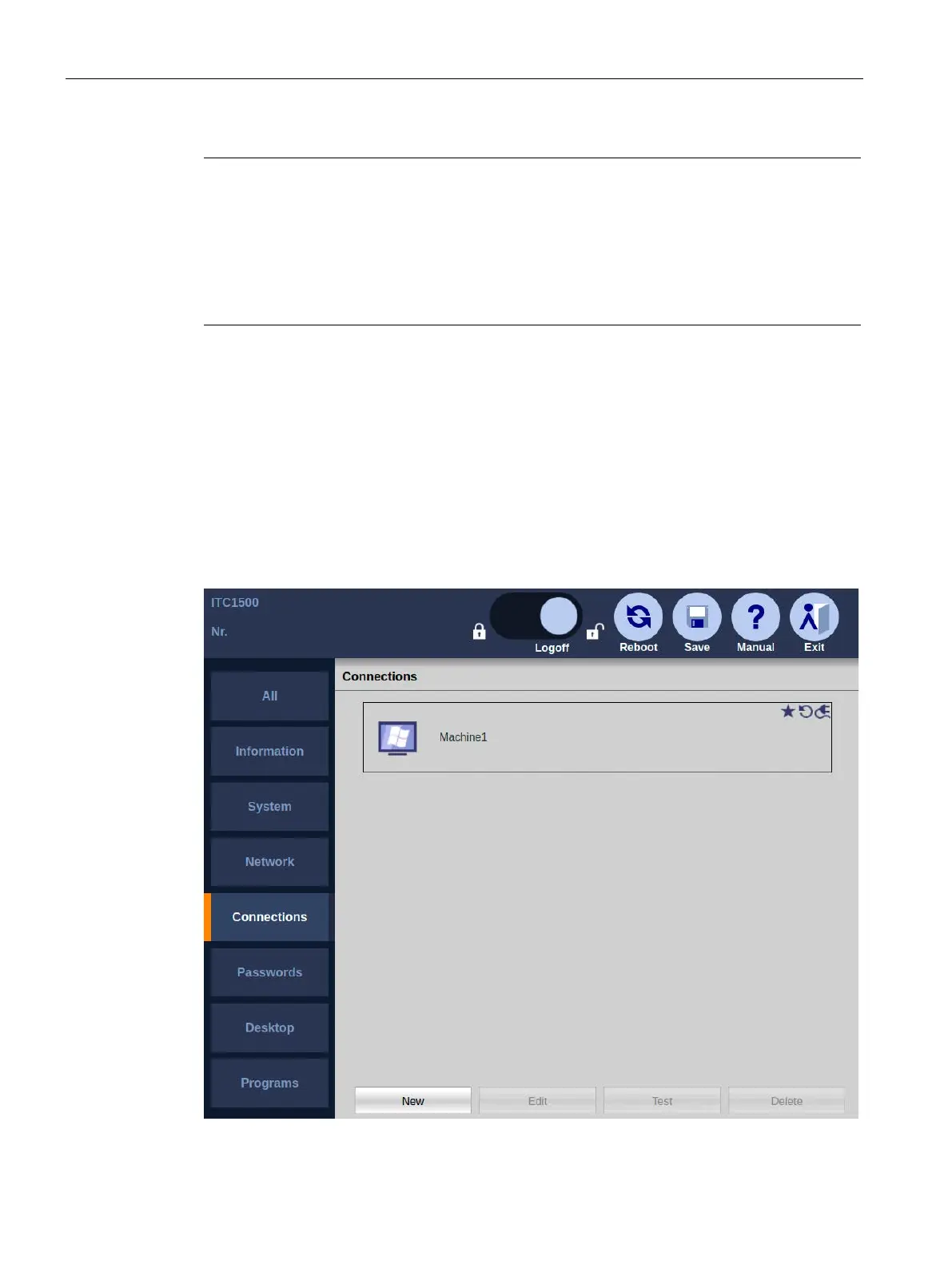
The following figure shows the list of client-server connections in the Start menu
"Configuration > Connections".
Below the list there are buttons for editing a selected client-server connection.










 To Next Page