Installing and connecting the device
3.4 Connecting the device
ITC V3, ITC V3 PRO
62 Operating Instructions, 03/2024, A5E42761061-AF
3.4.3 Connecting the power supply
Safe electrical isolation
For the 24 V DC supply, use only power supply units with safe electrical isolation
(SELV/PELV) in accordance with IEC 61010-2-201 or IEC 62368-1.
The supply voltage must be within the specified voltage range. Malfunctions in the HMI
device may otherwise result.
For non-isolated plant design: Connect the connection for GND 24 V from the 24 V power
supply output to equipotential bonding for uniform reference potential. Select a central
termination point as far as possible.
Connecting cables for the power supply connector
The power supply plug is included in the accessory kit.
For the power supply connector, use flexible cables with end sleeves according to the
specification in the following table.
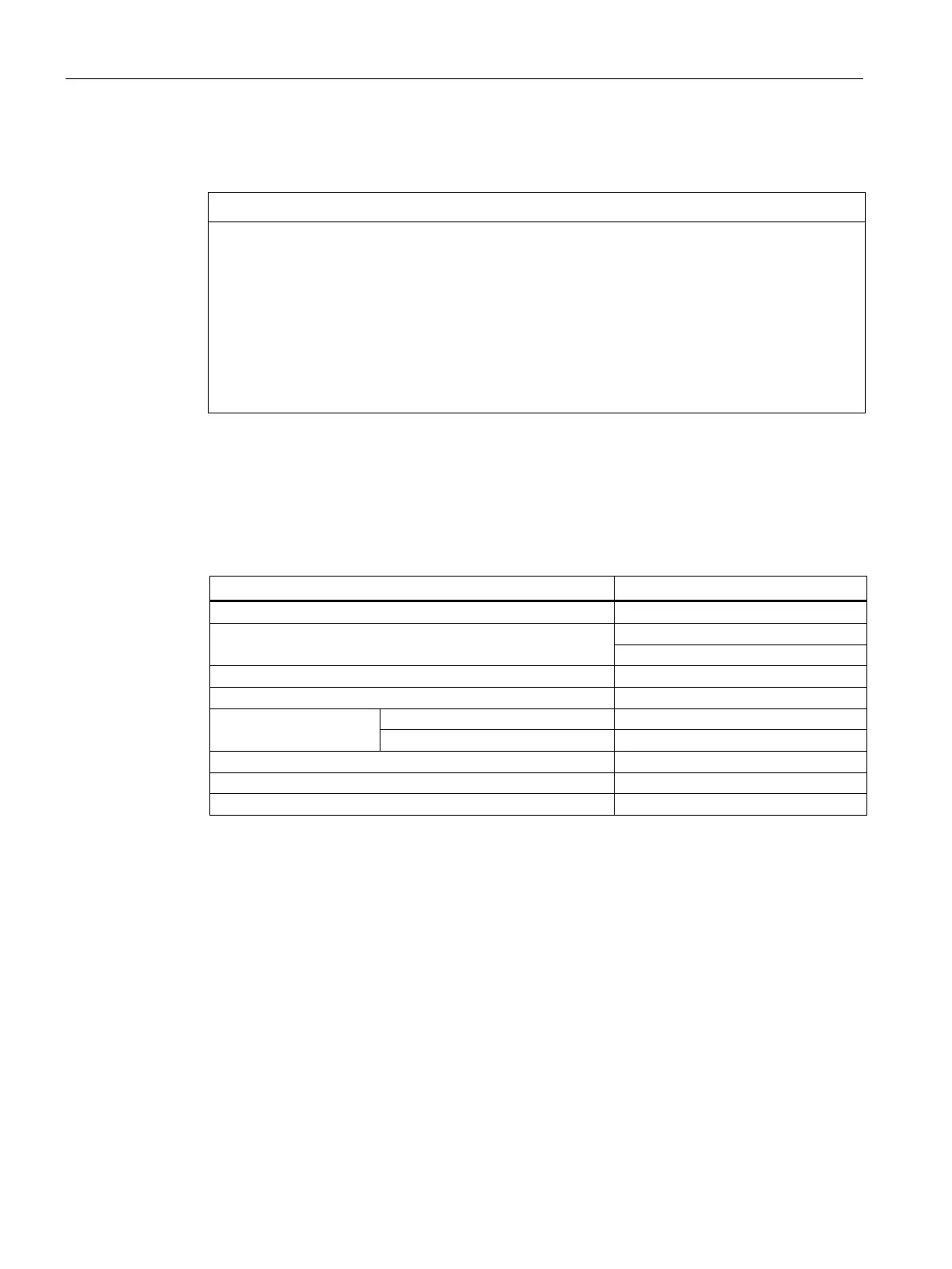
Cables for the 24 V DC power supply connector
Flexible cable (Cu), with end sleeve
Connectable cable cross-sections
2
*
Number of cables per connection
Stripped length of the cables
DIN 46228
With plastic sleeve 0.5 ... 1.5 mm
2
Screwdriver, tapered, 3 ... 3.5 mm
Additional information on the power supply connector supplied and other permissible power
supply connectors can be found in the section "Accessories (Page 33)".










 To Next Page