SINUMERIK operating mode
6.2 Networking
ITC V3, ITC V3 PRO
150 Operating Instructions, 03/2024, A5E42761061-AF
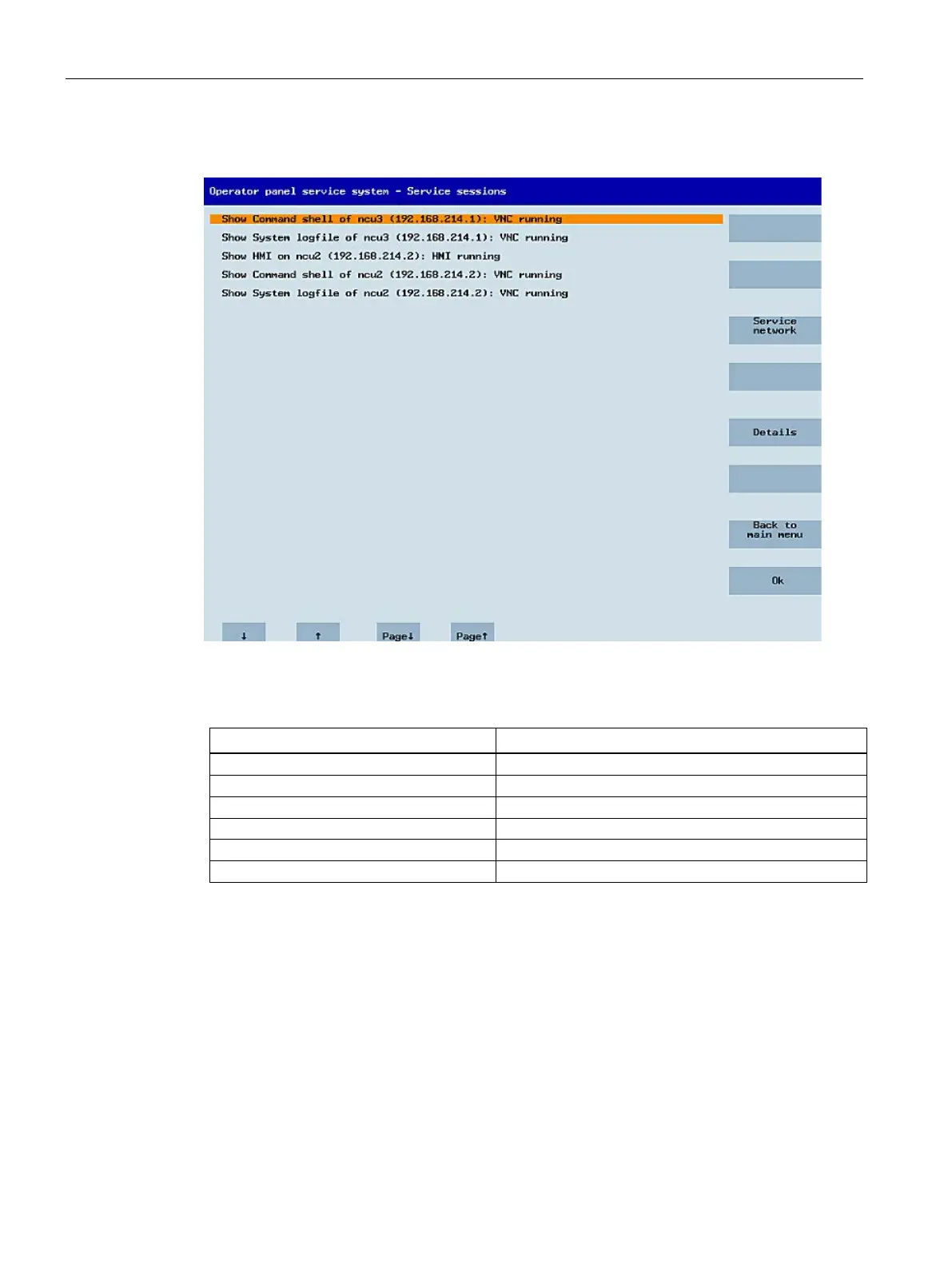
After this, the following dialog appears:
Central area with the server list:
The individual server lines contain either "Show WHAT on NAME (IP)" or the IP address only
where the name is unknown.
System Network Center (SNC)
These details are followed by a status message regarding the accessibility of the VNC server.
• "Connection not ok" appears if it is already impossible to access the server from the IP side
(if switched off, for example).
• "HMI running/ not running", if an HMI VNC server is accessible.
The VSK8, Return or right cursor keys can be used to launch a VNC viewer for the selected
server.










 To Next Page