SINUMERIK operating mode
6.2 Networking
ITC V3, ITC V3 PRO
Operating Instructions, 03/2024, A5E42761061-AF
153
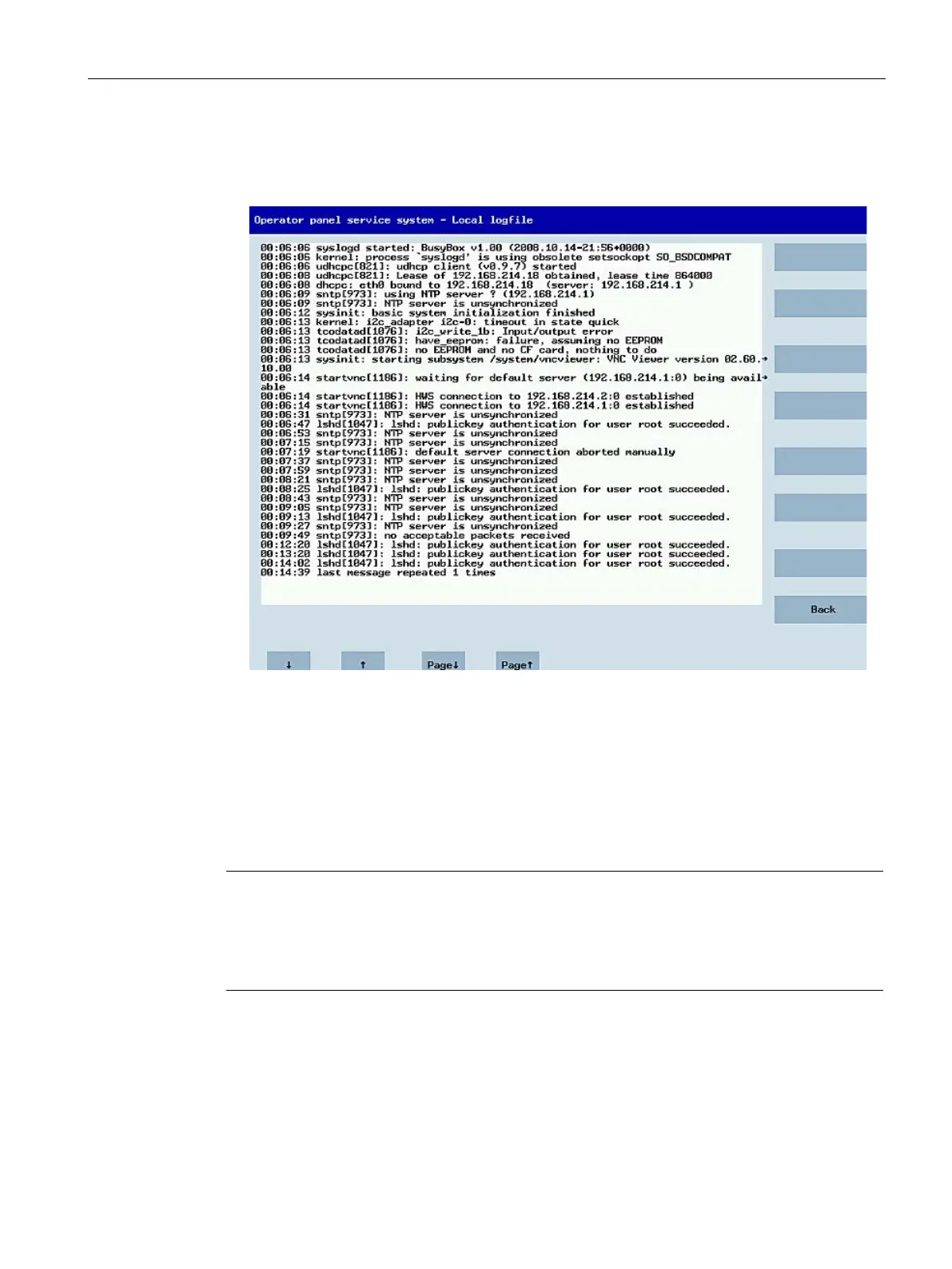
• "Show local logfile" shows a filtered version of the system log file in the
/var/log/messages directory, which contains only the messages of the local ITCs.
Syslog messages received via the network are not displayed.
• "Show logfile of remote devices" shows the log file of the other devices in the network:
The syslog messages of devices in the system network which send syslog messages by
broadcast, such as NCU.
• "Modify operator panel settings" opens another submenu, see next section.
• Calibrate touch screen" is only active if there is a touch screen. This menu item recalibrates
an available touch screen.
• "Reboot" initiates a cold restart of the system (reboot).
Long lines are broken and wrapped around.
Lines that are longer than the space available wrap round onto the next line so that you do
not have to scroll horizontally. When this occurs, the line has a right
-facing arrow at its right










 To Next Page