SINUMERIK operating mode
6.2 Networking
ITC V3, ITC V3 PRO
Operating Instructions, 03/2024, A5E42761061-AF
163
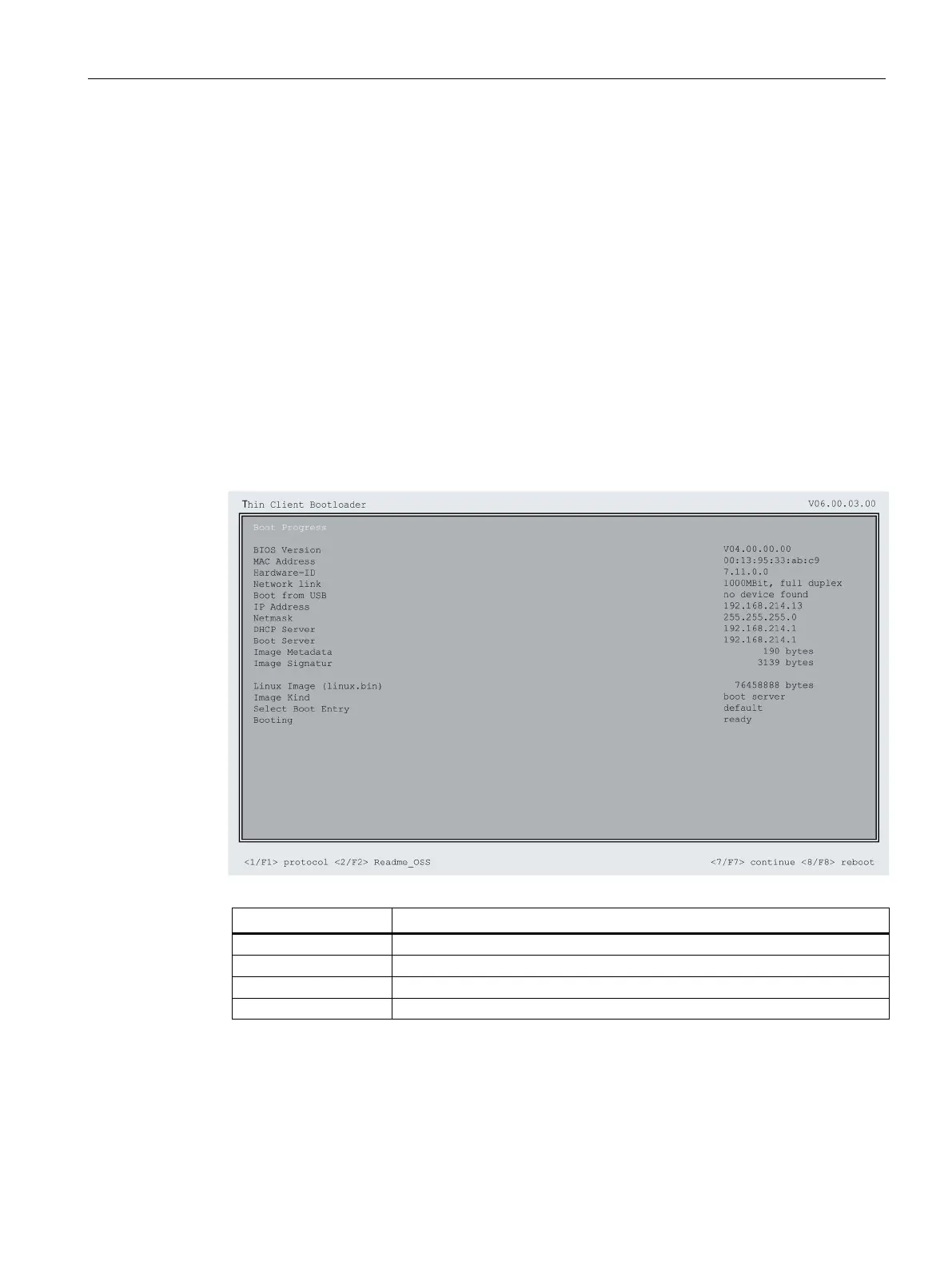
Diagnostics options during booting
Diagnostics while booting supplementary conditions
In the following supplementary conditions, the diagnostics window is displayed and run-up of
the ITC is interrupted:
• When the <1 / F1> function is selected during booting
• When a warning message is displayed
• When a fault occurs
You can select functions <1 / F1> to <8 / F8> mentioned below by tapping on the Panel.
Alternatively, you can do this via the corresponding function keys of a connected USB
keyboard.
Using the <1 / F1> function
Display detailed information
Details of the Open Source licenses










 To Next Page