ITC Operating mode
5.5 Assigning device parameters
ITC V3, ITC V3 PRO
84 Operating Instructions, 03/2024, A5E42761061-AF
2. Select the menu entry "Configuration".
The configuration settings are opened and are structured as follows:
All configuration settings in one window
The "Information" submenu (Page 86)
Device and network parameters
The "System" submenu (Page 87)
Parameters for device, screen, firmware, remote
maintenance and remote configuration
The "Network" submenu (Page 92)
Settings for the network access
The "Connections" submenu (Page 95)
Parameters for the client-server connection of the ITC
The "Passwords" submenu (Page 102)
Connection password and administrator password
The "Desktop" submenu (Page 105)
Parameters for displaying the ITC desktop
The "Programs" submenu (Page 107)
Parameters for the web browser
3. To edit the configuration, log on as an administrator.
Forced termination of connection
When you change and save the configuration settings, all started client
-
server connections
are terminated without a confirmation prompt and all open programs are closed. The
autostart connections are re
-established afterwards and the new configuration settings
If you do not log on as administrator, you only have read access to device and network
data under "Configuration > Information".
Protection against unauthorized access
To protect the configuration settings from unauthorized access, assign a new administrator
password immediately after first commissioning or after restoring the factory settings.
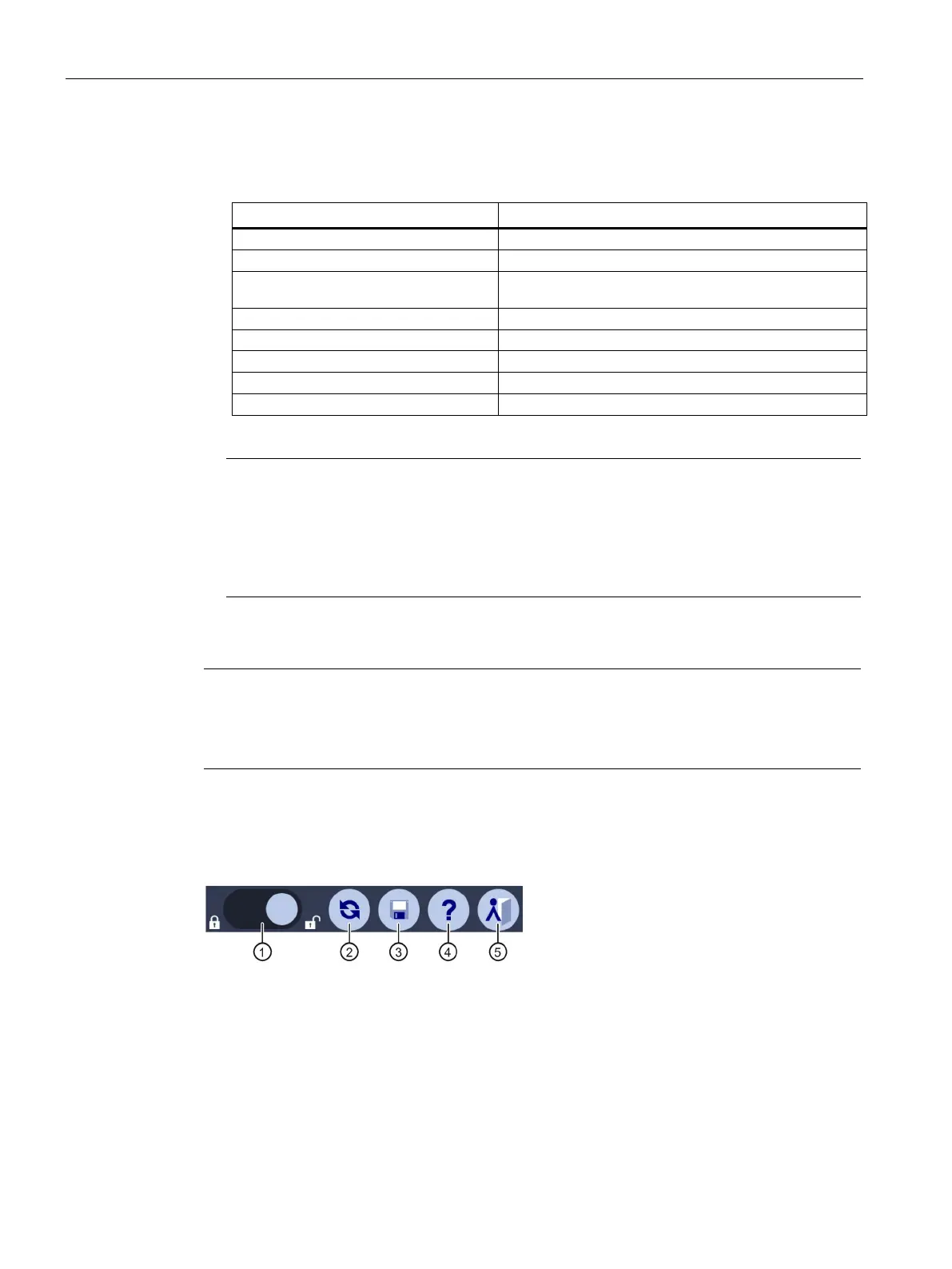
Title bar of the configuration settings
The title bar contains the following icons with the following functions:
"Log on" as an administrator and then "log off"
"Save" configuration settings










 To Next Page