CD600 Plus - User’s Manual
6.4
i. Double-click the value field, corresponding to 0%.
ii. Type the correct value read in the ammeter.
iii. Press Enter to confirm the new value.
g) Adjust the output values to 100% using the <Δ> key in the front panel and check the ammeter. If
the value indicated is not 20 mA, type the new value in the output field in the Calibration dialog
box :
iv. Double-click the value field, corresponding to 100%.
v. Type the correct value read in the ammeter.
vi. Press Enter to confirm the new value.
h) After editing the values, click the Download button in the Calibration dialog box in order to
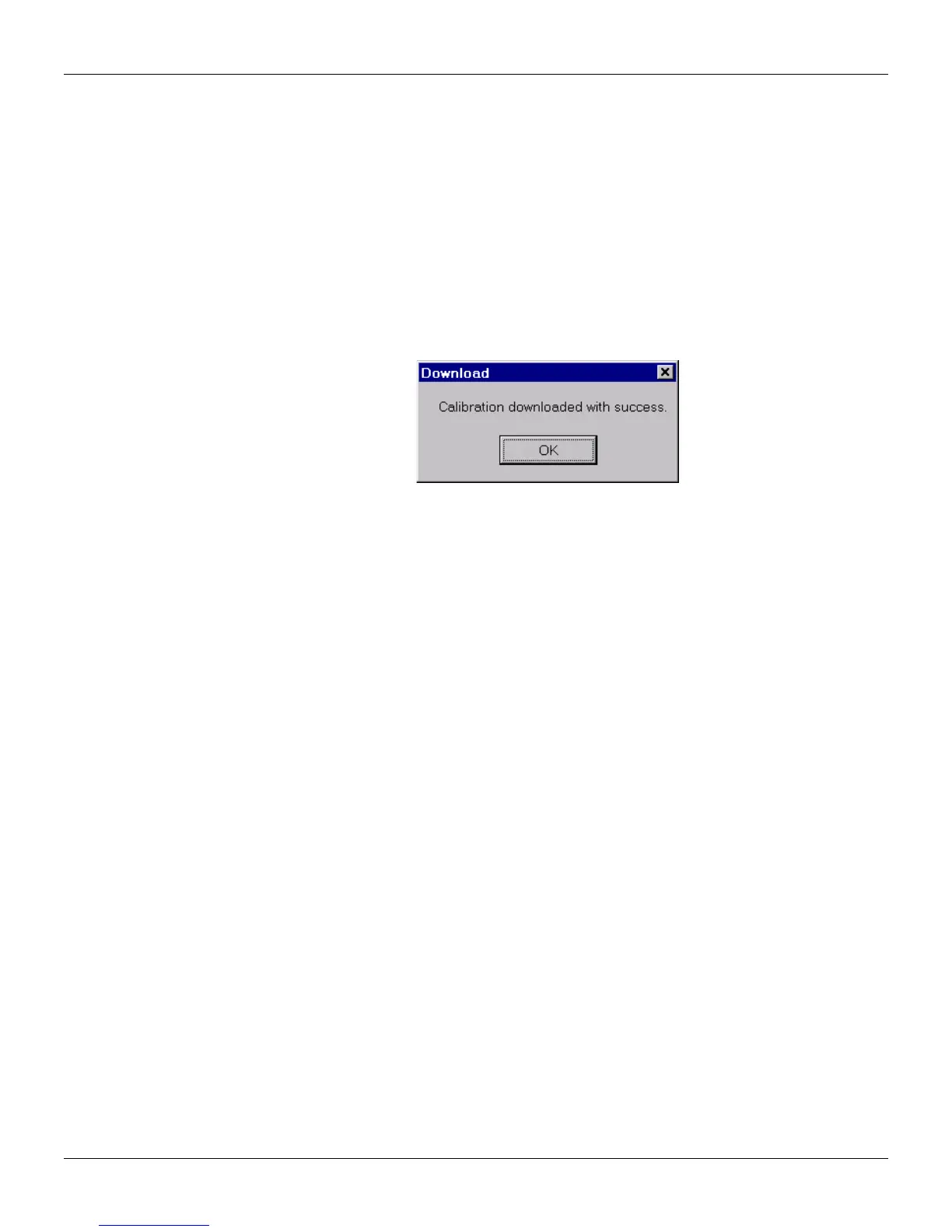
download these new values to the equipment. To indicate that the download was successful, the
following message will appear:
Figure 6.5. Calibrating the Equipment
Voltage Output (VO)
The voltage output is calibrated as current output. The only difference is that instead of a voltmeter,
an ammeter should be connected to the output to be calibrated.



 To Next Page