Section 14
PROJECT CONFIGURATION
Activating the Block List
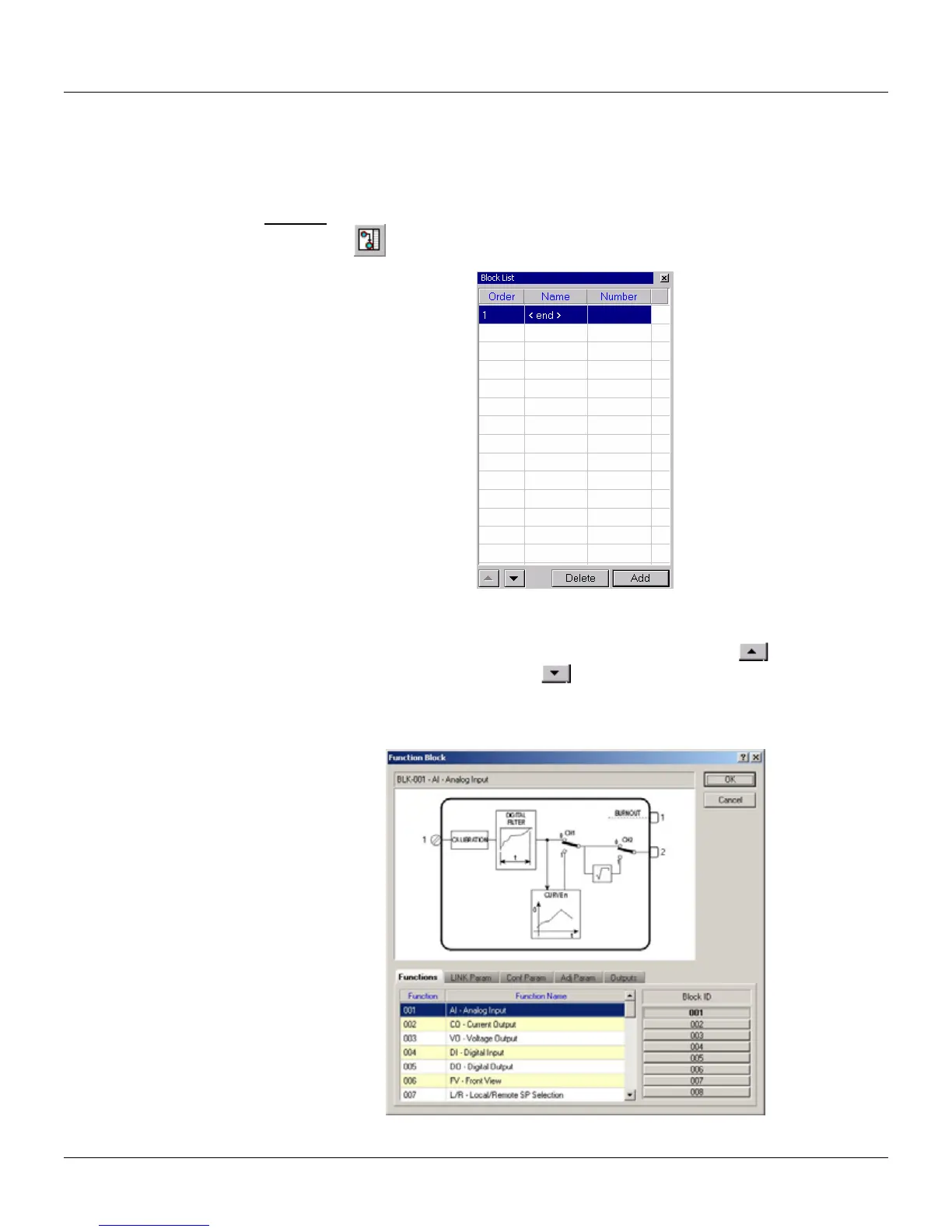
Go to the Tool menu and click on Block List to open the Block List window.
Shortcut:
Toolbar:
Keyboard: F12
Figure 14.1 - Block List Window
The Block List defines the execution order of the blocks in the configuration. To change the
execution order of the blocks, select the desired block and click the button to move the block
one position up in the list, or click the button
to move the block one position down in the list.
Adding blocks to the block list
To add a new block to the list, click the button Add. The Block dialog box will open:
Figure 14.2 - Adding a New Block
14.1



 To Next Page