Project Configuration
Changing the block format
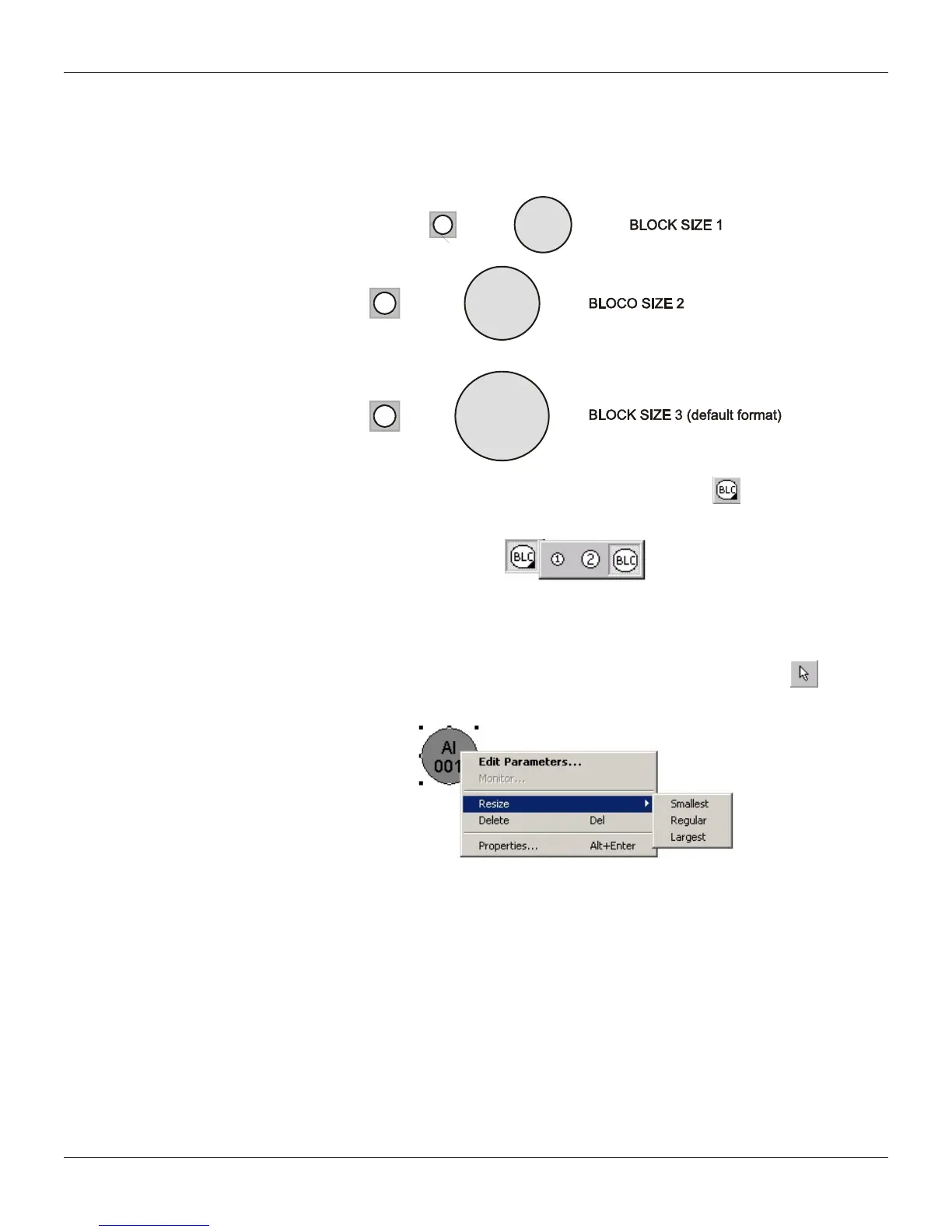
There are 3 default sizes for a block node at the drawing area:
Icon Graphic
Al
001
1
Al
002
2
Al
003
BLC
To select the block size, click the right lower corner of the Node tool, , and the submenu will
open:
Figure 14.9 - Block Format Menu
Select the block size desired and click the drawing area to add the block.
To change the block size after adding it to the drawing area, click the Selection tool,
, select the
block to be changed and right click it to open the popup menu:
Figure 14.10 - Changing the Block Size
Point the mouse to the Resize option and click the block size.
14.5



 To Next Page