Conf600 Plus Interface
12.7
Object properties
To set the object properties, click the object to select it. Then right click on the object to open the
popup menu and select Properties.
The Properties dialog box will open. See the previous section, Document properties, for further
details about the object properties.
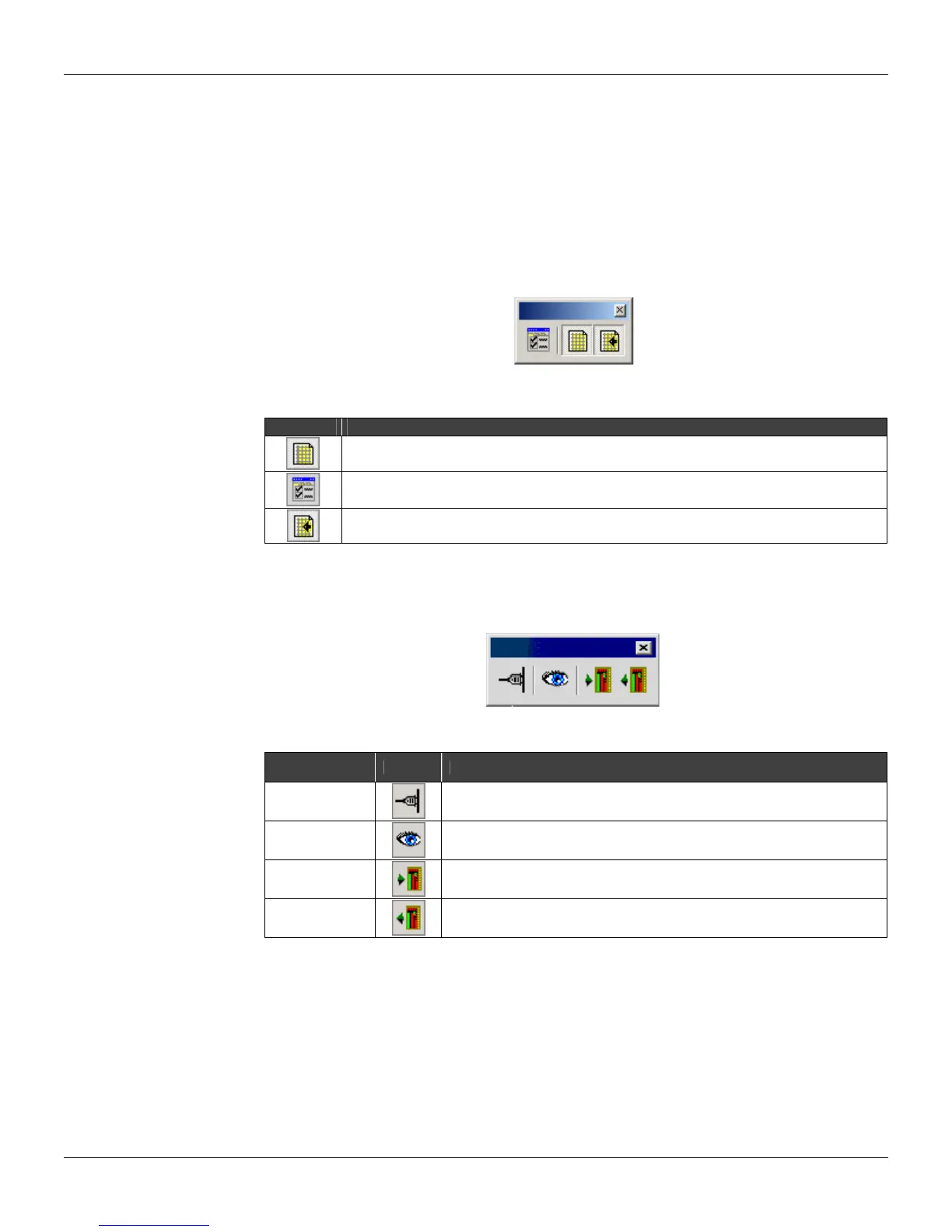
Document Properties Toolbar
Click each button to see information on the use:
Figure 12.14 - Document Properties
Toolbar Description
Open the Properties dialog box to configure the document properties.
See the Document Properties section for details.
Select this option to show grid lines of the drawing area.
If this option is selected the objects will be drawn at the grid line. Otherwise, the objects floating
in the drawing area.
Communications Toolbar
Click each button to see information on the use:
Figure 12.15 – Communications Toolbar
Communication
Tools
Toolbar Description
Online
Open the dialog box Online
Monitor
Read the device parameters values and shows the links values in the design.
Update
Update the information configuration loop of device.
Upload
Click this button to start the device information upload for the configuration
design.
Selecting the language
The user can change the interface language of the CONF600 Plus with no need to re-start the
application.
On the Tool menu, select the target language: English, Portuguese or Chinese.
Converting the configuration list to graphics
It is possible to transfer the configuration from the PDA to the CONF600 Plus and then converting
the configuration list to graphics.



 To Next Page