CONF600 PLUS – User’s Manual
12.6
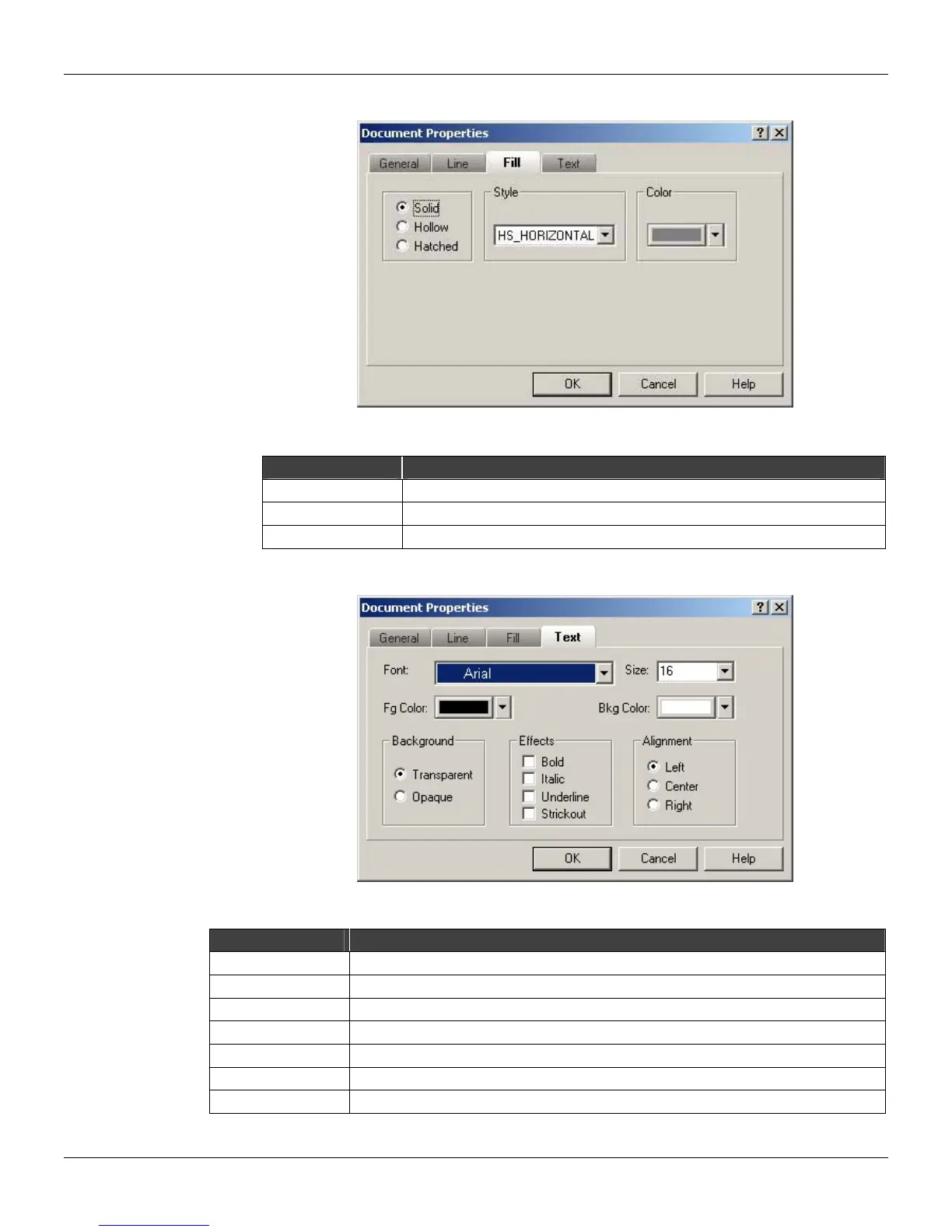
At the Fill Attributes tab:
Figure 12.12 - Document Properties: Fill Attributes
Option Description
Fill Set the fill format: hollow, solid or hatched.
Style Set the fill style: horizontal, vertical, diagonal, etc.
Color Set the fill color of the objects.
At the Text Attributes tab:
Figure 12.13 - Document Properties: Text Attributes
Option Description
Font Set the text font.
Size Set the text font size.
Color Set the font color.
Background Color Set the background font color.
Background Select between the transparent or opaque background.
Effects Set the effects to be applied to the text: bold, italic, underline or strikeout.
Alignment Set the text alignment: to the left, to the right or center.



 To Next Page