Appendix A
A.1
QUICK GUIDE OF INSTALLATION
This appendix is a summary for the user to install the CD600 Plus. It assumes that the user has a
previous knowledge about it.
This appendix informs:
• Which tools and equipments are necessary to install it;
• How to install it (electrically and mechanically);
Tools and Equipments necessary for the Installation
The items necessary for the installation are:
• Screwdriver;
• Cables for power supply;
• Cables for I/O signals;
• Cables for communication;
• ICS 2.0P interface for serial communication or ENET-710 for Ethernet.
Procedures
Check the content of the CD600 PLUS packing (See section 9 – Installation, in the CD600 Plus
Manual)
Check:
• The model that matches the ordering code;
• The equipment did not have any damage during transportation;
• The CD600 Plus manual, CD with configuration software and fixing clip to attach the controller to
the panel is inside the packing box according to the ordering code.
If some item of the code is not included, contact Smar Equipamentos Industriais Ltda.
Mechanical Installation of the Controller
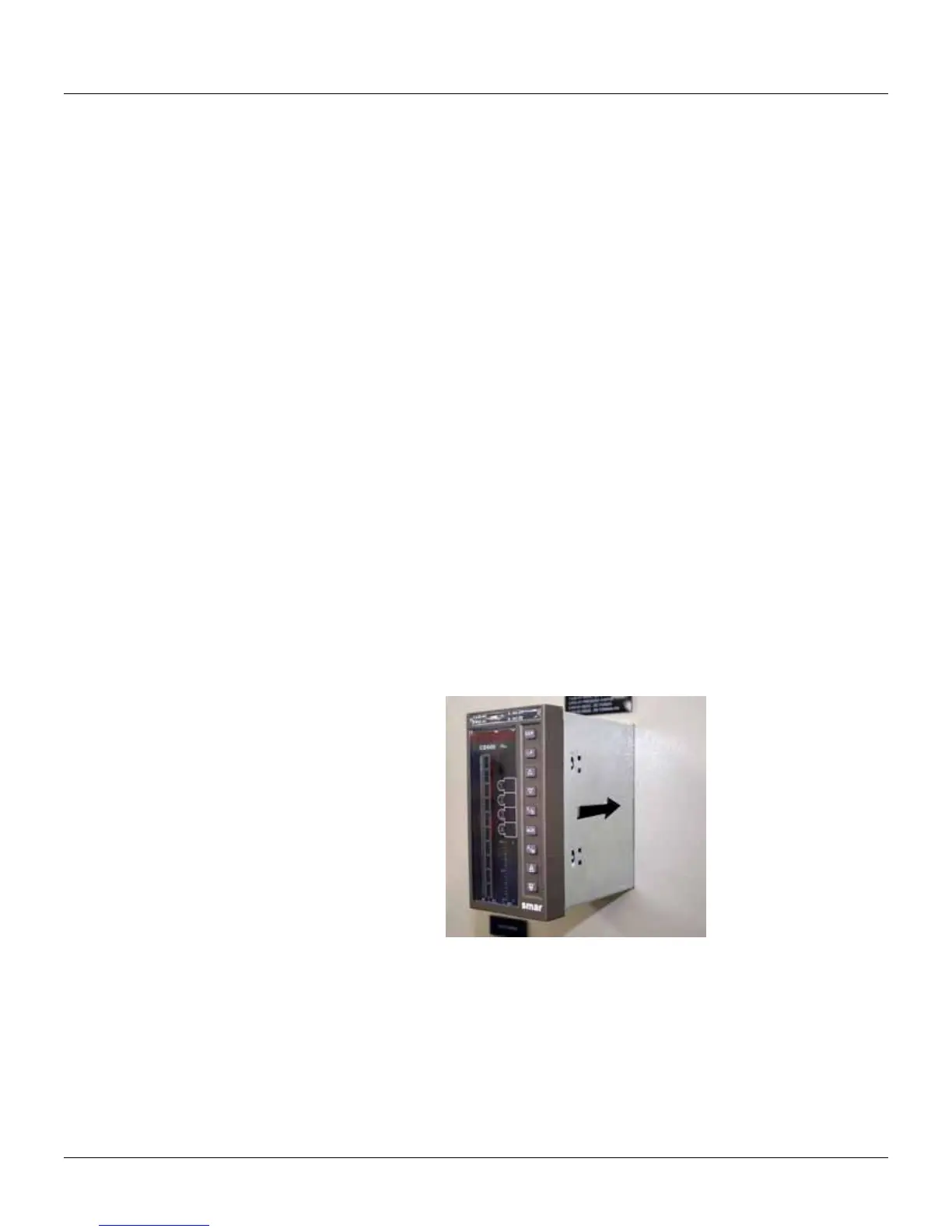
The figure 1 shows the CD600 Plus inserted in the panel cut-out (front view of the panel).
Figure 1 – CD600 PLUS partially inserted in the panel cut-out.



 To Next Page