Library of Function Blocks
4.35
EXAMPLE 3: Ratio Control with adjustable ratio
Many times the control requires a ratio constant adjustable by the operator. In the last example the
ratio constant was fixed. In this example, it must be adjustable between 5 and 10.
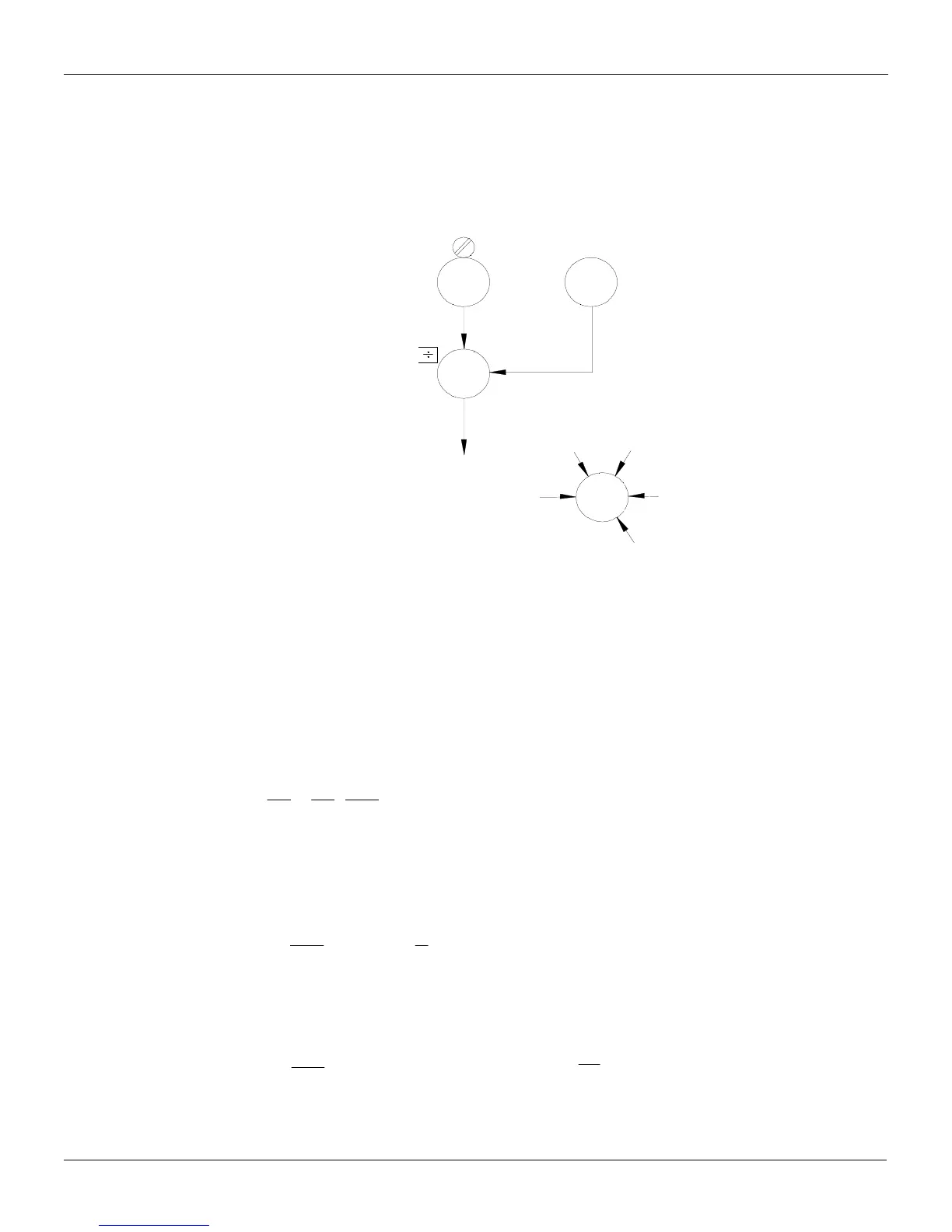
In order to achieve this, add to the configuration in Figure 4.12.1 the blocks shown in Figure 4.12.2.
=0-80Kg
s
ARTH
051
67
SP
(SP)
4
A
A
(Y)
39
(Q )
A
2
B
B
C
D
E
C
233
233
(K)
4 (Q )
225
AD
099
J
AI
002
A
FV
Fig 4.12.2 - Ratio Adjustment
a) In order to have the best resolution in the ratio adjustment, it is better to make the 0-100%
variation of the constant adjuster block correspond to the 5-10 variation of the ratio constant.
The Front View block 027 may be configured with AEZ=5 and AEM=10, and have the output of the
constant adjuster linked to input E. This allows the operator to adjust and visualize the ratio constant
between 5 and 10.
b) The signals must be normalized.
As the values are the same of example 2, equation (2) of that example may be used:
(2)
][
][
20
80
B
A
B
A
Q
Q
Q
Q
⋅=
Q
A
/Q
B
varies from 5 to 10.
Minimum ratio:
The equation (2) turns:
; [Q
B
] = 0.8[Q
A
]
⇒
[Q
B
] = SP (7)
][
5
4
][5
][
][
4 AB
B
A
QQ
Q
Q
⋅=⋅=⋅
Maximum ratio:
The equation (2) turns:
][
10
4
][ AB QQ ⋅=
10
[
][
4
]
=⋅
B
A
Q
Q
[Q
B
] = 0.4[Q
A
]
⇒
[Q
B
] = SP (8)



 To Next Page