2. To disable KMIP encryption, click Clear All Wizard Settings. To set up KMIP
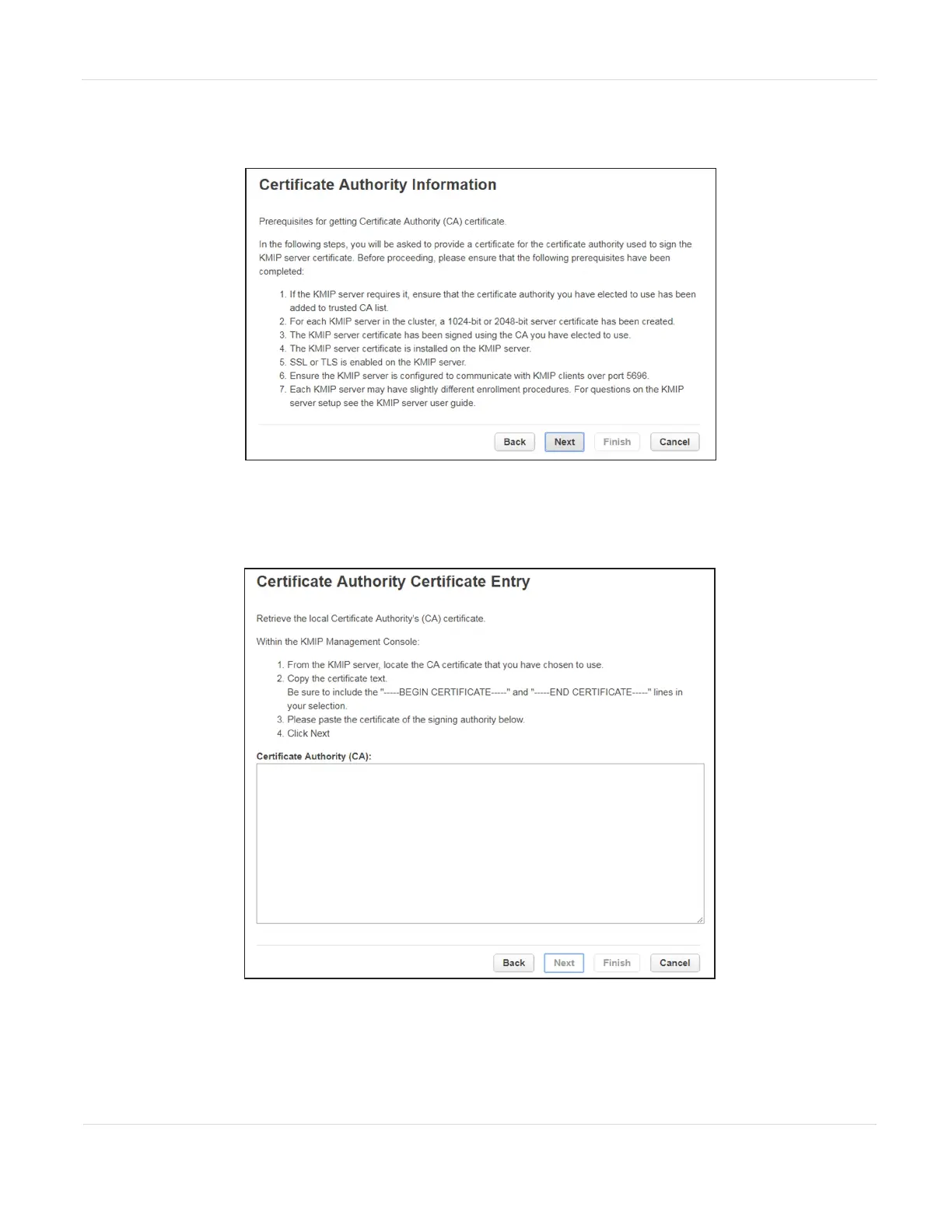
encryption, click Next. The Certificate Authority Information screen displays.
Figure59 The Certificate Authority Information screen.
3. Ensure that all prerequisites for using the KMIP certificate are met and click
Next. The Certificate Authority Certificate Entry screen displays.
Figure60 The Certificate Authority Certificate Entry screen.
JANUARY 2023 113
SPECTRA STACK LIBRARY
USER GUIDE
CHAPTER 3 - CONFIGURING AND USING ENCRYPTION



 To Next Page