4. Follow the on-screen instructions to obtain and copy the certificate from the
KMIP server management console. Paste the certificate into the wizard and then
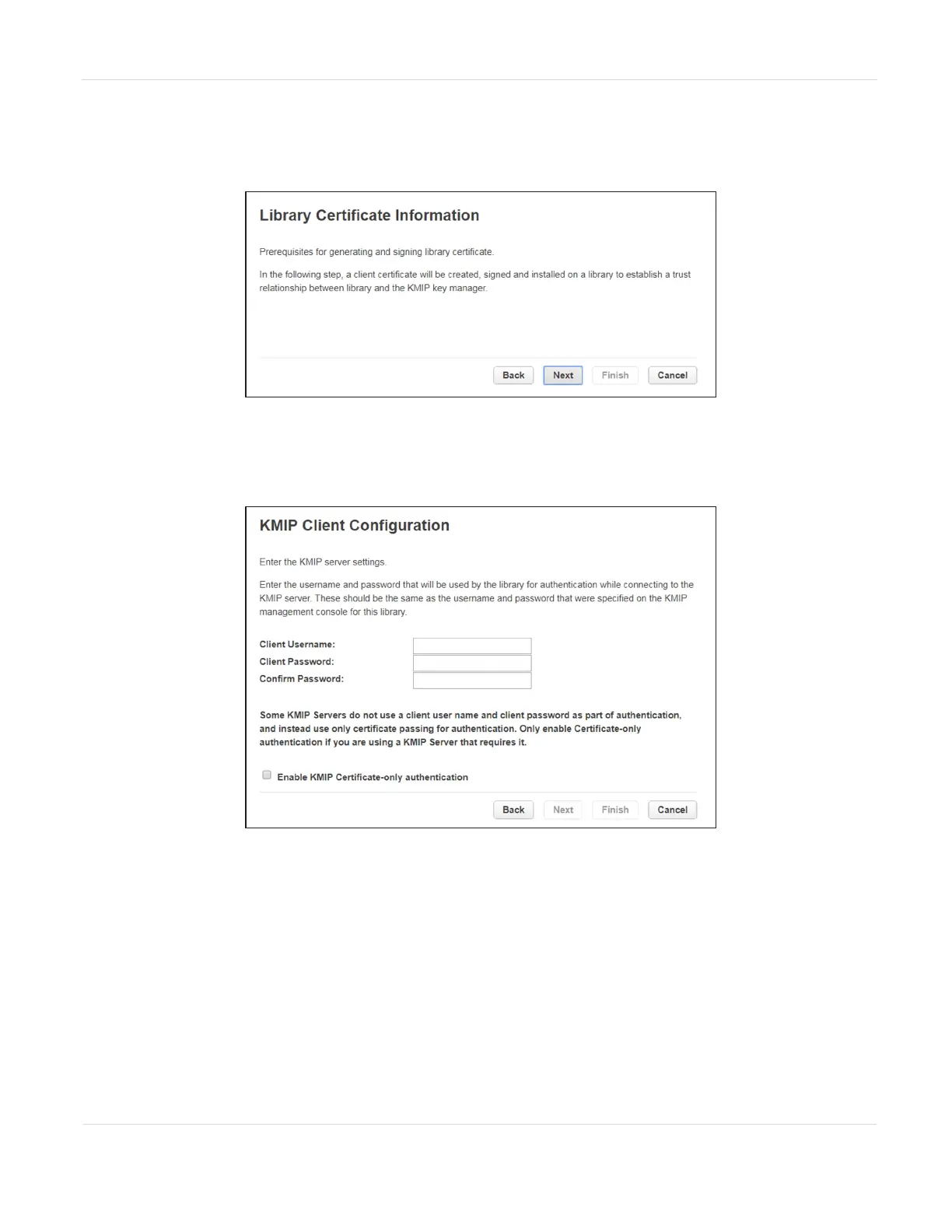
click Next. The Library Certificate Information screen displays.
Figure61 The Library Certificate Information screen.
5. The Library Certificate Information screen displays information about the next
wizard steps. Click Next. The KMIP Client Configuration screen displays.
Figure62 The KMIP Client Configuration screen.
JANUARY 2023 114
SPECTRA STACK LIBRARY
USER GUIDE
CHAPTER 3 - CONFIGURING AND USING ENCRYPTION



 To Next Page