6. The KMIP Client Configuration screen provides options for two types of server
authentication.
• If your KMIP server uses a client username and password for authentication,
enter the username and password that were specified on the KMIP
management console for the library. This si recommended if available.
• If your KMIP server uses only certificate passing for authentication, select
Enable KMIP Certificate-only authentication. Only select this option if you are
using a KMIP server that requires it and you do not have a client username and
password.
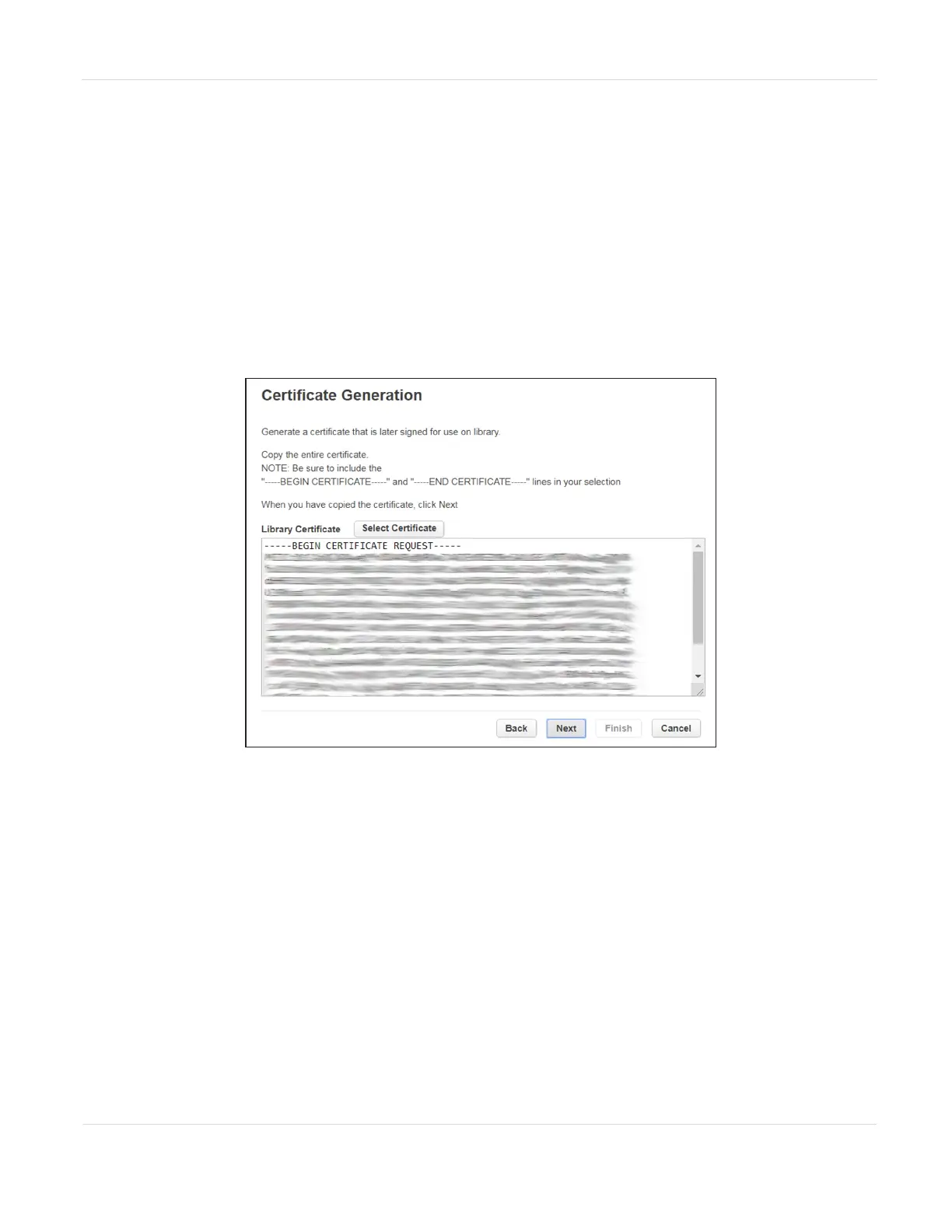
7. Click Next. The Certificate Generation screen displays.
Figure63 The Certificate Generation screen.
JANUARY 2023 115
SPECTRA STACK LIBRARY
USER GUIDE
CHAPTER 3 - CONFIGURING AND USING ENCRYPTION



 To Next Page