8. The Certificate Generation screen displays the current library certificate, if one
exists.
• To use the current certificate, select Keep Current Certificate and then click
Next. The KMIP Server Configuration screen displays. Skip to Step 10 on
page117.
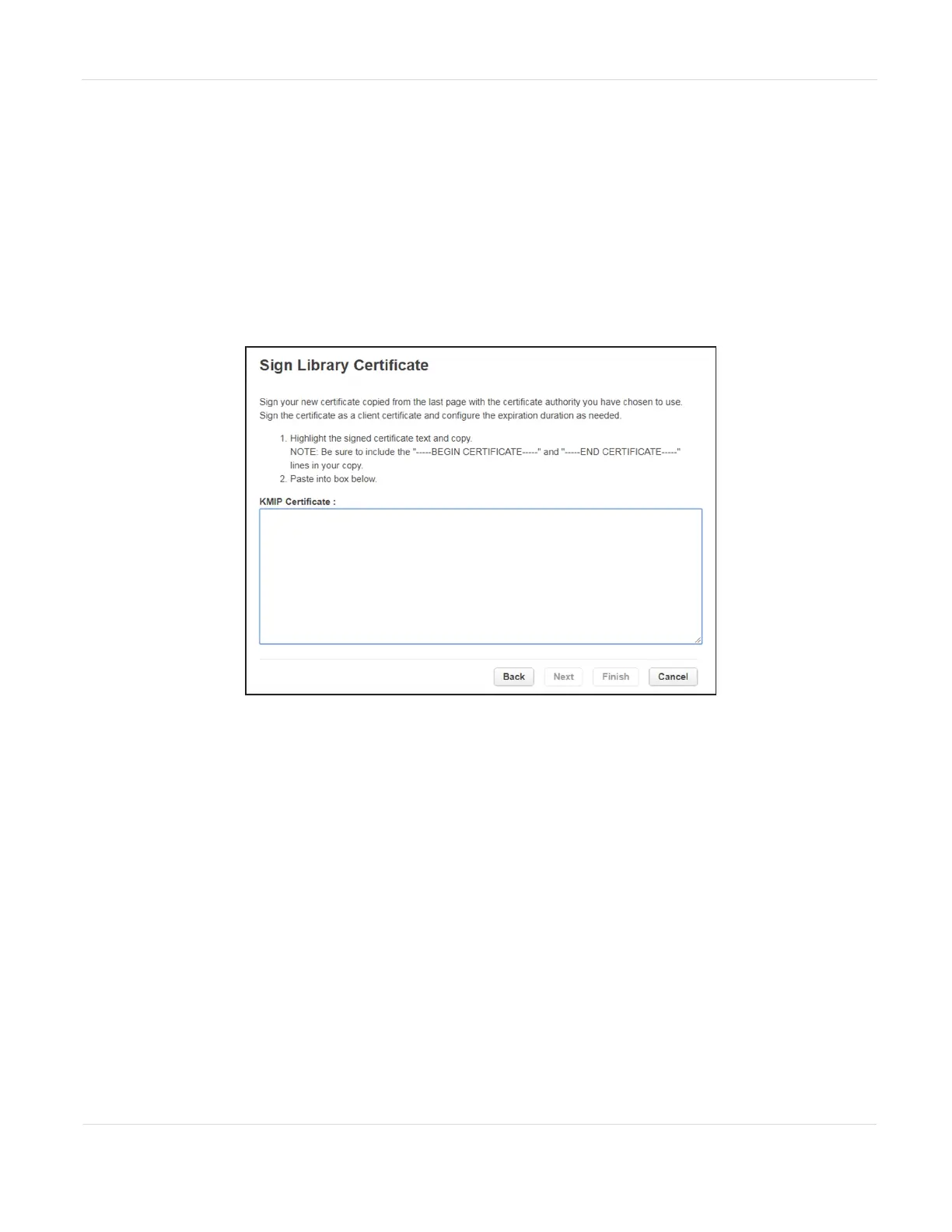
• To generate a new certificate, select Generate New Certificate. The wizard
generates and displays a new library certificate. Click Select Certificate and
press CTRL-C to copy the new certificate text, and then click Next. The Sign
Library Certificate screen displays.
Figure64 The Sign Library Certificate screen.
JANUARY 2023 116
SPECTRA STACK LIBRARY
USER GUIDE
CHAPTER 3 - CONFIGURING AND USING ENCRYPTION



 To Next Page