9. Sign the new library certificate with the certificate authority as a client
certificate. Press CTRL-V to paste the new KMIP certificate in the box, and then
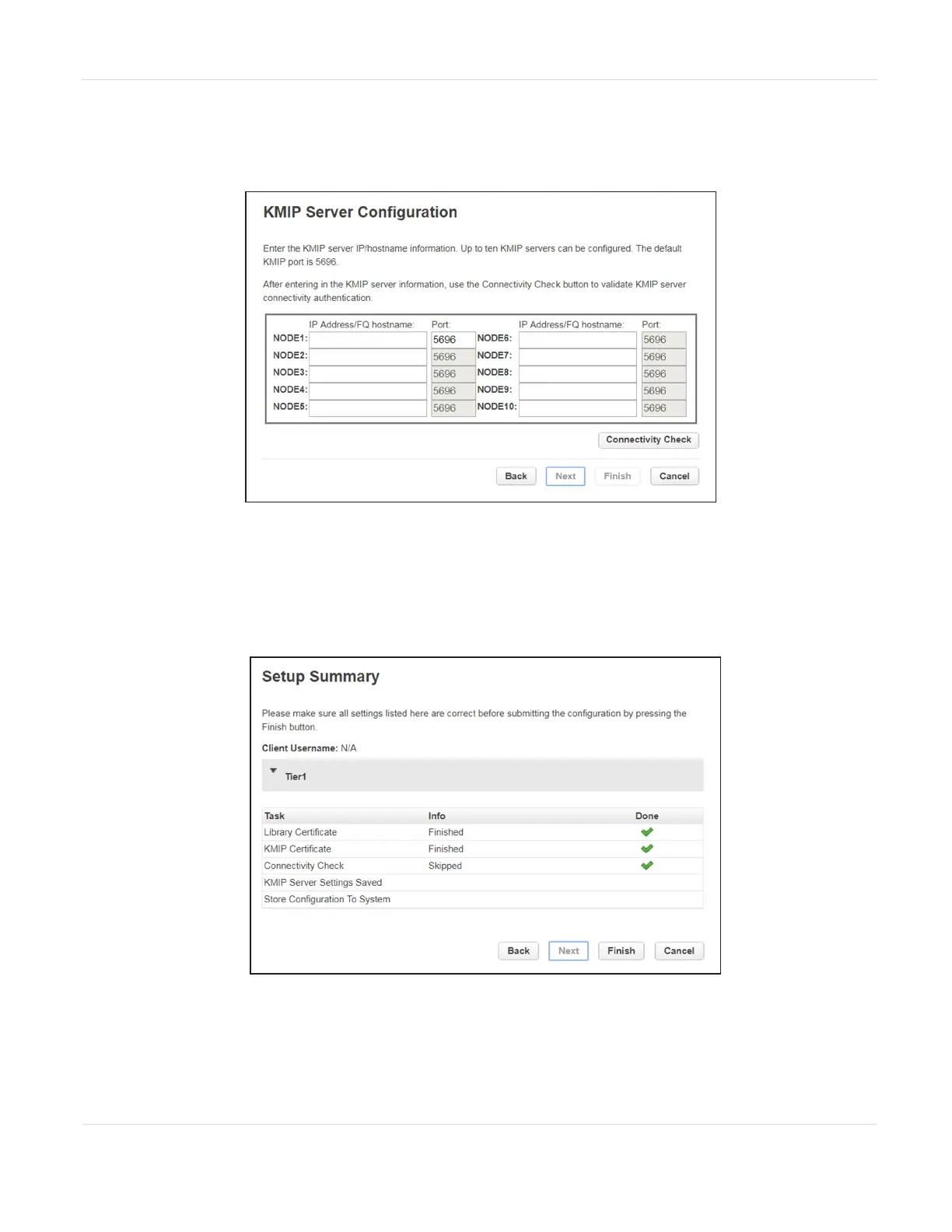
click Next. The KMIP Server Configuration screen displays.
Figure65 The KMIP Server Configuration screen.
10. In the KMIP Server Configuration screen, enter the IP address or fully-qualified
hostname and port number for up to ten KMIP servers. To verify access to the
KMIP server(s), click Connectivity Check. Click Next to continue. The Setup
Summary screen displays.
Figure66 The Setup Summary screen.
JANUARY 2023 117
SPECTRA STACK LIBRARY
USER GUIDE
CHAPTER 3 - CONFIGURING AND USING ENCRYPTION



 To Next Page