IMPORTANT
Backup files of the library configuration include any encryption keys that were
stored in the library at the time the file was created.
Use the following steps to delete a key:
1. Access the encryption feature (see Log Into Encryption Standard on page119).
2. Export at least one copy of the key and store it in a safe location (see Export the
Encryption Key on page126).
3. If the encryption key you plan to delete is assigned to a partition, edit the
partition to disable encryption (see Disabling Encryption in a Partition on the
next page).
Note: If you delete an encryption key that is assigned to a partition you are not able to
encrypt or decrypt data in that partition until you re-import the key.
4. From the Configuration > Encryption > Encryption Standard screen (see
Figure70 on page121), click Delete Key next to the key you want to remove
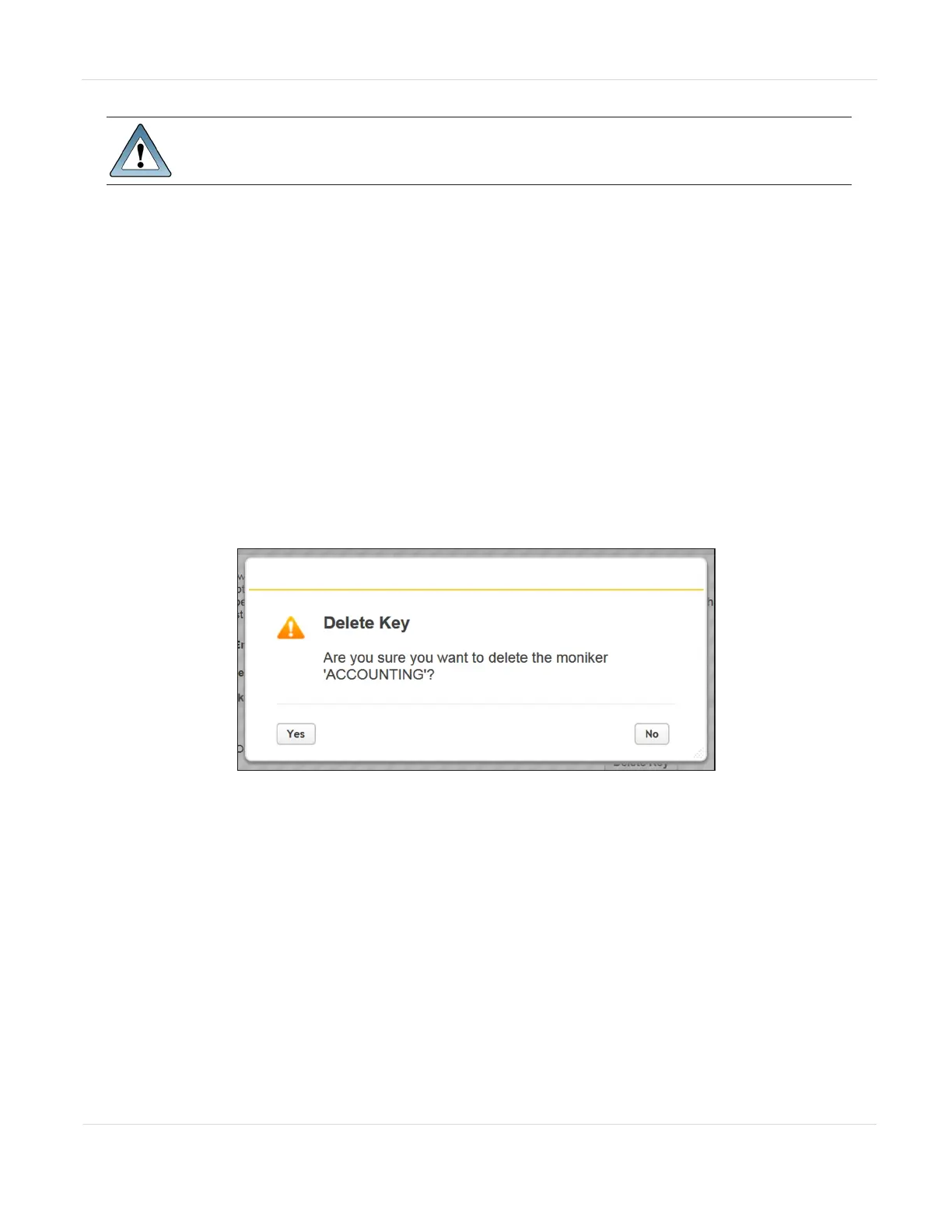
from the library. The Delete Key confirmation dialog box displays.
Figure79 The Delete Key confirmation dialog box.
5. Click Yes to delete the key.
6. A key deletion successful message briefly displays and then the Configuration >
Encryption > Encryption Standard with the moniker is no longer listed on the
screen.
JANUARY 2023 136
SPECTRA STACK LIBRARY
USER GUIDE
CHAPTER 3 - CONFIGURING AND USING ENCRYPTION



 To Next Page